
ola630 - Minecraft Skins & Skin History
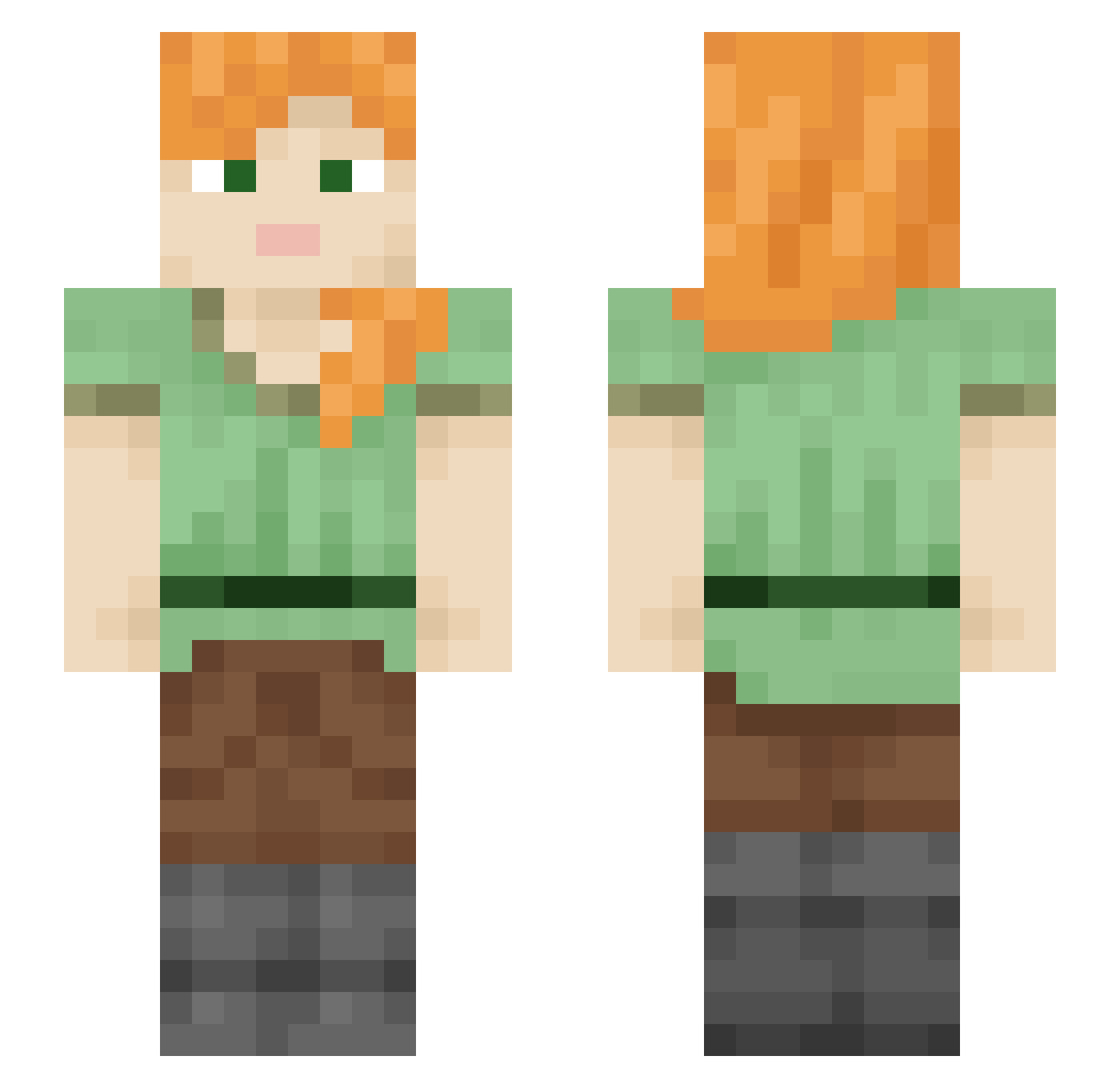
Current Minecraft skin of the player ola630, loaded from the official Mojang API. Rotate the 3D model with your mouse or finger, then download the skin as a PNG file and use it in Minecraft: Bedrock Edition or Java Edition for free. When ola630 changes their skin, this page updates automatically and the old skin stays in the history below.
Other players with this skin (2541)
ola630 was the 2426th player we have seen with this skin, first spotted on 16.11.2026. The same skin was seen on these players. Open a nickname to see their current skin and skin history.
 okaken0831 Luquiiitass Joeulam JokerGreen2006 ParkourMoment hiklot Iodide Bobjobmarley puke_breath TTV_benne Colonialist emmyyy_c snowprinter Ondra1234 Rashiiro404 xPLeaxP _mihk3_ Panned Ickers HandArm Eysmus HOHO404 subaverage Pirus KEBABEN1 OverHeave ScratchBoard GMHMF Fischey Marshes Marekk3301 Allexee Cenaria janoscheule peachlike mopheadedrat_ smyn8 soyugh Epicycloid I_Glitched Mercurian ramune7583 maxwellee Cresson questionn_markk Baggute Daruma_kuro howrelko boondocker funstar345 HyraxKing degreased Sethian kousuken2 ruchitmahulkar TheBeanMan2215 CaptCats Syntheticxs Dexhaha PancakeSimp
How to install the ola630 skin
- Press the Download button above to save the skin as a PNG file.
- Minecraft: Bedrock Edition (PE): open the Dressing Room from the main menu (or tap your character → Edit Character), go to Classic Skins → Owned, press the + (new skin) button, choose the downloaded PNG and pick the Slim (Alex) model. Works on PC and mobile; consoles cannot import custom skins.
- Minecraft: Java Edition: open the Minecraft Launcher, go to the Skins tab, click New Skin, load the PNG, pick the Slim (Alex) model and press Save & Use. You can also upload it at minecraft.net → Profile → Change Skin.
The skin does not show up after import - what should I do?
Restart Minecraft and open the Dressing Room again - imported skins sometimes appear only after a restart. Also make sure you selected the imported skin and picked the Slim (Alex) model.
Which model should I choose, Classic or Slim?
This skin is designed for the Slim (Alex) model. If you pick the wrong model, the arms of the skin will look stretched or squeezed.
Is the skin of ola630 free to download?
Yes. Press Download, save the PNG file and use it in Minecraft: Bedrock Edition or Java Edition - no payment or registration needed. The skin also works on multiplayer servers and Realms.
More skins
Looking for more? Go back to all Minecraft skins and check the top skins of the week, month and all time, or find any player's skin by nickname.