
norman615 - Minecraft Skins & Skin History
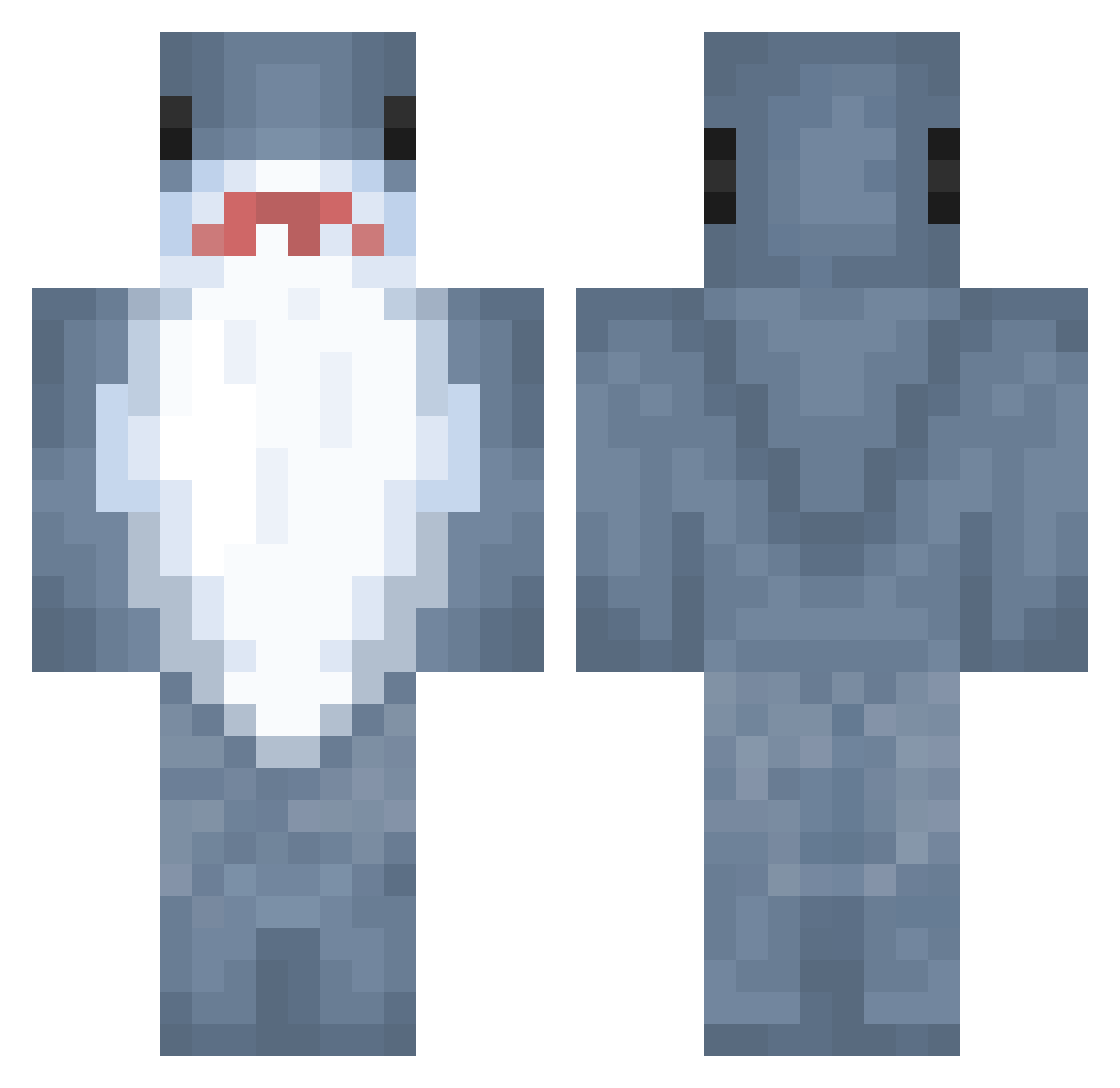
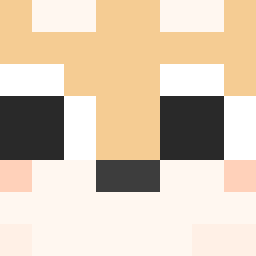
Current Minecraft skin of the player norman615, loaded from the official Mojang API. Rotate the 3D model with your mouse or finger, then download the skin as a PNG file and use it in Minecraft: Bedrock Edition or Java Edition for free. When norman615 changes their skin, this page updates automatically and the old skin stays in the history below.
Other players with this skin (778)
norman615 was the 205th player we have seen with this skin, first spotted on 19.08.2026. The same skin was seen on these players. Open a nickname to see their current skin and skin history.
 Kacegz SHURIMS FishyJB Espeluznante BlaDed_Cloud
 rl1r Callilios Festibal glowle
 kloni_ _Fleurr josheM_ xTremSpiderOff Axel7741 TravisSipsPurple
 chihuahua1234 coco_0525 Jaxme14 Jasminsej __Jonesy_ stwawberry sangA1003 taytaydente Wzl89 FieryAsh4894171 YEA_0 SJ247 AlejandrasMan WhosThoi OrangeDuck03 Jaws_Kun Dolarek1111 itzKuba03 renw19 Samu_Was_Here short_kana cathiones Barbo_the_Riccio TastIsrael92i alice_craftbikin Syntaxyou 555666250 jahirgosu Kay2433 pepsi_cola10 viixx222 santasticQ chen123456789 SeokYong_ p_aris_ Ray_0817 JK6263 Anomilistic abrianabriggs FXTSOI CIT1Z3N wanghan520 shxrky089 zego100419 KredithaiEV
More Shark Minecraft skins
How to install the norman615 skin
- Press the Download button above to save the skin as a PNG file.
- Minecraft: Bedrock Edition (PE): open the Dressing Room from the main menu (or tap your character → Edit Character), go to Classic Skins → Owned, press the + (new skin) button, choose the downloaded PNG and pick the Classic (Steve) model. Works on PC and mobile; consoles cannot import custom skins.
- Minecraft: Java Edition: open the Minecraft Launcher, go to the Skins tab, click New Skin, load the PNG, pick the Classic (Steve) model and press Save & Use. You can also upload it at minecraft.net → Profile → Change Skin.
The skin does not show up after import - what should I do?
Restart Minecraft and open the Dressing Room again - imported skins sometimes appear only after a restart. Also make sure you selected the imported skin and picked the Classic (Steve) model.
Which model should I choose, Classic or Slim?
This skin is designed for the Classic (Steve) model. If you pick the wrong model, the arms of the skin will look stretched or squeezed.
Is the skin of norman615 free to download?
Yes. Press Download, save the PNG file and use it in Minecraft: Bedrock Edition or Java Edition - no payment or registration needed. The skin also works on multiplayer servers and Realms.
More skins
Looking for more? Go back to all Minecraft skins and check the top skins of the week, month and all time, or find any player's skin by nickname.