
nobuno0 - Minecraft Skins & Skin History
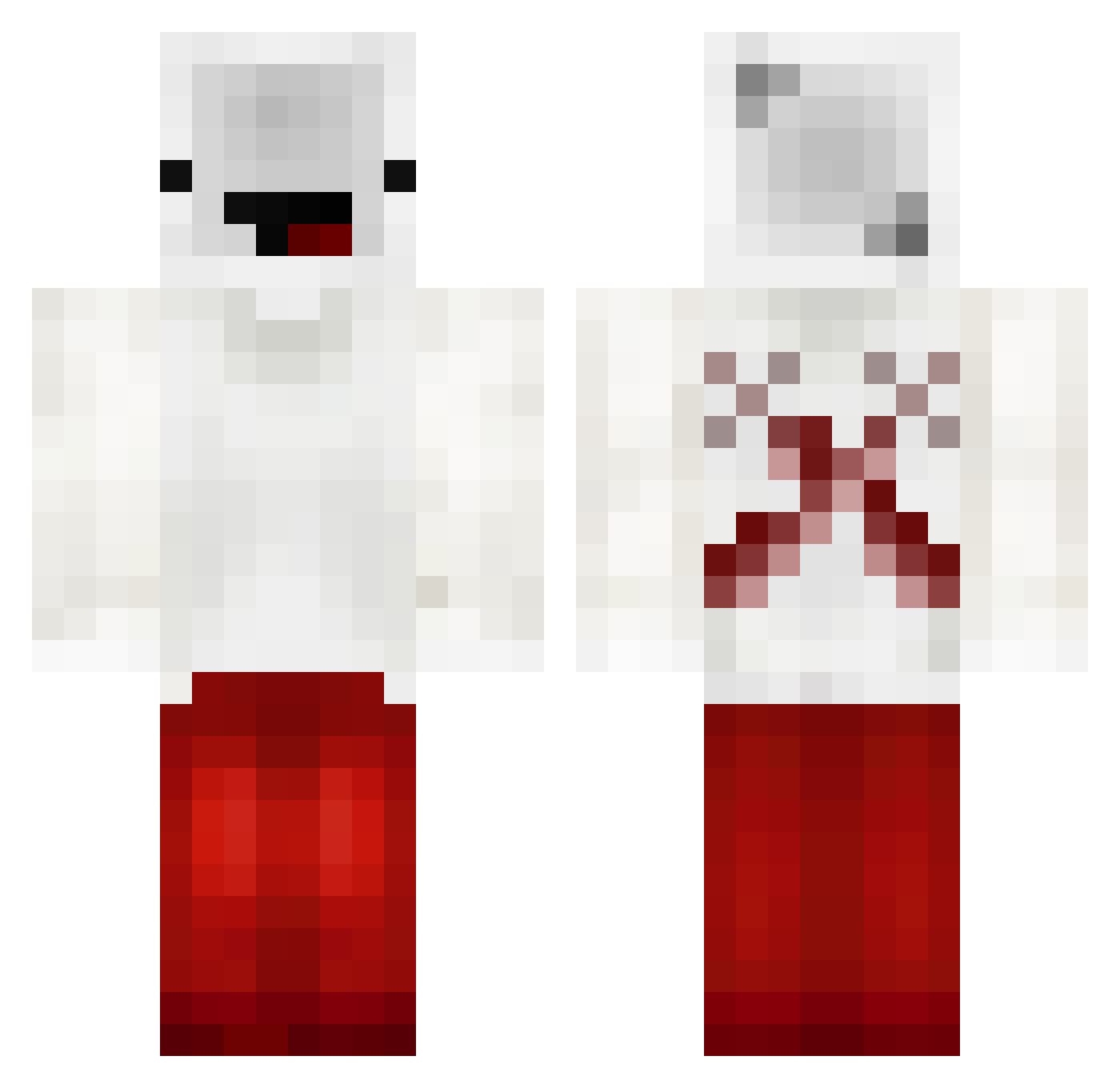
Current Minecraft skin of the player nobuno0, loaded from the official Mojang API. Rotate the 3D model with your mouse or finger, then download the skin as a PNG file and use it in Minecraft: Bedrock Edition or Java Edition for free. When nobuno0 changes their skin, this page updates automatically and the old skin stays in the history below.
Other players with this skin (236)
nobuno0 was the 202nd player we have seen with this skin, first spotted on 04.11.2026. The same skin was seen on these players. Open a nickname to see their current skin and skin history.
 neildost A_CharlieB Breadless_Noob ItzMixbag Spring_team xWaterNightx SavageRavager27 derderlin1 xXDemonHunter LCS_MC F_Krikso_F Scarymuffin Laurenkachu StepsnCZ _xXDestroXx_ KillChor_69 oAnxify BigBallBro BadBoyHalo2011 VicceA2012 bedleesss VankoBot7099 DnqL ThunfireX FEETISSOGOOD SAVIOUR_xd Wolfie08052011 40ed faicebones swagety Robz69 DanielNV aertfg StepOnMyDagger Hazfy ImDragClickiing SB_Jun Payton_Lynn symphonycoffee Rofl1409 BabyKiwi1231 FreePacman AGENT_TAMAR Sexibeer Ratonia16 guanyongqi Itz_Jigs TexasBR OrNix_ Rky6 JeffreyKlee kklikesgaming Phantom_clx hiwt TheCabezon TsaiSD diizyfr elzantm Momosg MarcTheGamer1234
More Cross Minecraft skins
How to install the nobuno0 skin
- Press the Download button above to save the skin as a PNG file.
- Minecraft: Bedrock Edition (PE): open the Dressing Room from the main menu (or tap your character → Edit Character), go to Classic Skins → Owned, press the + (new skin) button, choose the downloaded PNG and pick the Classic (Steve) model. Works on PC and mobile; consoles cannot import custom skins.
- Minecraft: Java Edition: open the Minecraft Launcher, go to the Skins tab, click New Skin, load the PNG, pick the Classic (Steve) model and press Save & Use. You can also upload it at minecraft.net → Profile → Change Skin.
The skin does not show up after import - what should I do?
Restart Minecraft and open the Dressing Room again - imported skins sometimes appear only after a restart. Also make sure you selected the imported skin and picked the Classic (Steve) model.
Which model should I choose, Classic or Slim?
This skin is designed for the Classic (Steve) model. If you pick the wrong model, the arms of the skin will look stretched or squeezed.
Is the skin of nobuno0 free to download?
Yes. Press Download, save the PNG file and use it in Minecraft: Bedrock Edition or Java Edition - no payment or registration needed. The skin also works on multiplayer servers and Realms.
More skins
Looking for more? Go back to all Minecraft skins and check the top skins of the week, month and all time, or find any player's skin by nickname.