
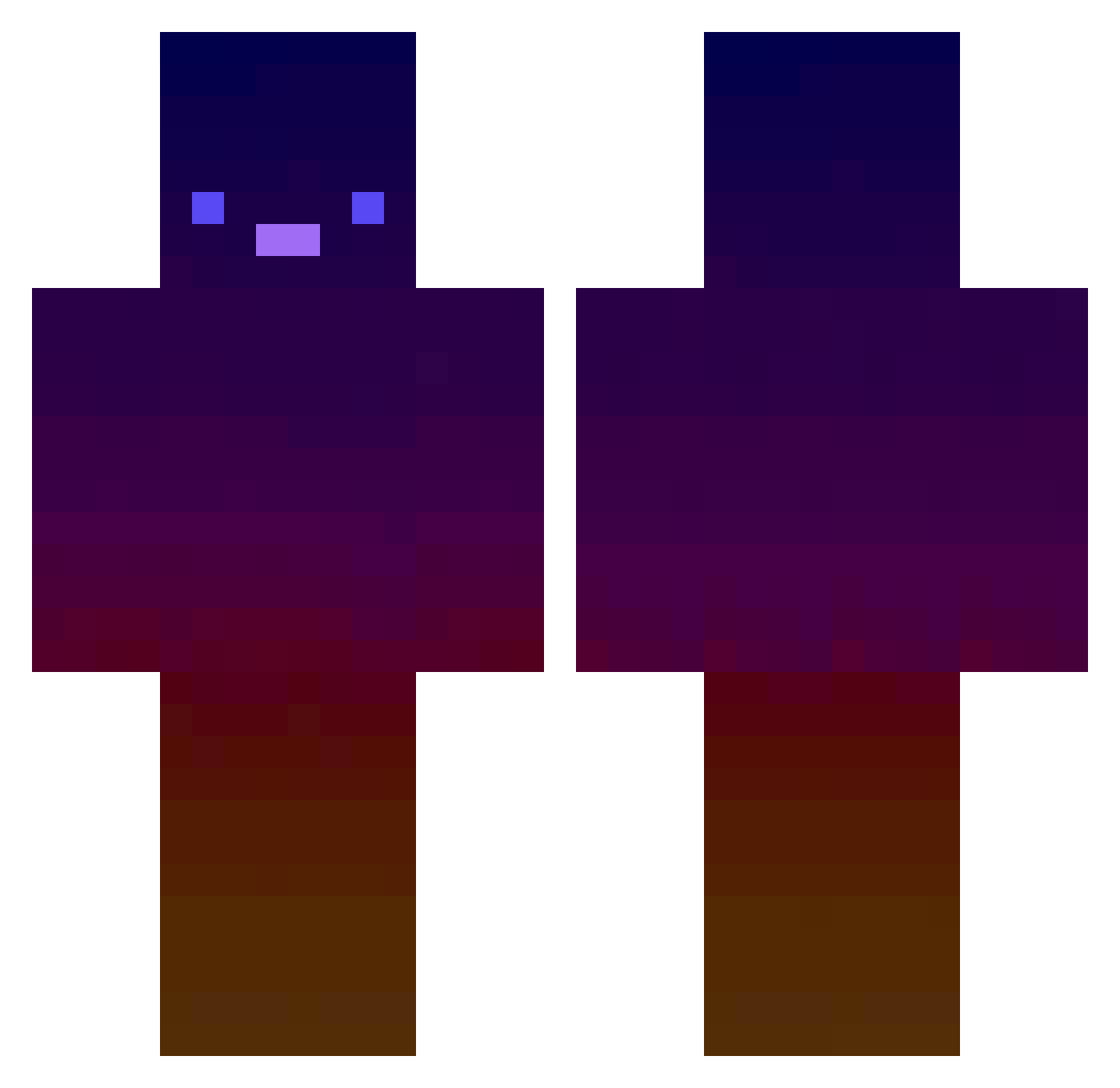
Current Minecraft skin of the player navelikavnucheto, loaded from the official Mojang API. Rotate the 3D model with your mouse or finger, then download the skin as a PNG file and use it in Minecraft: Bedrock Edition or Java Edition for free. When navelikavnucheto changes their skin, this page updates automatically and the old skin stays in the history below.
Other players with this skin (415)
navelikavnucheto was the 302nd player we have seen with this skin, first spotted on 27.09.2026. The same skin was seen on these players. Open a nickname to see their current skin and skin history.
 Natebate995 REDfourXon paleLiscia xXxS0S0xXx ilyLukas ItsReeselol palmcard XXCACHINEROXX YLSV1c589 a_2081 star_legend_9 Metzek maksi2407 donawt SULIXX Wireshot Fredyy8 _rainbowblob_ mivazakiz TheRe4LT0ke K5leeD Asairon abricott Chermagamer VaqS2 imhammom Mrawesome132 IronBiscuit hjmom02 Press_R_For_Kill Gings Yeloplaya NeoSlayerEnvi Aodevroc_S 3up_ BailoutBeggar gohxnz MineTurtle428 Genophobic lemo048 BloxScience NilsDerGamer1 Bxrkks WormySquid457 JackMath5000 King_Casual alexander85 NotTheCrust xSunuju warriors09 Nano007_ PerceuseMobile IkypucaI gdgjau RYUNAR lucleh domjjill ElliHartli Kawapp _Lemon_zest
How to install the navelikavnucheto skin
- Press the Download button above to save the skin as a PNG file.
- Minecraft: Bedrock Edition (PE): open the Dressing Room from the main menu (or tap your character → Edit Character), go to Classic Skins → Owned, press the + (new skin) button, choose the downloaded PNG and pick the Classic (Steve) model. Works on PC and mobile; consoles cannot import custom skins.
- Minecraft: Java Edition: open the Minecraft Launcher, go to the Skins tab, click New Skin, load the PNG, pick the Classic (Steve) model and press Save & Use. You can also upload it at minecraft.net → Profile → Change Skin.
The skin does not show up after import - what should I do?
Restart Minecraft and open the Dressing Room again - imported skins sometimes appear only after a restart. Also make sure you selected the imported skin and picked the Classic (Steve) model.
Which model should I choose, Classic or Slim?
This skin is designed for the Classic (Steve) model. If you pick the wrong model, the arms of the skin will look stretched or squeezed.
Is the skin of navelikavnucheto free to download?
Yes. Press Download, save the PNG file and use it in Minecraft: Bedrock Edition or Java Edition - no payment or registration needed. The skin also works on multiplayer servers and Realms.
More skins
Looking for more? Go back to all Minecraft skins and check the top skins of the week, month and all time, or find any player's skin by nickname.