
minifoussa - Minecraft Skins & Skin History
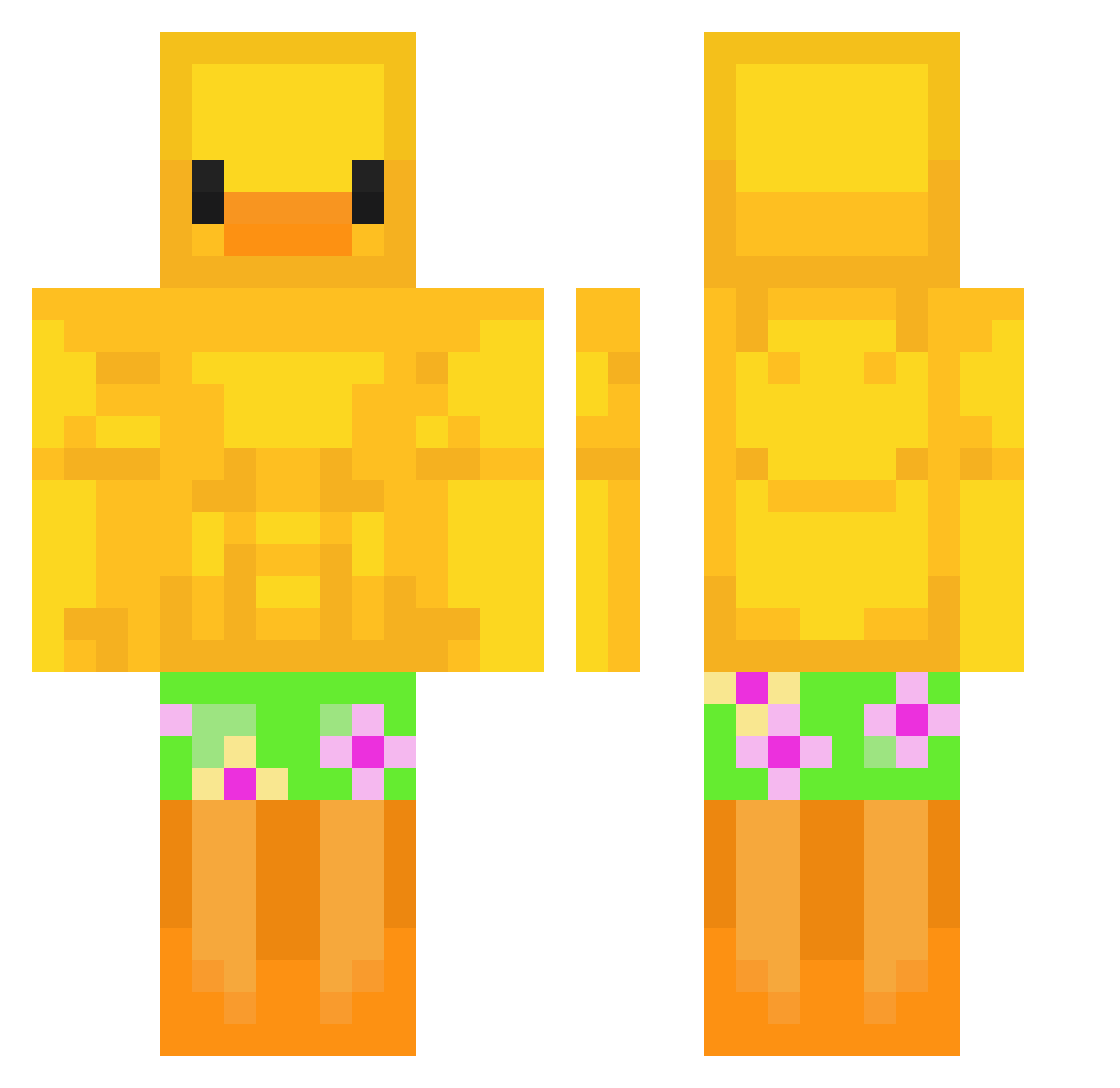
Current Minecraft skin of the player minifoussa, loaded from the official Mojang API. Rotate the 3D model with your mouse or finger, then download the skin as a PNG file and use it in Minecraft: Bedrock Edition or Java Edition for free. When minifoussa changes their skin, this page updates automatically and the old skin stays in the history below.
Other players with this skin (64)
minifoussa was the 10th player we have seen with this skin, first spotted on 06.08.2026. The same skin was seen on these players. Open a nickname to see their current skin and skin history.
 Mopspezial LazyDrGaming GlimmersXD CHICKENJOCKEYSTV Gamechanger9722
 ArchedSing
 span__ agrg happy0smile VLTScrubby52 OneQuack Unfound1 Okay_Alex
 Picabia Moofier yoon_k_s__0420 Ais_Men
 Skiller179 Ker_anan popipo__ Nomamah _shiratori O_qp_O Tom1234567891234 Dawid14789 jasmainey Its_Phillip28 suhaas77 bialindona backae112 1qea Vultureculturevr Xoswizy hoonduck Hv0c RickyKeju totallynotelvis Douslim LemonadeCrunch Lil_Cheeese69 jeripera Maomao0001 DyingPhish lunachyo eoCastiell COLD_KNEES jokke120 DenSophie diditto abdrhman9 OmeletKamishi Maylilio idontwannabemoi Jezzyyybugg1002 triunfador9 pikashot229 veepeekoo Er_Gregorio _kcp_007 TurtleKwest
Previous skins of minifoussa
Skins that minifoussa wore before, newest first. Click a skin to open its page and download it.
More Swimsuit Minecraft skins
How to install the minifoussa skin
- Press the Download button above to save the skin as a PNG file.
- Minecraft: Bedrock Edition (PE): open the Dressing Room from the main menu (or tap your character → Edit Character), go to Classic Skins → Owned, press the + (new skin) button, choose the downloaded PNG and pick the Classic (Steve) model. Works on PC and mobile; consoles cannot import custom skins.
- Minecraft: Java Edition: open the Minecraft Launcher, go to the Skins tab, click New Skin, load the PNG, pick the Classic (Steve) model and press Save & Use. You can also upload it at minecraft.net → Profile → Change Skin.
The skin does not show up after import - what should I do?
Restart Minecraft and open the Dressing Room again - imported skins sometimes appear only after a restart. Also make sure you selected the imported skin and picked the Classic (Steve) model.
Which model should I choose, Classic or Slim?
This skin is designed for the Classic (Steve) model. If you pick the wrong model, the arms of the skin will look stretched or squeezed.
Is the skin of minifoussa free to download?
Yes. Press Download, save the PNG file and use it in Minecraft: Bedrock Edition or Java Edition - no payment or registration needed. The skin also works on multiplayer servers and Realms.
More skins
Looking for more? Go back to all Minecraft skins and check the top skins of the week, month and all time, or find any player's skin by nickname.