
minecraftoot - Minecraft Skins & Skin History
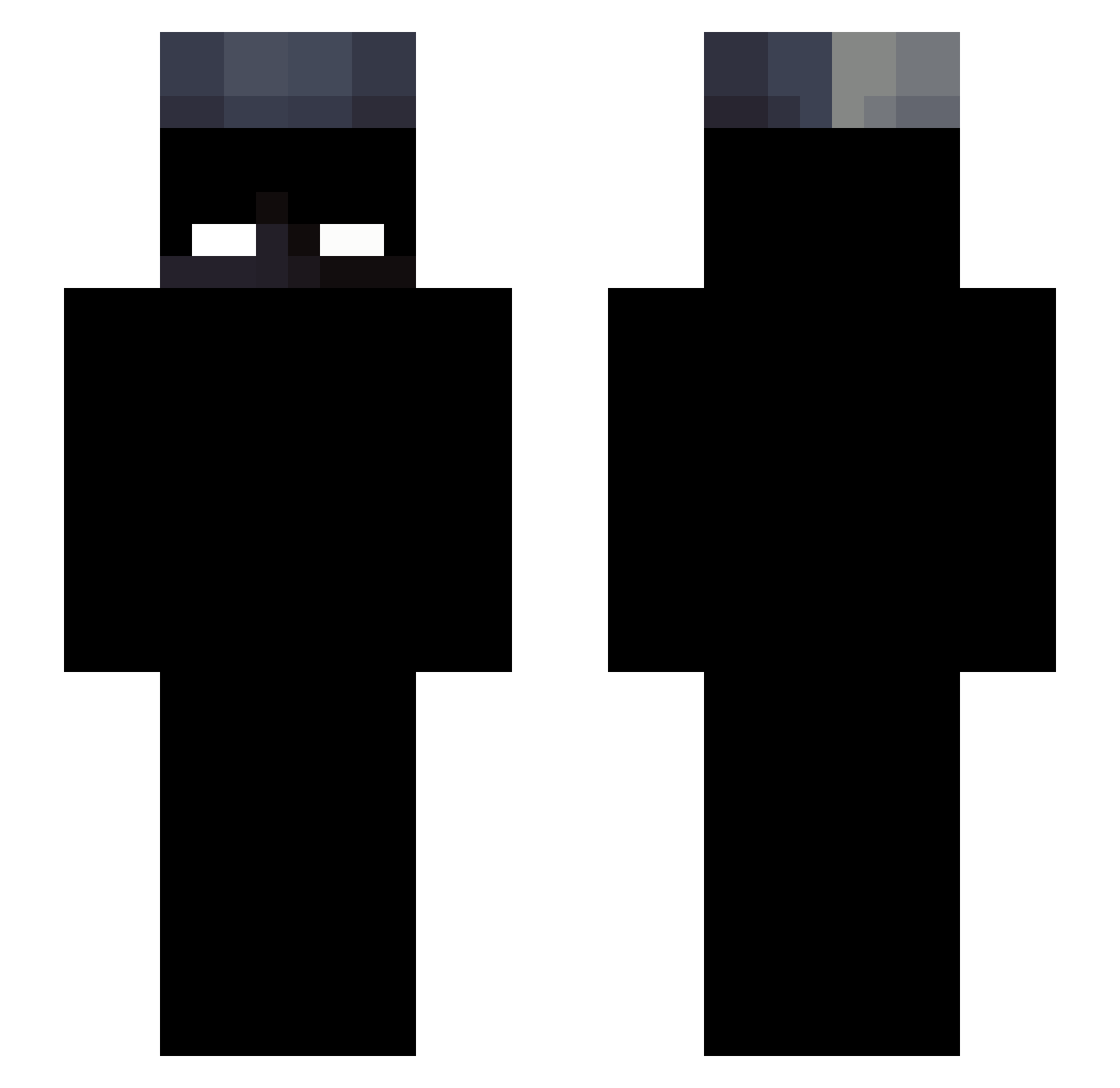
Current Minecraft skin of the player minecraftoot, loaded from the official Mojang API. Rotate the 3D model with your mouse or finger, then download the skin as a PNG file and use it in Minecraft: Bedrock Edition or Java Edition for free. When minecraftoot changes their skin, this page updates automatically and the old skin stays in the history below.
Other players with this skin (42)
minecraftoot was the 31st player we have seen with this skin, first spotted on 09.10.2026. The same skin was seen on these players. Open a nickname to see their current skin and skin history.
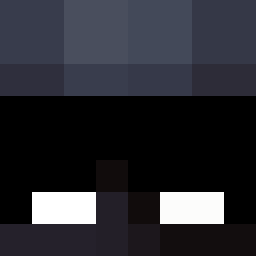 ggbejsgg TheTankz TwnkledOVOXO Lcpvp0 L30not2bad minioncken Chomiczek8988 Deathlord959 Ai2l0 The_D_Wish Aek21original itachii8 iamitalianmafia Xric69 Arataka_Reigen90 DrinkH0tDogWater wawee20 StarkAE734 Sandex_31 Gabka69 SFGadgetBoy6 TheSoleWanderer0 Creezoo krzzz_46 180hertz rooz04 MS007353 dead_eye_oliver Rarezas qviez WazEy_09 bulka_tarta Sensei132 ALB3R70 swanuu itzkor D4ipzz
 CommonShadow ClssML Bananek_7152 kyro008
 CwtD3ath__
More Enderman Minecraft skins
How to install the minecraftoot skin
- Press the Download button above to save the skin as a PNG file.
- Minecraft: Bedrock Edition (PE): open the Dressing Room from the main menu (or tap your character → Edit Character), go to Classic Skins → Owned, press the + (new skin) button, choose the downloaded PNG and pick the Slim (Alex) model. Works on PC and mobile; consoles cannot import custom skins.
- Minecraft: Java Edition: open the Minecraft Launcher, go to the Skins tab, click New Skin, load the PNG, pick the Slim (Alex) model and press Save & Use. You can also upload it at minecraft.net → Profile → Change Skin.
The skin does not show up after import - what should I do?
Restart Minecraft and open the Dressing Room again - imported skins sometimes appear only after a restart. Also make sure you selected the imported skin and picked the Slim (Alex) model.
Which model should I choose, Classic or Slim?
This skin is designed for the Slim (Alex) model. If you pick the wrong model, the arms of the skin will look stretched or squeezed.
Is the skin of minecraftoot free to download?
Yes. Press Download, save the PNG file and use it in Minecraft: Bedrock Edition or Java Edition - no payment or registration needed. The skin also works on multiplayer servers and Realms.
More skins
Looking for more? Go back to all Minecraft skins and check the top skins of the week, month and all time, or find any player's skin by nickname.