
micralite123 - Minecraft Skins & Skin History
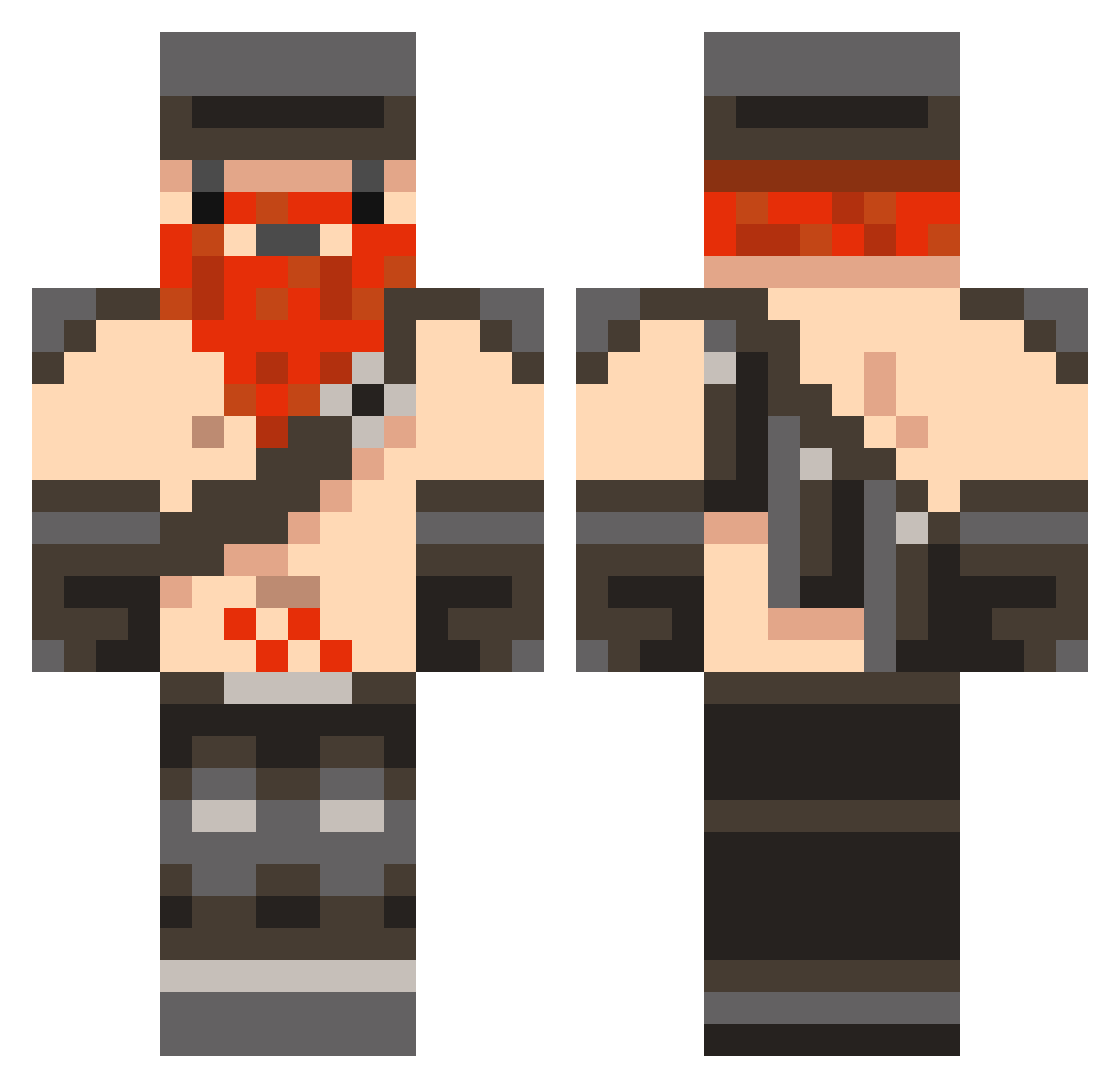
Current Minecraft skin of the player micralite123, loaded from the official Mojang API. Rotate the 3D model with your mouse or finger, then download the skin as a PNG file and use it in Minecraft: Bedrock Edition or Java Edition for free. When micralite123 changes their skin, this page updates automatically and the old skin stays in the history below.
Other players with this skin (846)
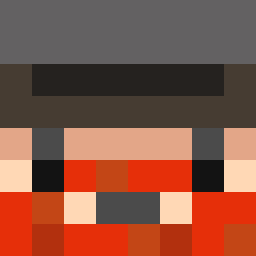
micralite123 was the 261st player we have seen with this skin, first spotted on 29.08.2026. The same skin was seen on these players. Open a nickname to see their current skin and skin history.
 yStaub SkyArChaos steviejoe12 aguardente Rognorak11011 Kevintitus1 x_Lurtz_x Didzilla dadisfunny inthewoods15 kingmask23 LittleCarlyfan DanielFradd DARRENATOR26 ashtonhowick C4ptainKickass GOLDEN12EAGLE Flowyd HeavyVee dgw18 Arkenstonesalt1 DonkeyVillage calebbull glerkin dylan1000324 plob99 Senecan Molekane NLancer02 jumpman0722 banannapieman VasylOdinson JammeeD BigdannyD lightflash2 dude64 ghostiee Krickebick NicWater Mister_Peabody 8776 aGoldenToaster Gummy_Gavin JCDuncan spleefr MACKA_PATROL LS_Wolverine thecrazzyswede Helmanno Thespenguin1234 dominicpro Deaddwarf11 Zachoncrack78 epichero12 InItNotOfIt Lintra Robert790 Google_myname Douchebagistan Yogmonster
More Dwarf Minecraft skins
How to install the micralite123 skin
- Press the Download button above to save the skin as a PNG file.
- Minecraft: Bedrock Edition (PE): open the Dressing Room from the main menu (or tap your character → Edit Character), go to Classic Skins → Owned, press the + (new skin) button, choose the downloaded PNG and pick the Classic (Steve) model. Works on PC and mobile; consoles cannot import custom skins.
- Minecraft: Java Edition: open the Minecraft Launcher, go to the Skins tab, click New Skin, load the PNG, pick the Classic (Steve) model and press Save & Use. You can also upload it at minecraft.net → Profile → Change Skin.
The skin does not show up after import - what should I do?
Restart Minecraft and open the Dressing Room again - imported skins sometimes appear only after a restart. Also make sure you selected the imported skin and picked the Classic (Steve) model.
Which model should I choose, Classic or Slim?
This skin is designed for the Classic (Steve) model. If you pick the wrong model, the arms of the skin will look stretched or squeezed.
Is the skin of micralite123 free to download?
Yes. Press Download, save the PNG file and use it in Minecraft: Bedrock Edition or Java Edition - no payment or registration needed. The skin also works on multiplayer servers and Realms.
More skins
Looking for more? Go back to all Minecraft skins and check the top skins of the week, month and all time, or find any player's skin by nickname.