
mathispresle - Minecraft Skins & Skin History
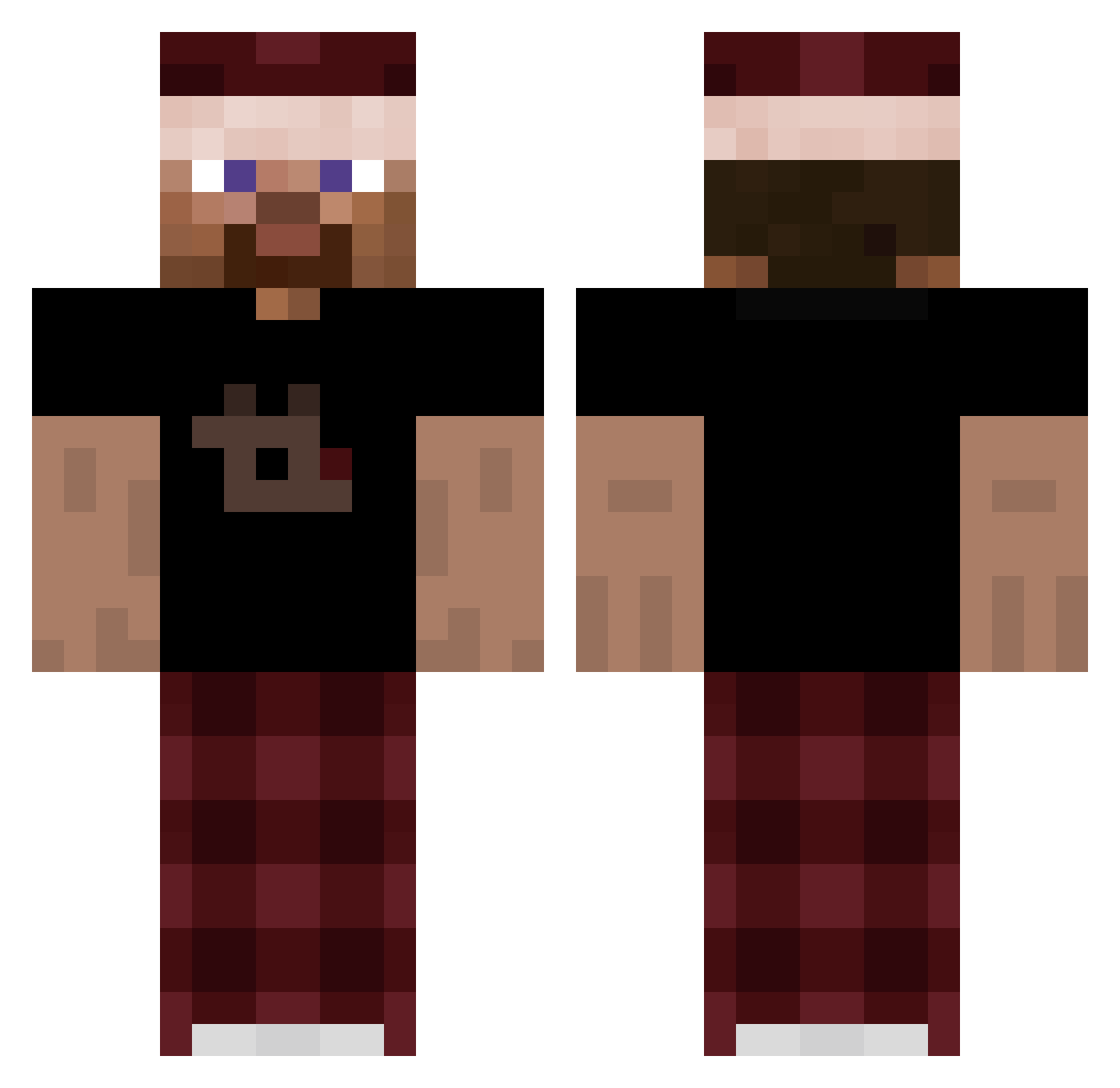
Current Minecraft skin of the player mathispresle, loaded from the official Mojang API. Rotate the 3D model with your mouse or finger, then download the skin as a PNG file and use it in Minecraft: Bedrock Edition or Java Edition for free. When mathispresle changes their skin, this page updates automatically and the old skin stays in the history below.
Other players with this skin (264)
mathispresle was the 44th player we have seen with this skin, first spotted on 11.08.2026. The same skin was seen on these players. Open a nickname to see their current skin and skin history.
 MarokPlays Chica_6 Prognoza Bakitoiii 3law
 GreenHeroJack99 Sergio0917 shhs Scream_in R21GAMER Kieft200 armaxOnDjelabah WolfNoah Leo8272 Jamberty DroppedByPatryk_ JHNBB mVida Remixxxxxxxx Timooooooooooo Tommymaster55 SefuLUTina Osher_The_Boss
 flamingo3123 _neptun93_ hola_soy_alguien Gone_Xx ayox9441 _LoganZx Bej1ukue bluekoots OllieLeeLad NicoTirri Astr31n swurrl1 xX_Sajmon_Xx Tapioc SIGMADZORDZO unpo nintro6_ hClock vivid_S2 TheAtom2000 jgrf cucel Sherlockrii Nekkkhh Alexrijpie2 Shad0neee 0_NTL_ d3ij jonkler_ EliasTheTopG w3lf boringlord Szkxiter Bancolino uevine Dark_Gamer333 IamNashRW
How to install the mathispresle skin
- Press the Download button above to save the skin as a PNG file.
- Minecraft: Bedrock Edition (PE): open the Dressing Room from the main menu (or tap your character → Edit Character), go to Classic Skins → Owned, press the + (new skin) button, choose the downloaded PNG and pick the Classic (Steve) model. Works on PC and mobile; consoles cannot import custom skins.
- Minecraft: Java Edition: open the Minecraft Launcher, go to the Skins tab, click New Skin, load the PNG, pick the Classic (Steve) model and press Save & Use. You can also upload it at minecraft.net → Profile → Change Skin.
The skin does not show up after import - what should I do?
Restart Minecraft and open the Dressing Room again - imported skins sometimes appear only after a restart. Also make sure you selected the imported skin and picked the Classic (Steve) model.
Which model should I choose, Classic or Slim?
This skin is designed for the Classic (Steve) model. If you pick the wrong model, the arms of the skin will look stretched or squeezed.
Is the skin of mathispresle free to download?
Yes. Press Download, save the PNG file and use it in Minecraft: Bedrock Edition or Java Edition - no payment or registration needed. The skin also works on multiplayer servers and Realms.
More skins
Looking for more? Go back to all Minecraft skins and check the top skins of the week, month and all time, or find any player's skin by nickname.