
masterstvo - Minecraft Skins & Skin History
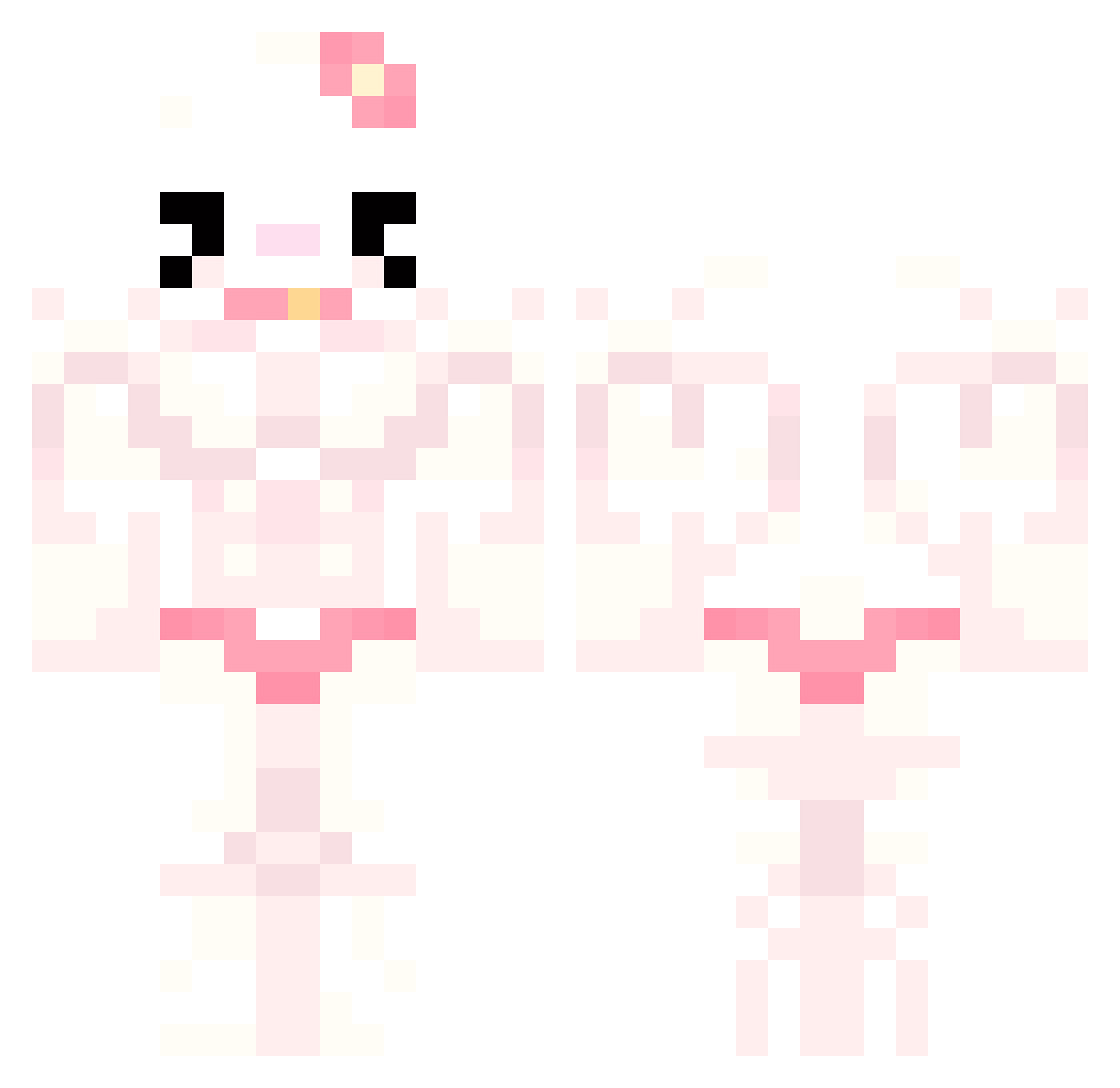
Current Minecraft skin of the player masterstvo, loaded from the official Mojang API. Rotate the 3D model with your mouse or finger, then download the skin as a PNG file and use it in Minecraft: Bedrock Edition or Java Edition for free. When masterstvo changes their skin, this page updates automatically and the old skin stays in the history below.
Other players with this skin (742)
masterstvo was the 458th player we have seen with this skin, first spotted on 29.09.2026. The same skin was seen on these players. Open a nickname to see their current skin and skin history.
 Nanimonai_0 Ballekunst renjun323 Fehf411 ISRAELPLAYERXD Yammie02 nonoprix custardeggtart zDucklz fallingbed Sunflowerpower69 yannba serenasnotokay AndryTaTriste Sondrey_ Prevalence1 lyledyle arthur29880 kammyfartblaster aemberQ vemilu Synochaa teddythedestroyr MommyDanger laialoopsy _Ja__Ja_ kolobuszka888 simjang1 ashjlr Zgeg3003 SaeGyeol subbalubba Keijo_Kehveli saladas69420 Luhmes oDuuKy Azrael143 wowmadi dojacatno1fanboy 0xely monii__ ThE_DeCaYiNg_OnE sillylittlelad Gr33ng0ld RadiatedFall94 SandyPrice pjatohoo Killer_Kekoa hatee12 xxFREAKzZOIDxx kudlataaa kannnaa axcukz Praisekink x_BigAl_x Calmadi Fruyelee leenalol Minty3500 miszkamiki
More Hello Kitty Minecraft skins
How to install the masterstvo skin
- Press the Download button above to save the skin as a PNG file.
- Minecraft: Bedrock Edition (PE): open the Dressing Room from the main menu (or tap your character → Edit Character), go to Classic Skins → Owned, press the + (new skin) button, choose the downloaded PNG and pick the Classic (Steve) model. Works on PC and mobile; consoles cannot import custom skins.
- Minecraft: Java Edition: open the Minecraft Launcher, go to the Skins tab, click New Skin, load the PNG, pick the Classic (Steve) model and press Save & Use. You can also upload it at minecraft.net → Profile → Change Skin.
The skin does not show up after import - what should I do?
Restart Minecraft and open the Dressing Room again - imported skins sometimes appear only after a restart. Also make sure you selected the imported skin and picked the Classic (Steve) model.
Which model should I choose, Classic or Slim?
This skin is designed for the Classic (Steve) model. If you pick the wrong model, the arms of the skin will look stretched or squeezed.
Is the skin of masterstvo free to download?
Yes. Press Download, save the PNG file and use it in Minecraft: Bedrock Edition or Java Edition - no payment or registration needed. The skin also works on multiplayer servers and Realms.
More skins
Looking for more? Go back to all Minecraft skins and check the top skins of the week, month and all time, or find any player's skin by nickname.