
marmaladexe - Minecraft Skins & Skin History
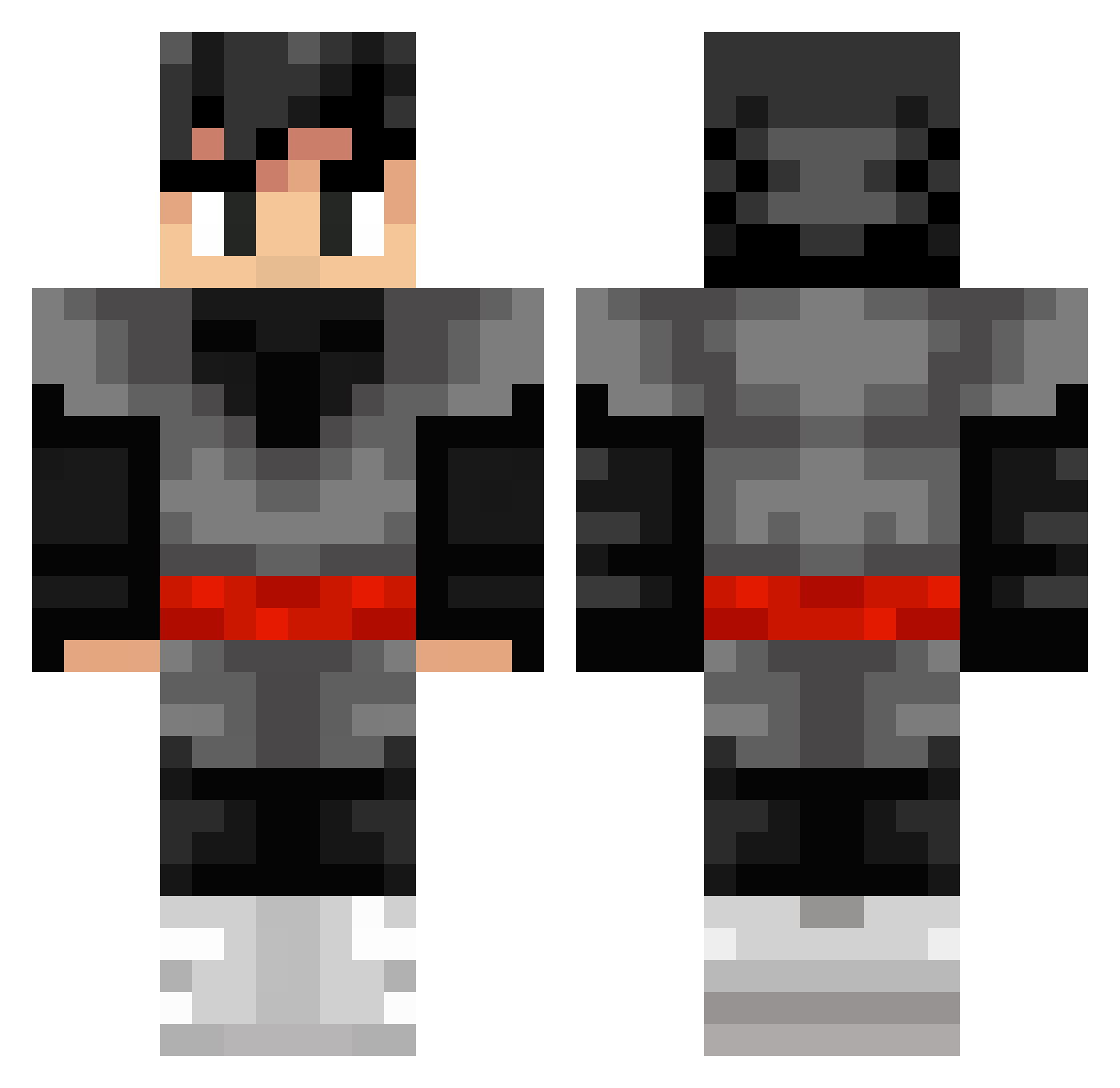
Current Minecraft skin of the player marmaladexe, loaded from the official Mojang API. Rotate the 3D model with your mouse or finger, then download the skin as a PNG file and use it in Minecraft: Bedrock Edition or Java Edition for free. When marmaladexe changes their skin, this page updates automatically and the old skin stays in the history below.
Other players with this skin (253)
marmaladexe was the 221st player we have seen with this skin, first spotted on 09.10.2026. The same skin was seen on these players. Open a nickname to see their current skin and skin history.
 Musaitov Hellagurs T07K Ayhor Jimmyfelix C2eny0n Papryk_KAT Phax_ kvq CreamyDaddy1156 JaviLicious YIo594 ZAAHANDO tlNovaa Bour_Monkey XercThirty TitanKing brooklynelaine Jezuz_Boi jorgeroque Benjagela_YT Toni_1608_ sir_bLord WoL_Ji_ Buctastic47 Syreeds Rain_Leaves Lore33174 muwahid7 Ricaille Baum1500 AlexDo94 Realmsssss Suk_Won Ihavethoserights MingHao_xiangche gonmar05 shadowmick8 Cortex_Superior Nazorkala Corey_Trevor osvaldo100 Tankung lucasyukito tsl0922 Axios7 Siggle4 myuyang JAAS1120 SrLazer AllDaysEveryDay OguhLeCool ShinLao84 Mark_1215 MarcoDitu demon483 ChocapitosS MrDakard RyanTryingFrying How2Cheating
More Goku Black Minecraft skins
How to install the marmaladexe skin
- Press the Download button above to save the skin as a PNG file.
- Minecraft: Bedrock Edition (PE): open the Dressing Room from the main menu (or tap your character → Edit Character), go to Classic Skins → Owned, press the + (new skin) button, choose the downloaded PNG and pick the Classic (Steve) model. Works on PC and mobile; consoles cannot import custom skins.
- Minecraft: Java Edition: open the Minecraft Launcher, go to the Skins tab, click New Skin, load the PNG, pick the Classic (Steve) model and press Save & Use. You can also upload it at minecraft.net → Profile → Change Skin.
The skin does not show up after import - what should I do?
Restart Minecraft and open the Dressing Room again - imported skins sometimes appear only after a restart. Also make sure you selected the imported skin and picked the Classic (Steve) model.
Which model should I choose, Classic or Slim?
This skin is designed for the Classic (Steve) model. If you pick the wrong model, the arms of the skin will look stretched or squeezed.
Is the skin of marmaladexe free to download?
Yes. Press Download, save the PNG file and use it in Minecraft: Bedrock Edition or Java Edition - no payment or registration needed. The skin also works on multiplayer servers and Realms.
More skins
Looking for more? Go back to all Minecraft skins and check the top skins of the week, month and all time, or find any player's skin by nickname.