
marcus511 - Minecraft Skins & Skin History
Current Minecraft skin of the player marcus511, loaded from the official Mojang API. Rotate the 3D model with your mouse or finger, then download the skin as a PNG file and use it in Minecraft: Bedrock Edition or Java Edition for free. When marcus511 changes their skin, this page updates automatically and the old skin stays in the history below.
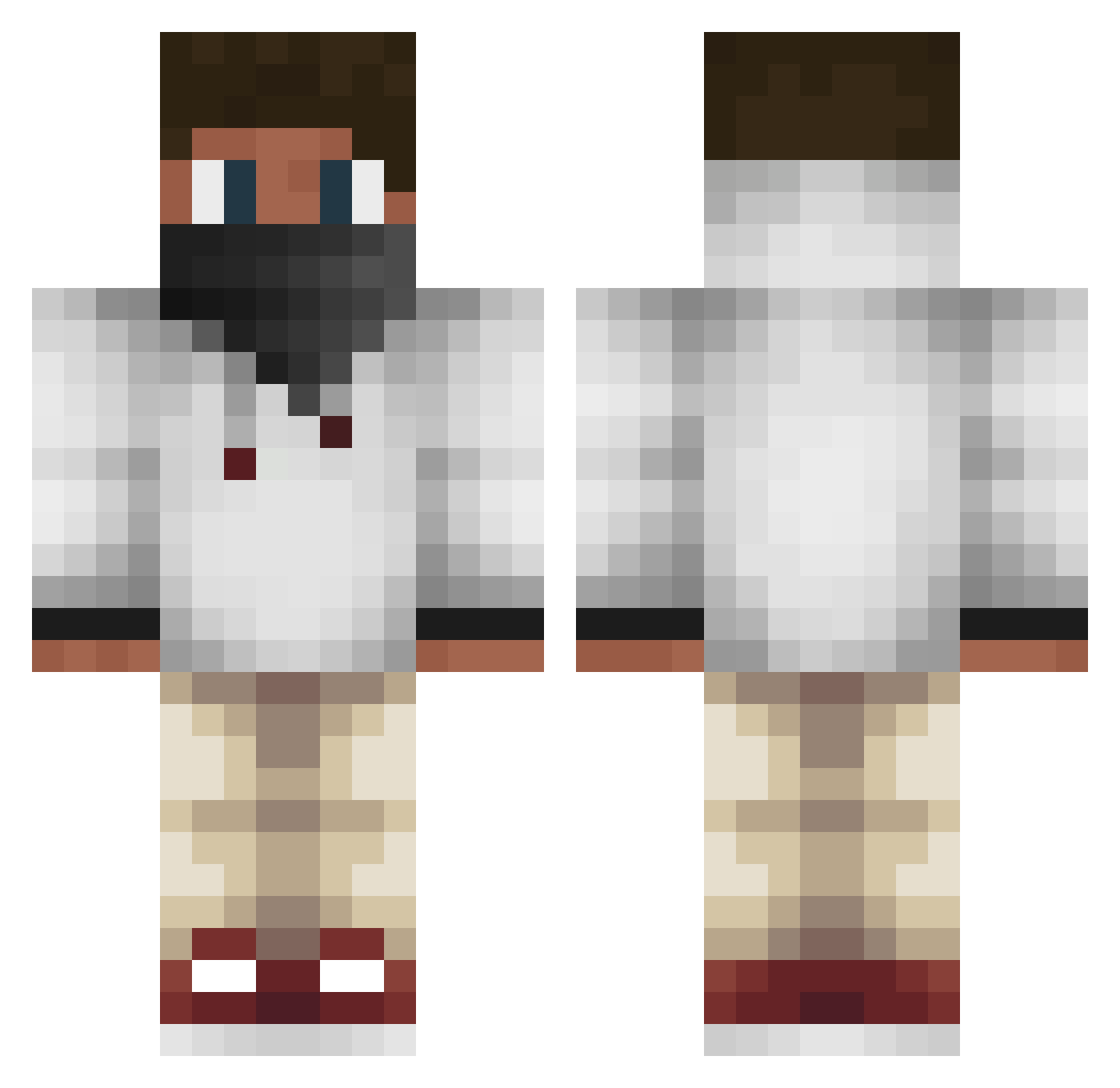
Other players with this skin (573)
marcus511 was the 457th player we have seen with this skin, first spotted on 20.10.2026. The same skin was seen on these players. Open a nickname to see their current skin and skin history.
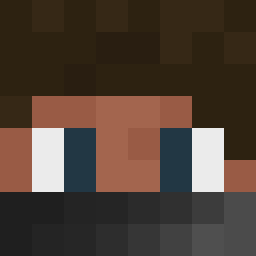 DL_Forager x_Prowoork_x ZENOOxX59 Monstaa1311 Lks21k Hazey dsoriano96 DewolfeMann12 buda_bud_dave xXskitheXx Ashman2712 TitoGameplays ChompySheep198 GodElam nickbecker44 Lennardvr asafsfsdf FamousBuilds deissen SwuAmpErt 0011 _DrNoodles TeunVb lund0205 lasercorny jnrfisho Dexter2937 Yan_Wu_ keldansteyn derUmi Alpha_Money7 AidanSZN The_Dragon_Boy11 Arthur_Just iMJRob JustJ_ydon Aiers Ikbenben_ Hendrik03 yelton7 Brunoval legosparks Zain83141 MrDasher xxSkillexHDxx JustComboYou King__Adrian Alex111_can MMKnudsen rext_wolf2 ecplant Mr_Steal_Yo_Kill MrNiekess demaster1324 bamf1221 RedOrbTiger roro44 Mikeolen bbcgang LastAlive
More Face Mask Minecraft skins
How to install the marcus511 skin
- Press the Download button above to save the skin as a PNG file.
- Minecraft: Bedrock Edition (PE): open the Dressing Room from the main menu (or tap your character → Edit Character), go to Classic Skins → Owned, press the + (new skin) button, choose the downloaded PNG and pick the Classic (Steve) model. Works on PC and mobile; consoles cannot import custom skins.
- Minecraft: Java Edition: open the Minecraft Launcher, go to the Skins tab, click New Skin, load the PNG, pick the Classic (Steve) model and press Save & Use. You can also upload it at minecraft.net → Profile → Change Skin.
The skin does not show up after import - what should I do?
Restart Minecraft and open the Dressing Room again - imported skins sometimes appear only after a restart. Also make sure you selected the imported skin and picked the Classic (Steve) model.
Which model should I choose, Classic or Slim?
This skin is designed for the Classic (Steve) model. If you pick the wrong model, the arms of the skin will look stretched or squeezed.
Is the skin of marcus511 free to download?
Yes. Press Download, save the PNG file and use it in Minecraft: Bedrock Edition or Java Edition - no payment or registration needed. The skin also works on multiplayer servers and Realms.
More skins
Looking for more? Go back to all Minecraft skins and check the top skins of the week, month and all time, or find any player's skin by nickname.