
mapsz - Minecraft Skins & Skin History
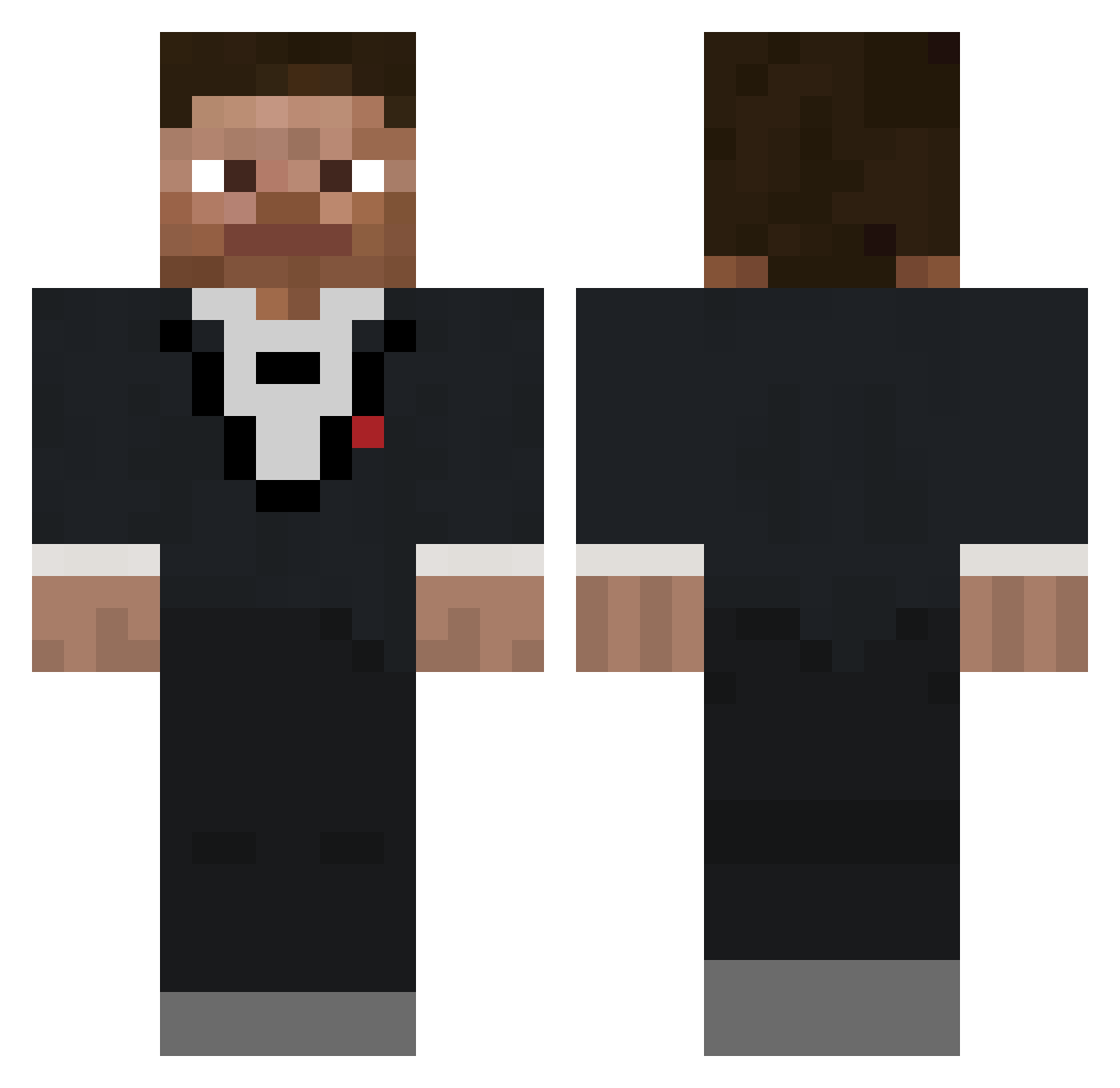
Current Minecraft skin of the player mapsz, loaded from the official Mojang API. Rotate the 3D model with your mouse or finger, then download the skin as a PNG file and use it in Minecraft: Bedrock Edition or Java Edition for free. When mapsz changes their skin, this page updates automatically and the old skin stays in the history below.
Other players with this skin (801)
mapsz was the 711th player we have seen with this skin, first spotted on 08.11.2026. The same skin was seen on these players. Open a nickname to see their current skin and skin history.
 LowBoG dekostas swengarii Matw09 killernut18 Bluejays24 RaceArrow99 Rodbro2 rick700 Nicholas_v2 Expect_Soul Astase Bertilll OG_HANDICAPED iLIFEi LeandroXX7411 JWBUF criblee KregBraun URDIAMOND Sheally PortAbyss77 sekisuchang 0vid19 EITroika Morlok8159 VusePods Jameswag10 83RRY Hakgasan Johnstinnn twgi colejeffrey MeatElite Giannos905 bublowski 4xx5 MrGrey236 aarabi_68 Josho302 JairoKaqui naughtyboy2014 maxikingderbeste joquaint9000 FuelNap Siphon_Live DoubleTep MashePotato2132 eraykr360 ReyMalkin ChrisPaul3333 frazerfreeman Weston1315 cowboy_1337 carlostwo Nathaniel_428 Twitchy415 FabLP0 realakinori MaxwellSwagems69
How to install the mapsz skin
- Press the Download button above to save the skin as a PNG file.
- Minecraft: Bedrock Edition (PE): open the Dressing Room from the main menu (or tap your character → Edit Character), go to Classic Skins → Owned, press the + (new skin) button, choose the downloaded PNG and pick the Classic (Steve) model. Works on PC and mobile; consoles cannot import custom skins.
- Minecraft: Java Edition: open the Minecraft Launcher, go to the Skins tab, click New Skin, load the PNG, pick the Classic (Steve) model and press Save & Use. You can also upload it at minecraft.net → Profile → Change Skin.
The skin does not show up after import - what should I do?
Restart Minecraft and open the Dressing Room again - imported skins sometimes appear only after a restart. Also make sure you selected the imported skin and picked the Classic (Steve) model.
Which model should I choose, Classic or Slim?
This skin is designed for the Classic (Steve) model. If you pick the wrong model, the arms of the skin will look stretched or squeezed.
Is the skin of mapsz free to download?
Yes. Press Download, save the PNG file and use it in Minecraft: Bedrock Edition or Java Edition - no payment or registration needed. The skin also works on multiplayer servers and Realms.
More skins
Looking for more? Go back to all Minecraft skins and check the top skins of the week, month and all time, or find any player's skin by nickname.