
manwqy - Minecraft Skins & Skin History
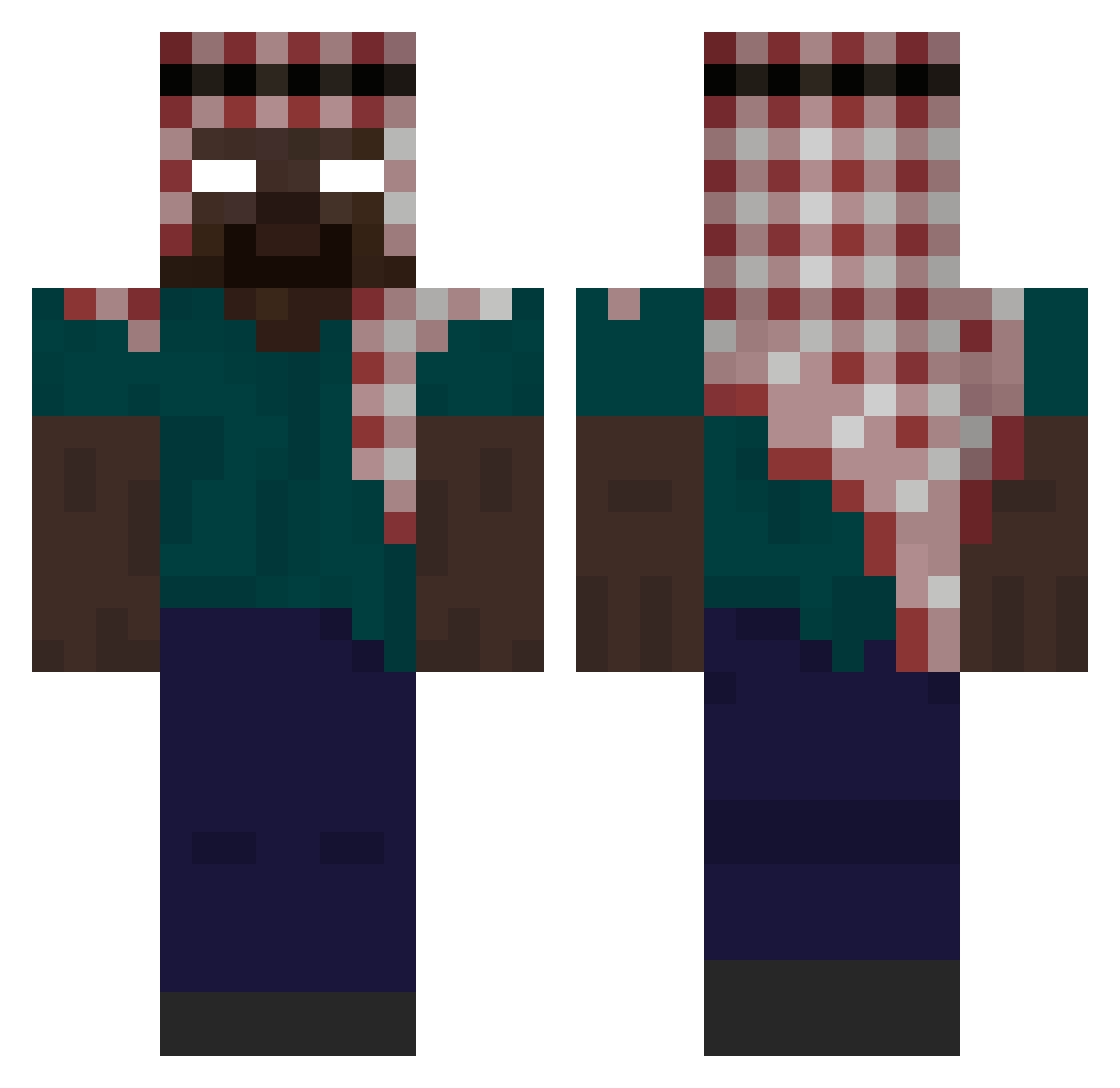
Current Minecraft skin of the player manwqy, loaded from the official Mojang API. Rotate the 3D model with your mouse or finger, then download the skin as a PNG file and use it in Minecraft: Bedrock Edition or Java Edition for free. When manwqy changes their skin, this page updates automatically and the old skin stays in the history below.
Other players with this skin (394)
manwqy was the 22nd player we have seen with this skin, first spotted on 29.07.2026. The same skin was seen on these players. Open a nickname to see their current skin and skin history.
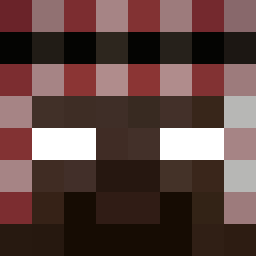 zAiDoSaMa10 P3DR0XX43344 di_ddy Y05UF DanixMD maximus_ra Jjaam Andrix134 UP11 Daniel6237 Majmune_86 Omeobis FLWegtog CinnamonLoki212 DerEnver TB1411 BryAntho25 iliazzzz ABORTION673654 Drewbedoo Mada771 a90ny DenoPilas ThatsNotDeath DGP1904 zenix1x Hkey_9 PilotLex129 BenM201 walus_ I2tricks MilanWRLD999 StriveBlitz ELTITOEDWIN iPhone15ProMax_x Zohyan LazerTiger Milkedd Mr_ZT Math3857 demirwilliamgt viniboyzao171 MoonNight_06 m5lg_ Blerkcurve Bonniu bonicx toprakgns baller_228 Nio_qAtolJg deromavernichter GOLDOZZ cruorZV Tobiralex
 brownshorts117 sb_33sLG_0220 Caetanoxx laydontplay TobiaszGaming21 iY2lf
More Keffiyeh Minecraft skins
How to install the manwqy skin
- Press the Download button above to save the skin as a PNG file.
- Minecraft: Bedrock Edition (PE): open the Dressing Room from the main menu (or tap your character → Edit Character), go to Classic Skins → Owned, press the + (new skin) button, choose the downloaded PNG and pick the Classic (Steve) model. Works on PC and mobile; consoles cannot import custom skins.
- Minecraft: Java Edition: open the Minecraft Launcher, go to the Skins tab, click New Skin, load the PNG, pick the Classic (Steve) model and press Save & Use. You can also upload it at minecraft.net → Profile → Change Skin.
The skin does not show up after import - what should I do?
Restart Minecraft and open the Dressing Room again - imported skins sometimes appear only after a restart. Also make sure you selected the imported skin and picked the Classic (Steve) model.
Which model should I choose, Classic or Slim?
This skin is designed for the Classic (Steve) model. If you pick the wrong model, the arms of the skin will look stretched or squeezed.
Is the skin of manwqy free to download?
Yes. Press Download, save the PNG file and use it in Minecraft: Bedrock Edition or Java Edition - no payment or registration needed. The skin also works on multiplayer servers and Realms.
More skins
Looking for more? Go back to all Minecraft skins and check the top skins of the week, month and all time, or find any player's skin by nickname.