
lorkhan117 - Minecraft Skins & Skin History
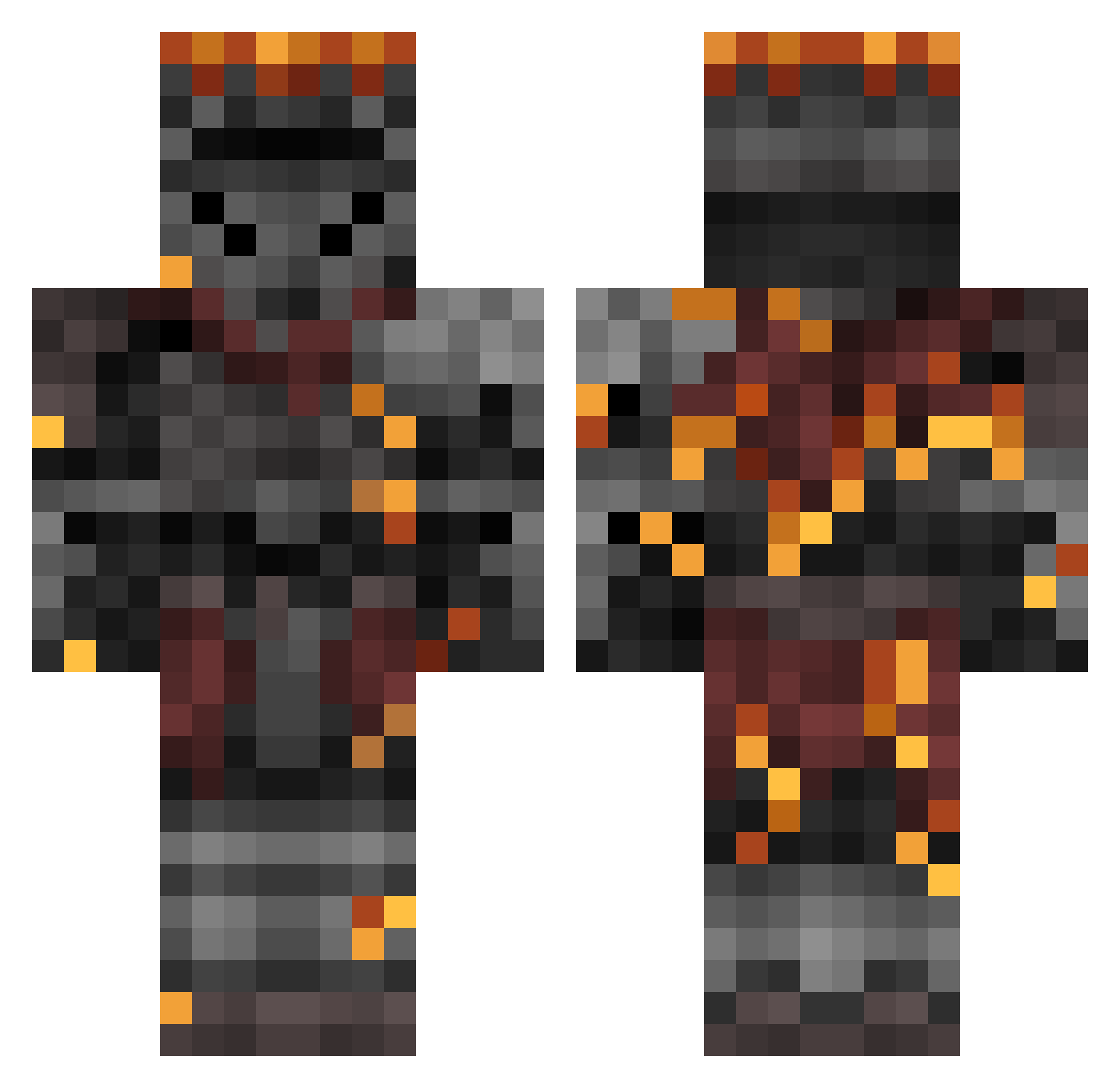
Current Minecraft skin of the player lorkhan117, loaded from the official Mojang API. Rotate the 3D model with your mouse or finger, then download the skin as a PNG file and use it in Minecraft: Bedrock Edition or Java Edition for free. When lorkhan117 changes their skin, this page updates automatically and the old skin stays in the history below.
Other players with this skin (500)
lorkhan117 was the 462nd player we have seen with this skin, first spotted on 10.11.2026. The same skin was seen on these players. Open a nickname to see their current skin and skin history.
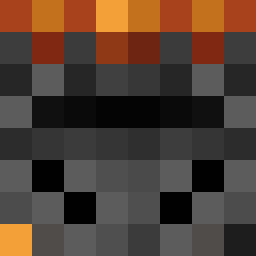 Arisobex Dave_the_Vex Kub1k0 TheRealGigachad ItsYahBoyDanny Soul_Cinder SoulOfCinder24 DGOT lcblades LebronSouls3 ShadowLancer97 batish MrKa0su LordHeadAss21 Waterlemcns thatneuy xKnightOfRen Zxyezzz Tranqility WindborneAce ItsBlooper MrPotato0816 blinz666 Resnaaak Rysess tf2opus Dinatag Ashen_one69 meappo Platty4841 Jorvand WalaceHalls BoyTiger_1 SyrupSlice CaptainTyrares ComicDonutMan destro689 Cha0tic__3vil JimMath21 Ortho_Is_Chained Selaga Noseeeeeeeeee ShennGoku Darkly76 DingDongDaniel kingdonold T3AR_HD Birdieman_11 BootyBandytt Stevb2k ManMachine56567 biong124 JH0806 Rgnarok debrgr hazbownian DiegoFHG Sourman29 Lockshin Lycan39
More Netherite Armor Minecraft skins
See all 102 Netherite Armor skins
How to install the lorkhan117 skin
- Press the Download button above to save the skin as a PNG file.
- Minecraft: Bedrock Edition (PE): open the Dressing Room from the main menu (or tap your character → Edit Character), go to Classic Skins → Owned, press the + (new skin) button, choose the downloaded PNG and pick the Classic (Steve) model. Works on PC and mobile; consoles cannot import custom skins.
- Minecraft: Java Edition: open the Minecraft Launcher, go to the Skins tab, click New Skin, load the PNG, pick the Classic (Steve) model and press Save & Use. You can also upload it at minecraft.net → Profile → Change Skin.
The skin does not show up after import - what should I do?
Restart Minecraft and open the Dressing Room again - imported skins sometimes appear only after a restart. Also make sure you selected the imported skin and picked the Classic (Steve) model.
Which model should I choose, Classic or Slim?
This skin is designed for the Classic (Steve) model. If you pick the wrong model, the arms of the skin will look stretched or squeezed.
Is the skin of lorkhan117 free to download?
Yes. Press Download, save the PNG file and use it in Minecraft: Bedrock Edition or Java Edition - no payment or registration needed. The skin also works on multiplayer servers and Realms.
More skins
Looking for more? Go back to all Minecraft skins and check the top skins of the week, month and all time, or find any player's skin by nickname.