
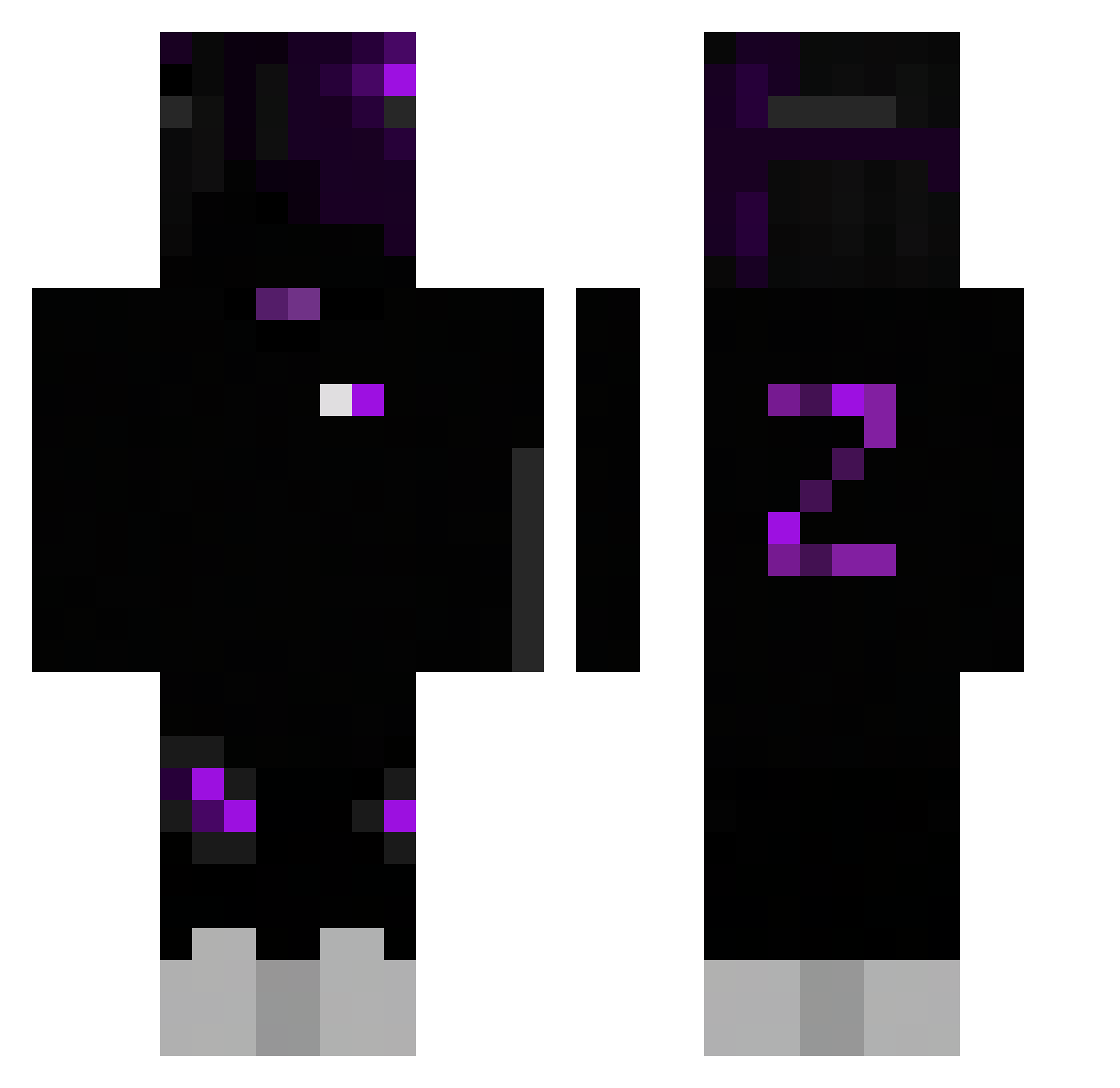
Current Minecraft skin of the player lolipopman, loaded from the official Mojang API. Rotate the 3D model with your mouse or finger, then download the skin as a PNG file and use it in Minecraft: Bedrock Edition or Java Edition for free. When lolipopman changes their skin, this page updates automatically and the old skin stays in the history below.
Other players with this skin (247)
lolipopman was the 56th player we have seen with this skin, first spotted on 13.08.2026. The same skin was seen on these players. Open a nickname to see their current skin and skin history.
 ItzWinja nashe2005 Flaymmie sawakabada1989 edwardkimg ButelkaClicker54 18ax leider_yt SqaushMC CalmMonkey1 OOUM__ Sandi17323 Ytio__ NewYorkSnipes Altair343 Granvingholt niesmialy2009 TROSA404 verziety DeadShotakhss Arky3emp grayman0805 FlozyyTTV HiBeatYou ZRsebb ExIsTG Xxandres552xX korea13245 Cloud444444 CryAlotRami Djmaco_122 Brunbss hstFoxiDon228 1T_Dawg Options00 MIZAEL2005 Jamie2012S RaydeSss rodrigo170vip WizardEx31 Spr1tz_er Ice_Spirit_Cuh PLAQUEQA Darkfighter_17 Timstyt ButterKekse I9Z44 ItsMyth1c Fraimdiamond GangGLover Linxuu OskiBoski2137 Tangyiting babylum_ Startman1 Dirtkeyboard BarteeXP kazumasaT ITOM145 ZOMJIKAI
How to install the lolipopman skin
- Press the Download button above to save the skin as a PNG file.
- Minecraft: Bedrock Edition (PE): open the Dressing Room from the main menu (or tap your character → Edit Character), go to Classic Skins → Owned, press the + (new skin) button, choose the downloaded PNG and pick the Classic (Steve) model. Works on PC and mobile; consoles cannot import custom skins.
- Minecraft: Java Edition: open the Minecraft Launcher, go to the Skins tab, click New Skin, load the PNG, pick the Classic (Steve) model and press Save & Use. You can also upload it at minecraft.net → Profile → Change Skin.
The skin does not show up after import - what should I do?
Restart Minecraft and open the Dressing Room again - imported skins sometimes appear only after a restart. Also make sure you selected the imported skin and picked the Classic (Steve) model.
Which model should I choose, Classic or Slim?
This skin is designed for the Classic (Steve) model. If you pick the wrong model, the arms of the skin will look stretched or squeezed.
Is the skin of lolipopman free to download?
Yes. Press Download, save the PNG file and use it in Minecraft: Bedrock Edition or Java Edition - no payment or registration needed. The skin also works on multiplayer servers and Realms.
More skins
Looking for more? Go back to all Minecraft skins and check the top skins of the week, month and all time, or find any player's skin by nickname.