
 Jonathan171299H PRPRPRP R3settt Guillaume31 TTVRapidzx YulGiler Laptop14a Towerinfiniti rodrigo170vip Henry_W Stardude96 Boltthunder77 UFF_123 ItzyJumpeer KNoCKoUT__ chrissymcchoo Nachito_god Slim_Legends1213 houdini8598 DmitriyDragon Eltuki125 AccioMatheus Pixy_5zigen TYNA_gg stereolol Dadodanielo_ita LopyBoi CobrA21x TIME18PVP ZatX_best ReaKox1 Itz_gust Jacek_Muranski Fenrir06 3dg3l0rd_Jaiden SpyroHB X_71 Shaddy5565 Maktoom FallV0id ItzJumpeer YoloTV Chiyan10152 quantum_ MChalkPlays silencceee DrillaMaxx Petatuniarz MikeyboixD rashroll MoLdRaN_ bartek4686 SyslNk SmileDra IAMSPIKZ Chael1 Rezayt zChurik dhasyasya f3hanYT
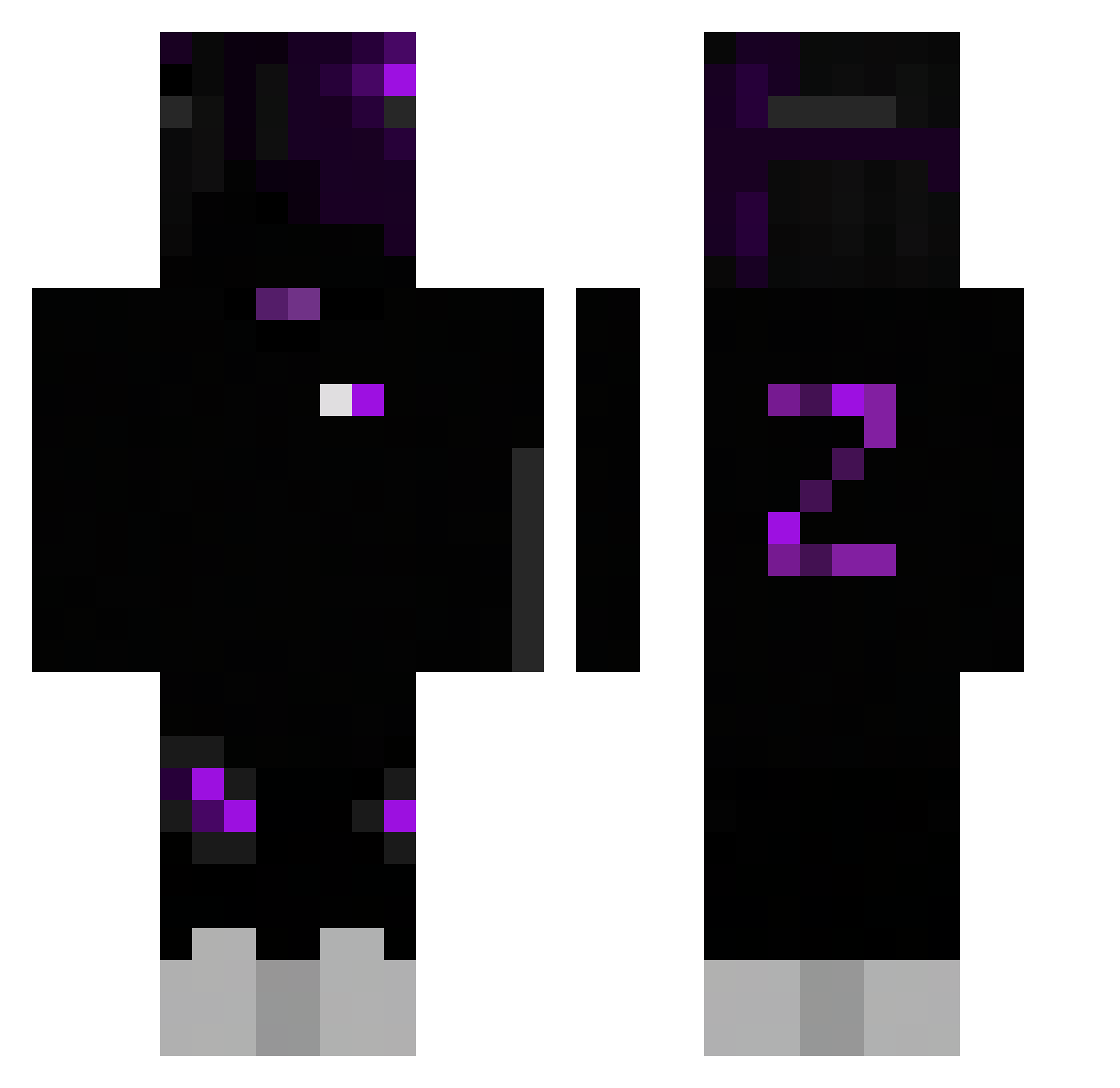
Minecraft skin of LWZ0829. Rotate the 3D model with your mouse or finger to view the skin from every angle, then download it as a PNG file and use it in Minecraft: Bedrock Edition or Java Edition for free. Rate the skin with stars to help other players find the best skins in our collection.
How to install the LWZ0829 skin
- Press the Download button above to save the skin as a PNG file.
- Minecraft: Bedrock Edition (PE): open the Dressing Room from the main menu (or tap your character → Edit Character), go to Classic Skins → Owned, press the + (new skin) button, choose the downloaded PNG and pick the Classic (Steve) model. Works on PC and mobile; consoles cannot import custom skins.
- Minecraft: Java Edition: open the Minecraft Launcher, go to the Skins tab, click New Skin, load the PNG, pick the Classic (Steve) model and press Save & Use. You can also upload it at minecraft.net → Profile → Change Skin.
The skin does not show up after import - what should I do?
Restart Minecraft and open the Dressing Room again - imported skins sometimes appear only after a restart. Also make sure you selected the imported skin and picked the Classic (Steve) model.
Which model should I choose, Classic or Slim?
This skin is designed for the Classic (Steve) model. If you pick the wrong model, the arms of the skin will look stretched or squeezed.
Is this skin free to use?
Yes. Press Download, save the PNG file and use it in Minecraft: Bedrock Edition or Java Edition - no payment or registration needed. The skin also works on multiplayer servers and Realms.
More skins
Looking for more? Go back to all Minecraft skins and check the top skins of the week, month and all time, or find any player's skin by nickname.