
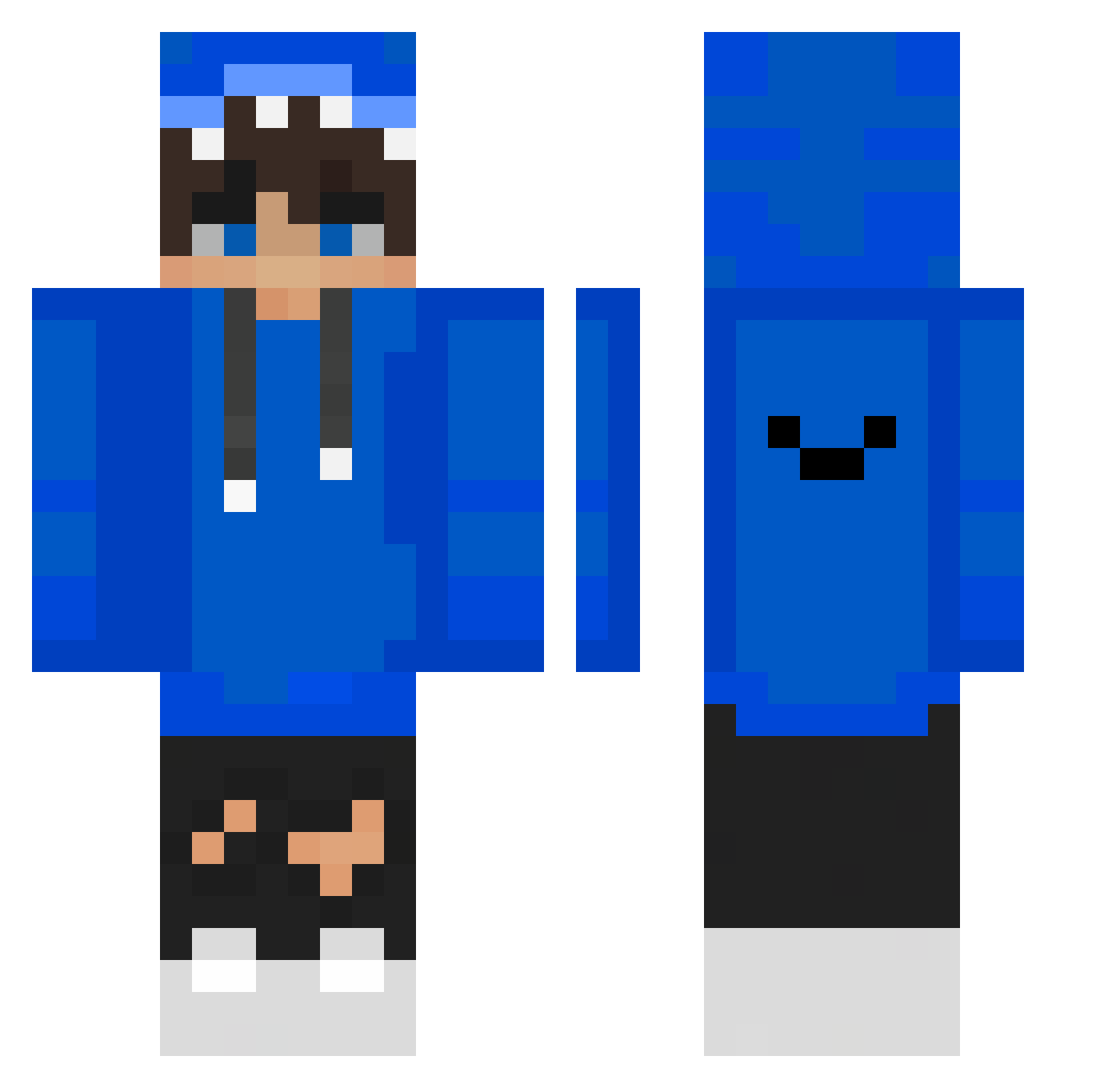
Current Minecraft skin of the player lime5885, loaded from the official Mojang API. Rotate the 3D model with your mouse or finger, then download the skin as a PNG file and use it in Minecraft: Bedrock Edition or Java Edition for free. When lime5885 changes their skin, this page updates automatically and the old skin stays in the history below.
Other players with this skin (349)
lime5885 was the 51st player we have seen with this skin, first spotted on 07.08.2026. The same skin was seen on these players. Open a nickname to see their current skin and skin history.
 Server_maker nawin1263 dekimoto hyperDarwin 1YUR1 Devosta
 ShamirK Fortres022 OhNatan RYAN123232 x948ru8 ERLINGMBAPPE fanQAQ_ CandyLo pepsianh Manablez Dimon_Brj Mus10l FlyX59 vincentlesang LkzTomi WickJohn Silver_Darknes soju5 Mindlesmatti Marcel535 SupaAyshun H_zishan Ergoooz j0ne56 oaojay Rafinha01 Mr_Raven1 Tobisssz_YT thekiller375 Tokisen noname0918 PJajja kimgunwoo2941 Joseppe88 Dwan132
 Boxie_owo mim1567 georgie27598x YT_KOSMO Richard0401 Leg1tMerry elCrotas1220 EduPaLaNenas FatalityLight mmmmsopim MarcoQua mgdiamond MadBark RagingWarrior Trixie_07 cydaepic jinhaengja j0kerrrrrr potato263579
How to install the lime5885 skin
- Press the Download button above to save the skin as a PNG file.
- Minecraft: Bedrock Edition (PE): open the Dressing Room from the main menu (or tap your character → Edit Character), go to Classic Skins → Owned, press the + (new skin) button, choose the downloaded PNG and pick the Classic (Steve) model. Works on PC and mobile; consoles cannot import custom skins.
- Minecraft: Java Edition: open the Minecraft Launcher, go to the Skins tab, click New Skin, load the PNG, pick the Classic (Steve) model and press Save & Use. You can also upload it at minecraft.net → Profile → Change Skin.
The skin does not show up after import - what should I do?
Restart Minecraft and open the Dressing Room again - imported skins sometimes appear only after a restart. Also make sure you selected the imported skin and picked the Classic (Steve) model.
Which model should I choose, Classic or Slim?
This skin is designed for the Classic (Steve) model. If you pick the wrong model, the arms of the skin will look stretched or squeezed.
Is the skin of lime5885 free to download?
Yes. Press Download, save the PNG file and use it in Minecraft: Bedrock Edition or Java Edition - no payment or registration needed. The skin also works on multiplayer servers and Realms.
More skins
Looking for more? Go back to all Minecraft skins and check the top skins of the week, month and all time, or find any player's skin by nickname.