
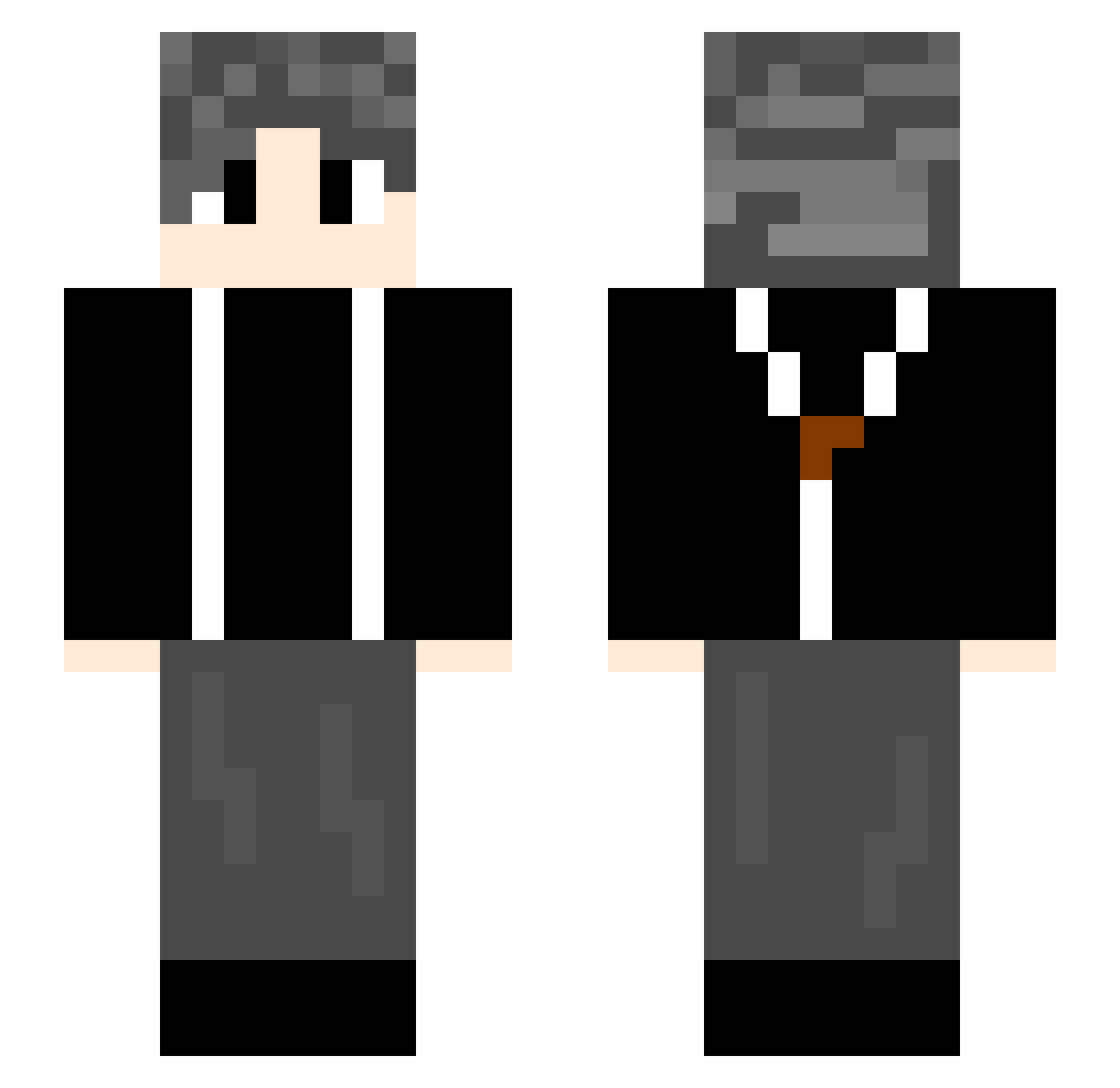
Current Minecraft skin of the player lijinye, loaded from the official Mojang API. Rotate the 3D model with your mouse or finger, then download the skin as a PNG file and use it in Minecraft: Bedrock Edition or Java Edition for free. When lijinye changes their skin, this page updates automatically and the old skin stays in the history below.
Other players with this skin (583)
lijinye was the 243rd player we have seen with this skin, first spotted on 27.08.2026. The same skin was seen on these players. Open a nickname to see their current skin and skin history.
 bbzw guluofeng feiguo666 xiaowang___ Yarayhoo share4108 uncle_shan chunjie5201314 Inksssss decadei3 USNEnterprise DeramACT WenZiMing Waaaaani icebear888888 MNB2715 HunterBread manbo213 cry_17 LXX_123 N1ghtmare333333 Henry121232 FFQQ_ MDEcZ Yovera Yumieh_qwq Wzz08 dabing0329 z1zh_ 123ikun SunrISun wolderlove NACL_luck THESHI_QI infubrk Ranyx0331 xiaochenchen86 abc204 EVEREST9420 LePetchu wheat0t0 douboa edajm slightzz xiaoyu1120 lyyydsp AnxietyQAQ Moran8856 coolXin pledge123 nimeng12 liu2453 Berjin RoyShadow hjq5207 NorthHao Deng_Y_ 1Gary1 Fusoku 91sp
How to install the lijinye skin
- Press the Download button above to save the skin as a PNG file.
- Minecraft: Bedrock Edition (PE): open the Dressing Room from the main menu (or tap your character → Edit Character), go to Classic Skins → Owned, press the + (new skin) button, choose the downloaded PNG and pick the Slim (Alex) model. Works on PC and mobile; consoles cannot import custom skins.
- Minecraft: Java Edition: open the Minecraft Launcher, go to the Skins tab, click New Skin, load the PNG, pick the Slim (Alex) model and press Save & Use. You can also upload it at minecraft.net → Profile → Change Skin.
The skin does not show up after import - what should I do?
Restart Minecraft and open the Dressing Room again - imported skins sometimes appear only after a restart. Also make sure you selected the imported skin and picked the Slim (Alex) model.
Which model should I choose, Classic or Slim?
This skin is designed for the Slim (Alex) model. If you pick the wrong model, the arms of the skin will look stretched or squeezed.
Is the skin of lijinye free to download?
Yes. Press Download, save the PNG file and use it in Minecraft: Bedrock Edition or Java Edition - no payment or registration needed. The skin also works on multiplayer servers and Realms.
More skins
Looking for more? Go back to all Minecraft skins and check the top skins of the week, month and all time, or find any player's skin by nickname.