
lepainsec1 - Minecraft Skins & Skin History
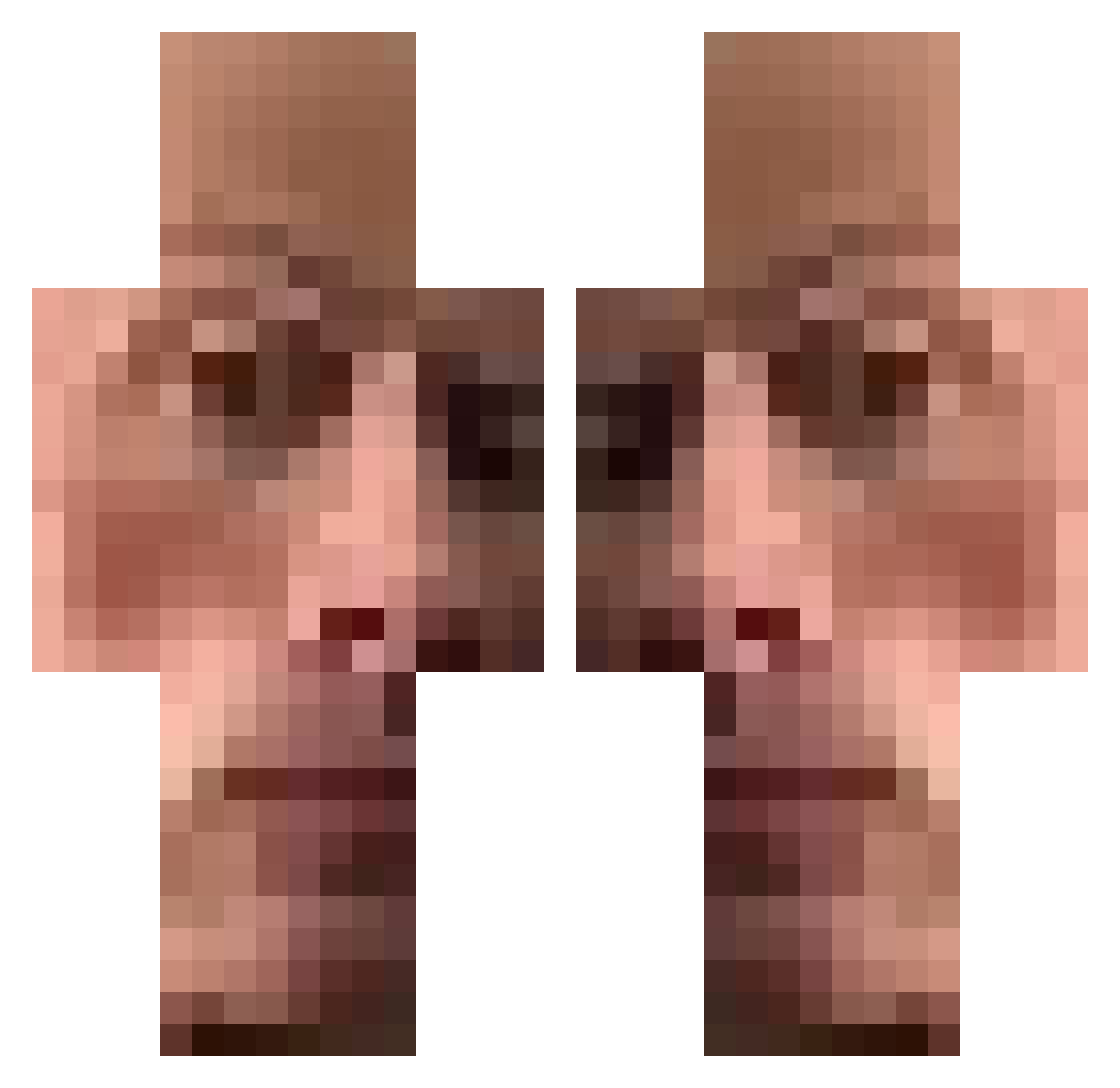
Current Minecraft skin of the player lepainsec1, loaded from the official Mojang API. Rotate the 3D model with your mouse or finger, then download the skin as a PNG file and use it in Minecraft: Bedrock Edition or Java Edition for free. When lepainsec1 changes their skin, this page updates automatically and the old skin stays in the history below.
Other players with this skin (474)
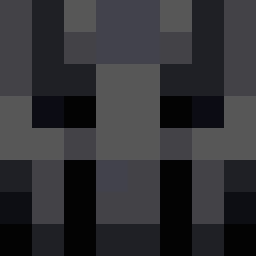
lepainsec1 was the 228th player we have seen with this skin, first spotted on 19.09.2026. The same skin was seen on these players. Open a nickname to see their current skin and skin history.
 CiccioGiocatore YoungCardinal AroPDF haffaman Makiaska bananpaj200 dibus 6Why PetRocky Happi_Nekomander SlyChurchMouse GEORGEDROlD knf69 Nefasting CIG1 tatecogn BayRanger0418
 Schpeem tomnook_bandito Pushea Delasalle NicholasWhite1 ssthebest242 Chailkek 9Marsik mintgiri dejvid_1337 Drahte RichiJip Sabooski gangster_Goku bynovv Narco04 Bogd212 D4QG SeedMe TThanh Alejo_Paez47 ZrrLevi aeo9 Alexps4200678 Mr_Kill_Me Remoh_ kenleunghi EbonyLovers sijalu saaho07 ELPANATICHI AspecMC Andre15k allaiya ziekaman Darthphantom69 TrashBaby350 LievreMagikk shop100 VinnyZed Stevo_Vodokotlic DosenBiberTV Faazeq
How to install the lepainsec1 skin
- Press the Download button above to save the skin as a PNG file.
- Minecraft: Bedrock Edition (PE): open the Dressing Room from the main menu (or tap your character → Edit Character), go to Classic Skins → Owned, press the + (new skin) button, choose the downloaded PNG and pick the Classic (Steve) model. Works on PC and mobile; consoles cannot import custom skins.
- Minecraft: Java Edition: open the Minecraft Launcher, go to the Skins tab, click New Skin, load the PNG, pick the Classic (Steve) model and press Save & Use. You can also upload it at minecraft.net → Profile → Change Skin.
The skin does not show up after import - what should I do?
Restart Minecraft and open the Dressing Room again - imported skins sometimes appear only after a restart. Also make sure you selected the imported skin and picked the Classic (Steve) model.
Which model should I choose, Classic or Slim?
This skin is designed for the Classic (Steve) model. If you pick the wrong model, the arms of the skin will look stretched or squeezed.
Is the skin of lepainsec1 free to download?
Yes. Press Download, save the PNG file and use it in Minecraft: Bedrock Edition or Java Edition - no payment or registration needed. The skin also works on multiplayer servers and Realms.
More skins
Looking for more? Go back to all Minecraft skins and check the top skins of the week, month and all time, or find any player's skin by nickname.