
leonsauced - Minecraft Skins & Skin History
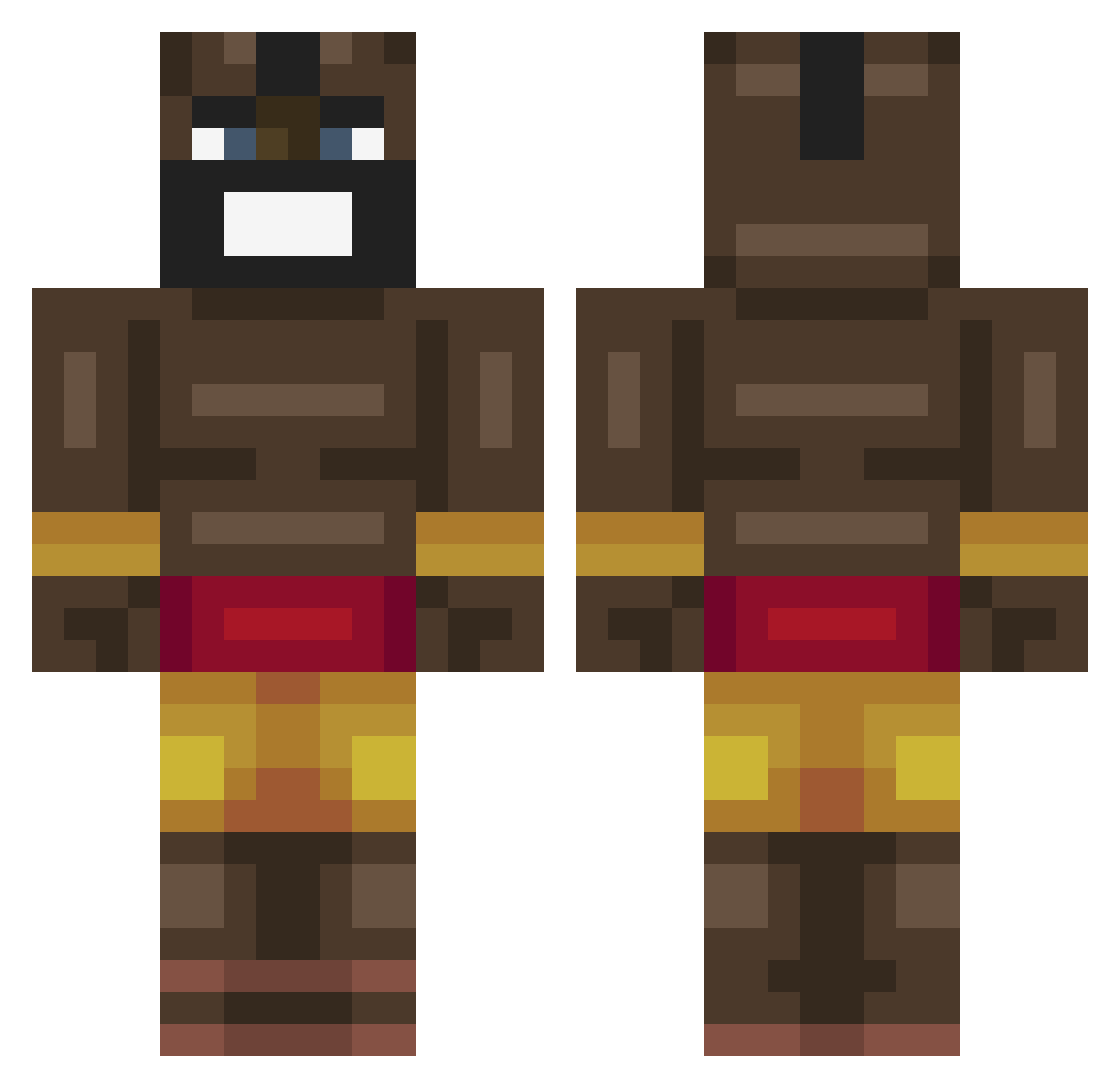
Current Minecraft skin of the player leonsauced, loaded from the official Mojang API. Rotate the 3D model with your mouse or finger, then download the skin as a PNG file and use it in Minecraft: Bedrock Edition or Java Edition for free. When leonsauced changes their skin, this page updates automatically and the old skin stays in the history below.
Other players with this skin (523)
leonsauced was the 483rd player we have seen with this skin, first spotted on 11.11.2026. The same skin was seen on these players. Open a nickname to see their current skin and skin history.
 FranzVullgas h_o_s_e_n Krasimir44 ChaChaDoods alegelo Green_Khan vixtynex DReaMZci Siegerich XippritOP KosaQDev qwerty123_ Trullero KappaJatka666 MrDigToad MortadelaEnjoyer Gaindalfo Cadesharpie MasterFortune7 samspamfam Gu11HerMe Zefy0 Wunderflow PlayfulJeans72 Acefly07 Xzilef Patcharoni CROG24 MrFatTortoise Bronzemaniac saggymomass hot_girl1 notbondi umudbugraa Real_thughunter Totocamela ryconnnn zospur imrakkayra FoorTheWIn Trexxle S2TekkY TriploX27 Nashawnn_ big_man245 zendoor pnavthegreatest Darkangex_ Mr_LucasBoy DeDraak300 Majiiiiiiin Teun045 Kesh8 OsamaMalik roncoleman DeblasioMcbean jackspizzza Jaybeeh1 jose51096378 Lawhma
More Celebrity Minecraft skins
How to install the leonsauced skin
- Press the Download button above to save the skin as a PNG file.
- Minecraft: Bedrock Edition (PE): open the Dressing Room from the main menu (or tap your character → Edit Character), go to Classic Skins → Owned, press the + (new skin) button, choose the downloaded PNG and pick the Classic (Steve) model. Works on PC and mobile; consoles cannot import custom skins.
- Minecraft: Java Edition: open the Minecraft Launcher, go to the Skins tab, click New Skin, load the PNG, pick the Classic (Steve) model and press Save & Use. You can also upload it at minecraft.net → Profile → Change Skin.
The skin does not show up after import - what should I do?
Restart Minecraft and open the Dressing Room again - imported skins sometimes appear only after a restart. Also make sure you selected the imported skin and picked the Classic (Steve) model.
Which model should I choose, Classic or Slim?
This skin is designed for the Classic (Steve) model. If you pick the wrong model, the arms of the skin will look stretched or squeezed.
Is the skin of leonsauced free to download?
Yes. Press Download, save the PNG file and use it in Minecraft: Bedrock Edition or Java Edition - no payment or registration needed. The skin also works on multiplayer servers and Realms.
More skins
Looking for more? Go back to all Minecraft skins and check the top skins of the week, month and all time, or find any player's skin by nickname.