
legendaryzay - Minecraft Skins & Skin History
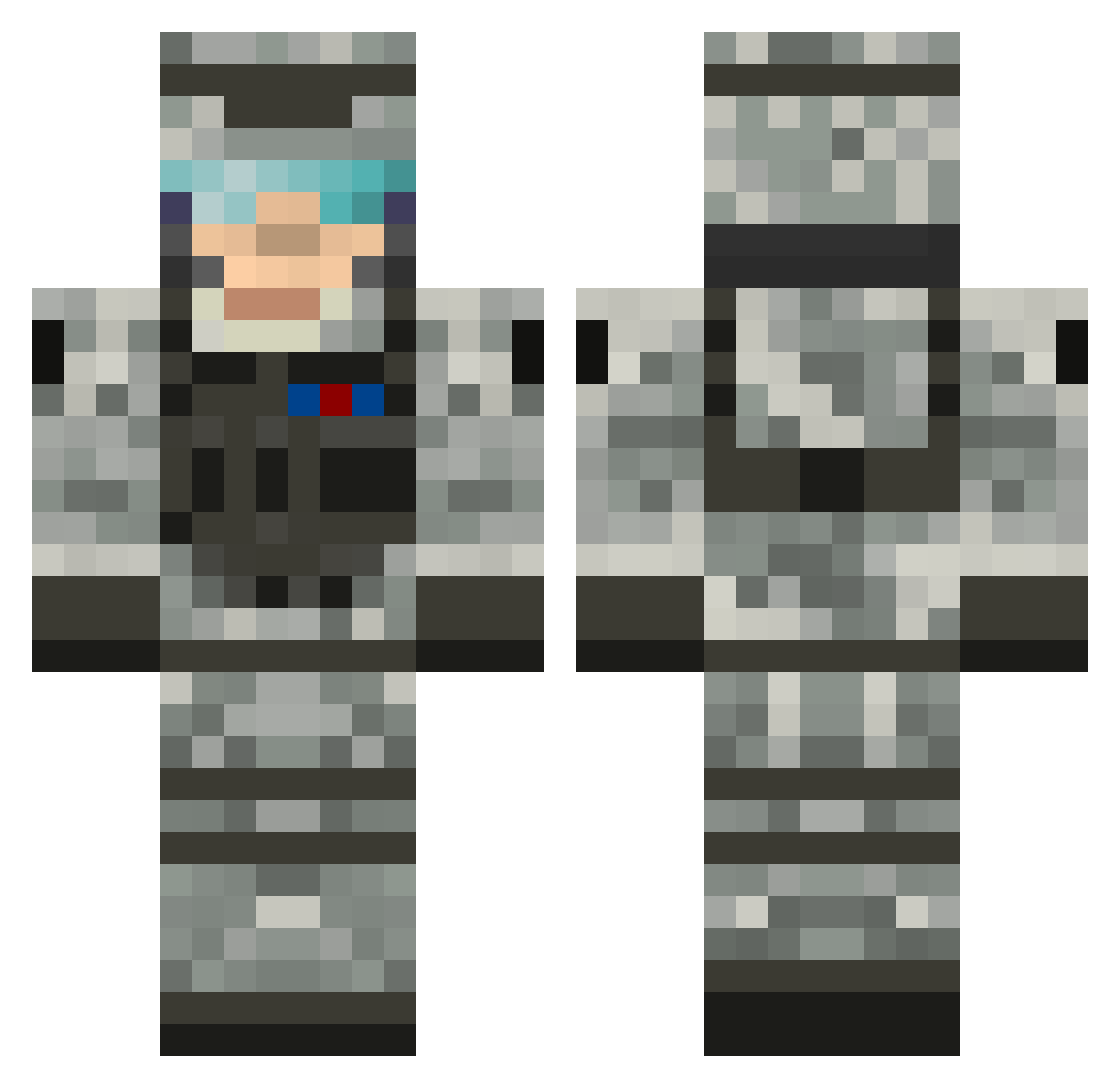
Current Minecraft skin of the player legendaryzay, loaded from the official Mojang API. Rotate the 3D model with your mouse or finger, then download the skin as a PNG file and use it in Minecraft: Bedrock Edition or Java Edition for free. When legendaryzay changes their skin, this page updates automatically and the old skin stays in the history below.
Other players with this skin (505)
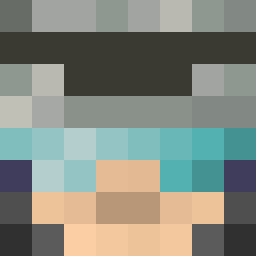
legendaryzay was the 244th player we have seen with this skin, first spotted on 09.09.2026. The same skin was seen on these players. Open a nickname to see their current skin and skin history.
 jeromejbird left4dead_boy StarWarsFreak11 Mrx122 Grimreap2k4 Braden519 Theassassin1823 PlumCrazyPurple JMANA7X xXJamesCharles5 YoloSoul UmutHernandez Egedius LilCoconut2012 Ghostfire154 WatchOut1233 Roebuck554 TheiMali sealfighter8 hooolmen ninjaAssassin46 EchelonX1 OHSNAPitsDECO blodymess fckerdetgodehold conradMC mmk15 markty15 Infinity19 CrazyCujo16 agt07 Macca944 charlesmike killerwhite70 pjk983 ROCKYM3EVIL Col_Oneill94 cody123654 tintin1313 Eagles037 Louisg7 xxbridgexx mario581 ybanana connor_henry1 leni07 MJG042 Gen35 the0verseer ncuxonam54 GreenBlaster DjMaik EE227 puppypoppy xXNebzXx cpm2022 cfctorres9 Archisniper SANDrxx LeeClint
More Camo Minecraft skins
How to install the legendaryzay skin
- Press the Download button above to save the skin as a PNG file.
- Minecraft: Bedrock Edition (PE): open the Dressing Room from the main menu (or tap your character → Edit Character), go to Classic Skins → Owned, press the + (new skin) button, choose the downloaded PNG and pick the Classic (Steve) model. Works on PC and mobile; consoles cannot import custom skins.
- Minecraft: Java Edition: open the Minecraft Launcher, go to the Skins tab, click New Skin, load the PNG, pick the Classic (Steve) model and press Save & Use. You can also upload it at minecraft.net → Profile → Change Skin.
The skin does not show up after import - what should I do?
Restart Minecraft and open the Dressing Room again - imported skins sometimes appear only after a restart. Also make sure you selected the imported skin and picked the Classic (Steve) model.
Which model should I choose, Classic or Slim?
This skin is designed for the Classic (Steve) model. If you pick the wrong model, the arms of the skin will look stretched or squeezed.
Is the skin of legendaryzay free to download?
Yes. Press Download, save the PNG file and use it in Minecraft: Bedrock Edition or Java Edition - no payment or registration needed. The skin also works on multiplayer servers and Realms.
More skins
Looking for more? Go back to all Minecraft skins and check the top skins of the week, month and all time, or find any player's skin by nickname.