
lanqx - Minecraft Skins & Skin History
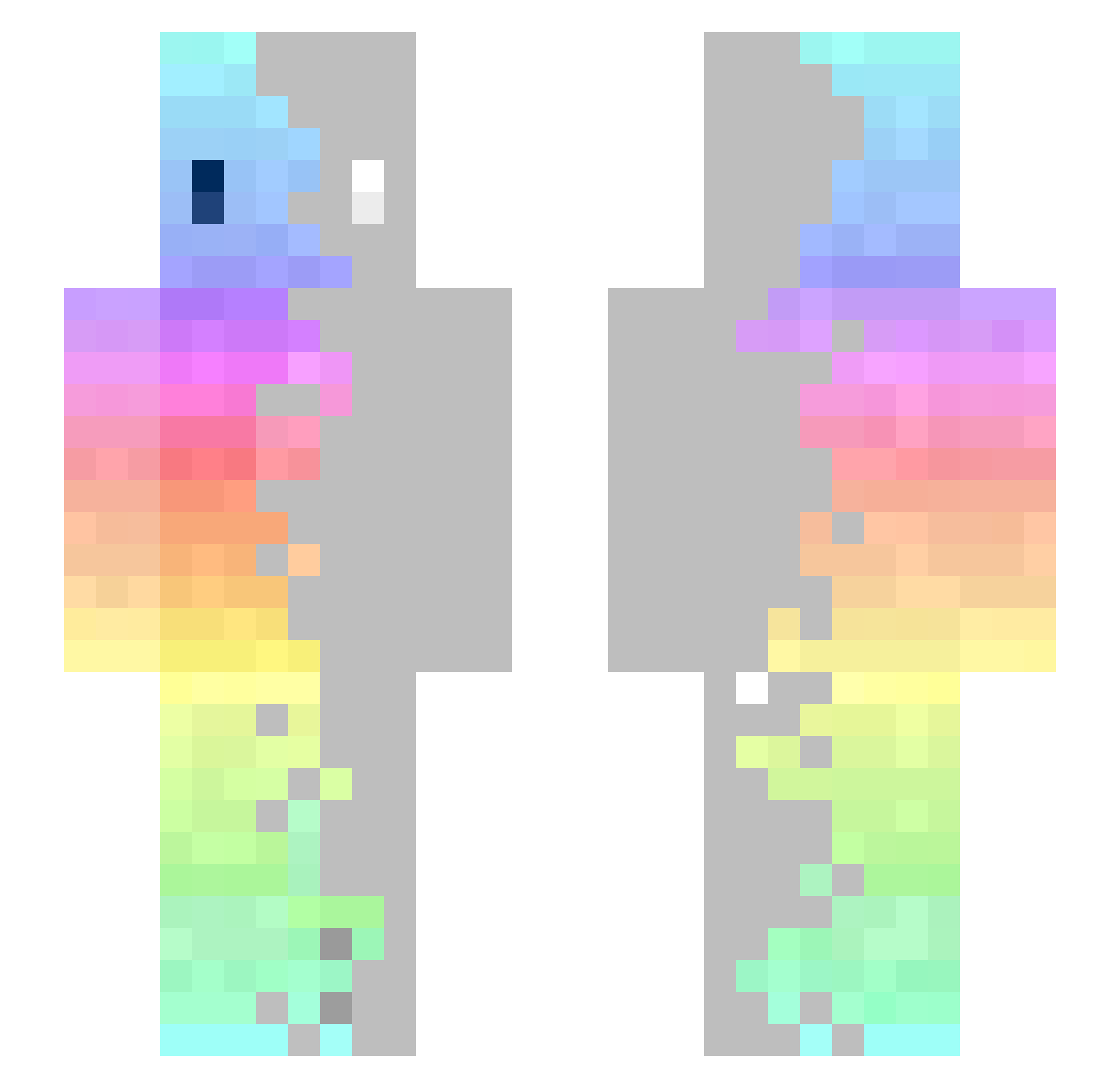
Current Minecraft skin of the player lanqx, loaded from the official Mojang API. Rotate the 3D model with your mouse or finger, then download the skin as a PNG file and use it in Minecraft: Bedrock Edition or Java Edition for free. When lanqx changes their skin, this page updates automatically and the old skin stays in the history below.
Other players with this skin (366)
lanqx was the 272nd player we have seen with this skin, first spotted on 13.10.2026. The same skin was seen on these players. Open a nickname to see their current skin and skin history.
 Kellan_C Ergo_413 Box_Tub GORKOYEYABLOKO michael31199 tlip01 SAVll pipipibs DinoLuke Damien33350 Mastermc17 OFFSET11 Hino1016 TOSTcR XiroNzO Mikimiro EdwinVide LemonCoefficient RozMastrongo dotorimangoo Ssen_ Whoopshwoop7 Asteroide89 Crazydog_0526 KenGhe Kraken99 NefciakEZ LeilaVanco Fratintt PCEKookie fhanaaan Humgreen anassassin MrWinia2002 SweetGirl_1 J0hnnyII kaluna0721 lulily THE__PineApple xX_WilK_Xx ChenYu0620 Guzzy10 kevingao111 John900421 wolfybb GhostMantis_ CaaNooX ipodminecraft724 sai_hi SamRaven 4inn4 DrunkPenguinz lolmannn doctorflipy Valou0810 SxMytik YT_marango xnilouu Dark_Dragonlol Call_Me_Kenny_
How to install the lanqx skin
- Press the Download button above to save the skin as a PNG file.
- Minecraft: Bedrock Edition (PE): open the Dressing Room from the main menu (or tap your character → Edit Character), go to Classic Skins → Owned, press the + (new skin) button, choose the downloaded PNG and pick the Slim (Alex) model. Works on PC and mobile; consoles cannot import custom skins.
- Minecraft: Java Edition: open the Minecraft Launcher, go to the Skins tab, click New Skin, load the PNG, pick the Slim (Alex) model and press Save & Use. You can also upload it at minecraft.net → Profile → Change Skin.
The skin does not show up after import - what should I do?
Restart Minecraft and open the Dressing Room again - imported skins sometimes appear only after a restart. Also make sure you selected the imported skin and picked the Slim (Alex) model.
Which model should I choose, Classic or Slim?
This skin is designed for the Slim (Alex) model. If you pick the wrong model, the arms of the skin will look stretched or squeezed.
Is the skin of lanqx free to download?
Yes. Press Download, save the PNG file and use it in Minecraft: Bedrock Edition or Java Edition - no payment or registration needed. The skin also works on multiplayer servers and Realms.
More skins
Looking for more? Go back to all Minecraft skins and check the top skins of the week, month and all time, or find any player's skin by nickname.