
ky130118 - Minecraft Skins & Skin History
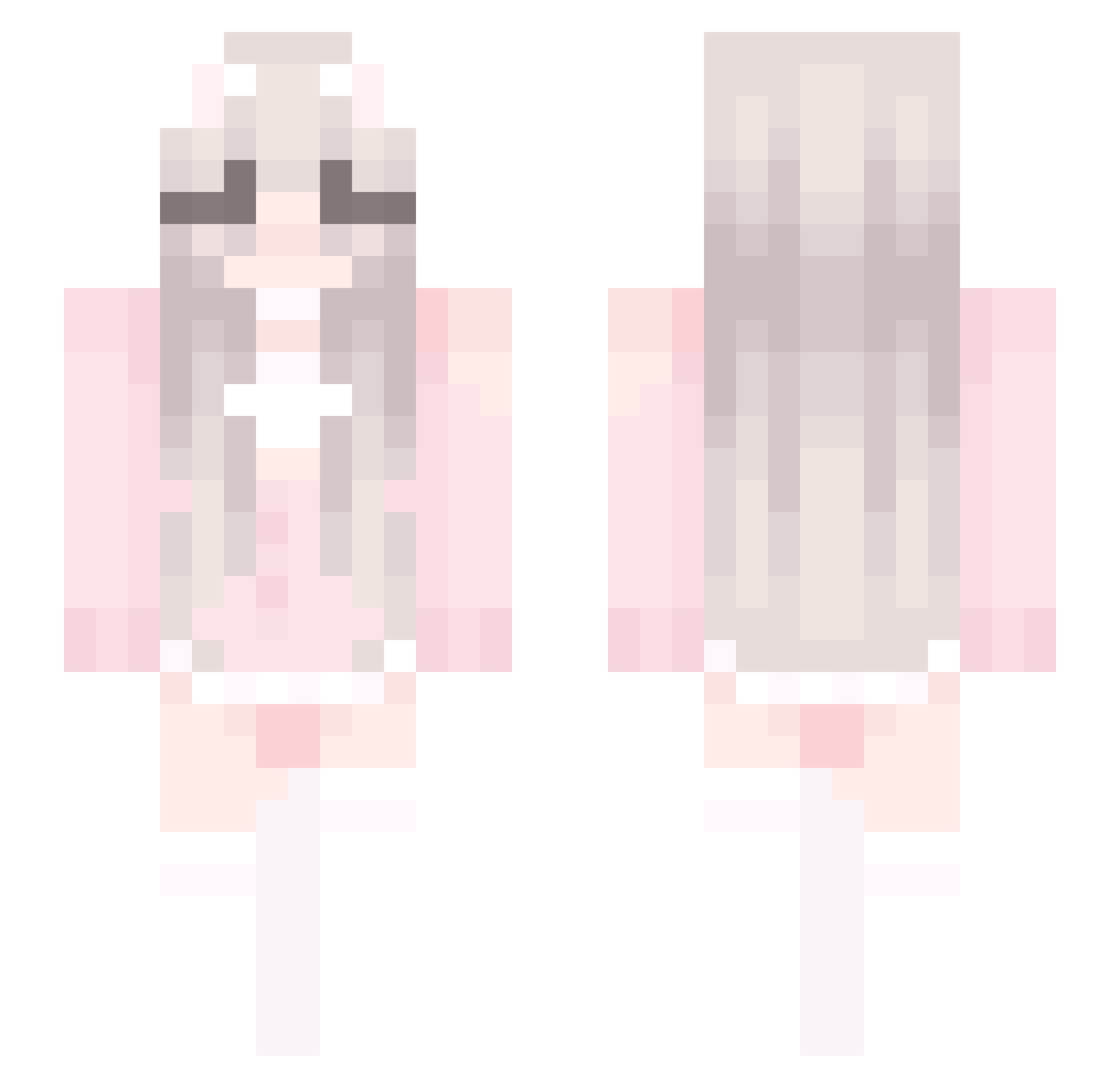
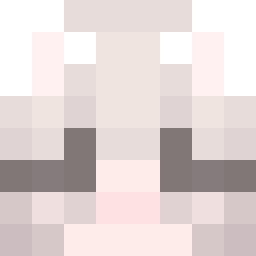
Current Minecraft skin of the player ky130118, loaded from the official Mojang API. Rotate the 3D model with your mouse or finger, then download the skin as a PNG file and use it in Minecraft: Bedrock Edition or Java Edition for free. When ky130118 changes their skin, this page updates automatically and the old skin stays in the history below.
Other players with this skin (429)
ky130118 was the 71st player we have seen with this skin, first spotted on 08.08.2026. The same skin was seen on these players. Open a nickname to see their current skin and skin history.
 INDHIRaa99 xiaokuih olaice FlanMedieval yellowball28 Thefamousji Stef01_ vra1031 RuiWen123 CoconutRabbit Nymeriaax Jxssssss kokomew Triglaviaan nyanw Sohpie13 cutewittlebunnie Coverain_YYDS vxMeteorite AMDVAC ben_plays_fan Helveticrolls eignnn muk070212 Theonlyoneee NoFlyJustPearls AGNB_Plus tubusioku jy520 Cangshan Bella0405 bffindyy DoHye KICI47 XIAOke2333 elliotxchx dikmonster12134 rabbitcc spiritedPudding0 alezinha2405 yustyy DanDanqwq Protogen9004 ssgine moranOuO mentaldeficiency Yuiry inwbunnizaza007 cuurry qkzh hcds123 BCBlonde Tendyo SUMNI22 irelandrose07 hergaybestfriend yaozhize LQDW ReSurRect1on yexun02
More Cute Minecraft skins
How to install the ky130118 skin
- Press the Download button above to save the skin as a PNG file.
- Minecraft: Bedrock Edition (PE): open the Dressing Room from the main menu (or tap your character → Edit Character), go to Classic Skins → Owned, press the + (new skin) button, choose the downloaded PNG and pick the Slim (Alex) model. Works on PC and mobile; consoles cannot import custom skins.
- Minecraft: Java Edition: open the Minecraft Launcher, go to the Skins tab, click New Skin, load the PNG, pick the Slim (Alex) model and press Save & Use. You can also upload it at minecraft.net → Profile → Change Skin.
The skin does not show up after import - what should I do?
Restart Minecraft and open the Dressing Room again - imported skins sometimes appear only after a restart. Also make sure you selected the imported skin and picked the Slim (Alex) model.
Which model should I choose, Classic or Slim?
This skin is designed for the Slim (Alex) model. If you pick the wrong model, the arms of the skin will look stretched or squeezed.
Is the skin of ky130118 free to download?
Yes. Press Download, save the PNG file and use it in Minecraft: Bedrock Edition or Java Edition - no payment or registration needed. The skin also works on multiplayer servers and Realms.
More skins
Looking for more? Go back to all Minecraft skins and check the top skins of the week, month and all time, or find any player's skin by nickname.