
krazyhead00 - Minecraft Skins & Skin History
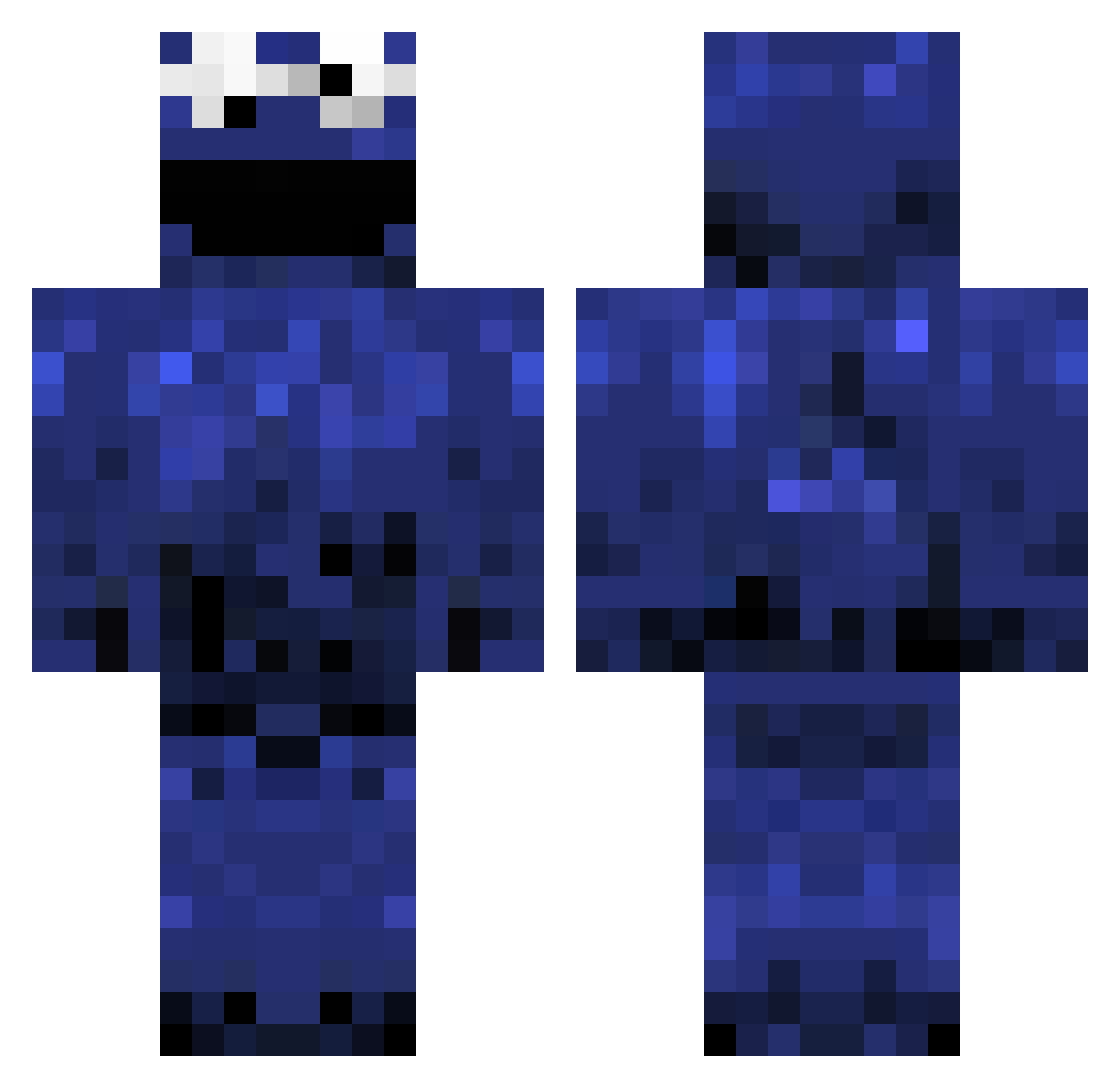
Current Minecraft skin of the player krazyhead00, loaded from the official Mojang API. Rotate the 3D model with your mouse or finger, then download the skin as a PNG file and use it in Minecraft: Bedrock Edition or Java Edition for free. When krazyhead00 changes their skin, this page updates automatically and the old skin stays in the history below.
Other players with this skin (978)
krazyhead00 was the 197th player we have seen with this skin, first spotted on 14.08.2026. The same skin was seen on these players. Open a nickname to see their current skin and skin history.
 crea1337 Kacper_S liamwillsnz MegaMonny1 theocool131 Manga ShinPitfire beefcake128 mmick14 ribtip Zakcentje redcan3 UrbanOptics psychetainment baconlover55 Warduk22 tpep BlueBlock domox Lunken1993 Milanrox10 gooody999 heyKontrol Sir_Poisoned OvaryPunch WhatthePoopStain D4rkMuffin Cookie_Lugge Baseball_500 mccordhn Decker1292 damo267 misterhoe TakeACoockie uNiq_qontroL jdrockin CookieIYIonster WizzyWizz_94 smileylad der3ko poopyface112233 ACiD201113 AnotherProgramer octopusss hapachino Philodominus chronns ColinRegan1 nero88 Duggan Fightflight timarcgrenier ollie1565 Libstar742 damionperson missmeanypan punchinglogs hheeboys wannaBErambo Bitvargen
More Cookie Monster Minecraft skins
See all 241 Cookie Monster skins
How to install the krazyhead00 skin
- Press the Download button above to save the skin as a PNG file.
- Minecraft: Bedrock Edition (PE): open the Dressing Room from the main menu (or tap your character → Edit Character), go to Classic Skins → Owned, press the + (new skin) button, choose the downloaded PNG and pick the Classic (Steve) model. Works on PC and mobile; consoles cannot import custom skins.
- Minecraft: Java Edition: open the Minecraft Launcher, go to the Skins tab, click New Skin, load the PNG, pick the Classic (Steve) model and press Save & Use. You can also upload it at minecraft.net → Profile → Change Skin.
The skin does not show up after import - what should I do?
Restart Minecraft and open the Dressing Room again - imported skins sometimes appear only after a restart. Also make sure you selected the imported skin and picked the Classic (Steve) model.
Which model should I choose, Classic or Slim?
This skin is designed for the Classic (Steve) model. If you pick the wrong model, the arms of the skin will look stretched or squeezed.
Is the skin of krazyhead00 free to download?
Yes. Press Download, save the PNG file and use it in Minecraft: Bedrock Edition or Java Edition - no payment or registration needed. The skin also works on multiplayer servers and Realms.
More skins
Looking for more? Go back to all Minecraft skins and check the top skins of the week, month and all time, or find any player's skin by nickname.