
kirbo72211 - Minecraft Skins & Skin History
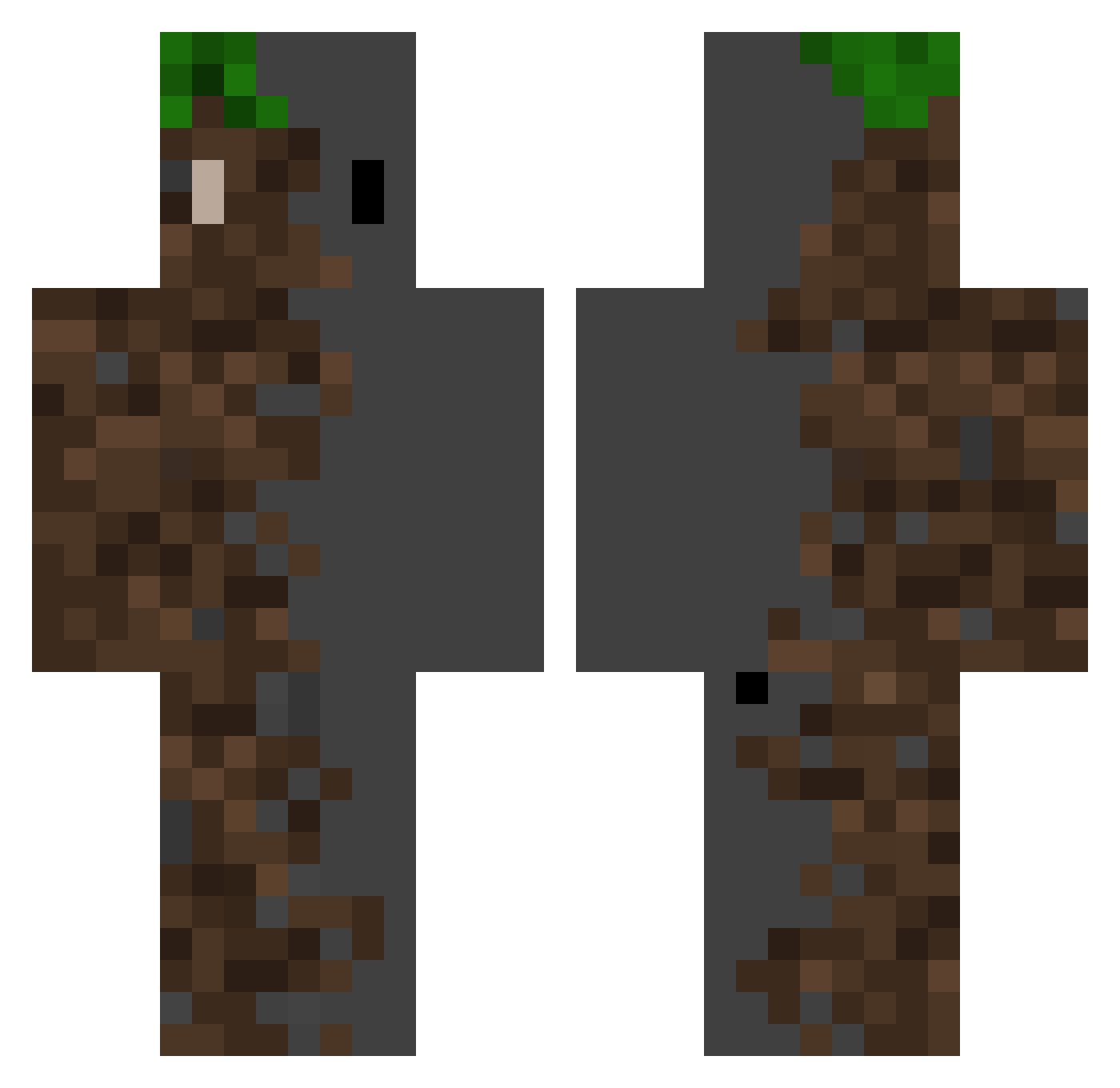
Current Minecraft skin of the player kirbo72211, loaded from the official Mojang API. Rotate the 3D model with your mouse or finger, then download the skin as a PNG file and use it in Minecraft: Bedrock Edition or Java Edition for free. When kirbo72211 changes their skin, this page updates automatically and the old skin stays in the history below.
Other players with this skin (371)
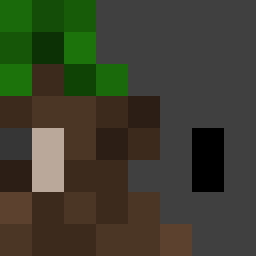
kirbo72211 was the 276th player we have seen with this skin, first spotted on 13.10.2026. The same skin was seen on these players. Open a nickname to see their current skin and skin history.
 Ultra_667 Big_Weasy Kwintal KvLus ProGamer3555 David4756 Shadowz_0 JuwanJJANG Adawg1210 Kaiser964 Beniu23 RIPPER_12 AITXXZX Harveydudes Jedinightus giavannamariee ChasingHer FuahPower Jg_is_me Jorguito Uniwuff IKryZz Five5K SwifferPlus Linsey__ RACTR ED_Cheetos RogueLawyer7683 pro_jojo3 Ghost4099 Shui_Ma Sizarraa DecentArt Ciclista07 OneEyedKinG11 BangTheSTV JacobG2000 Anthoni531 soundofhope xPixelated_ Tak09021105 lingonsylt14 Global_Box levi69goat Lab_123 FlyingBeret4459 Tsuki_Ishikawa oban77 qwer0607 mungtang_2 LuGlory Kaualf Drtwin bjsugho MSGramen wannes06 ABeepleBridger 07_Nojihwan Viparrh ArturKrasnal
More Dirt Block Minecraft skins
How to install the kirbo72211 skin
- Press the Download button above to save the skin as a PNG file.
- Minecraft: Bedrock Edition (PE): open the Dressing Room from the main menu (or tap your character → Edit Character), go to Classic Skins → Owned, press the + (new skin) button, choose the downloaded PNG and pick the Classic (Steve) model. Works on PC and mobile; consoles cannot import custom skins.
- Minecraft: Java Edition: open the Minecraft Launcher, go to the Skins tab, click New Skin, load the PNG, pick the Classic (Steve) model and press Save & Use. You can also upload it at minecraft.net → Profile → Change Skin.
The skin does not show up after import - what should I do?
Restart Minecraft and open the Dressing Room again - imported skins sometimes appear only after a restart. Also make sure you selected the imported skin and picked the Classic (Steve) model.
Which model should I choose, Classic or Slim?
This skin is designed for the Classic (Steve) model. If you pick the wrong model, the arms of the skin will look stretched or squeezed.
Is the skin of kirbo72211 free to download?
Yes. Press Download, save the PNG file and use it in Minecraft: Bedrock Edition or Java Edition - no payment or registration needed. The skin also works on multiplayer servers and Realms.
More skins
Looking for more? Go back to all Minecraft skins and check the top skins of the week, month and all time, or find any player's skin by nickname.