
kinnuioo - Minecraft Skins & Skin History
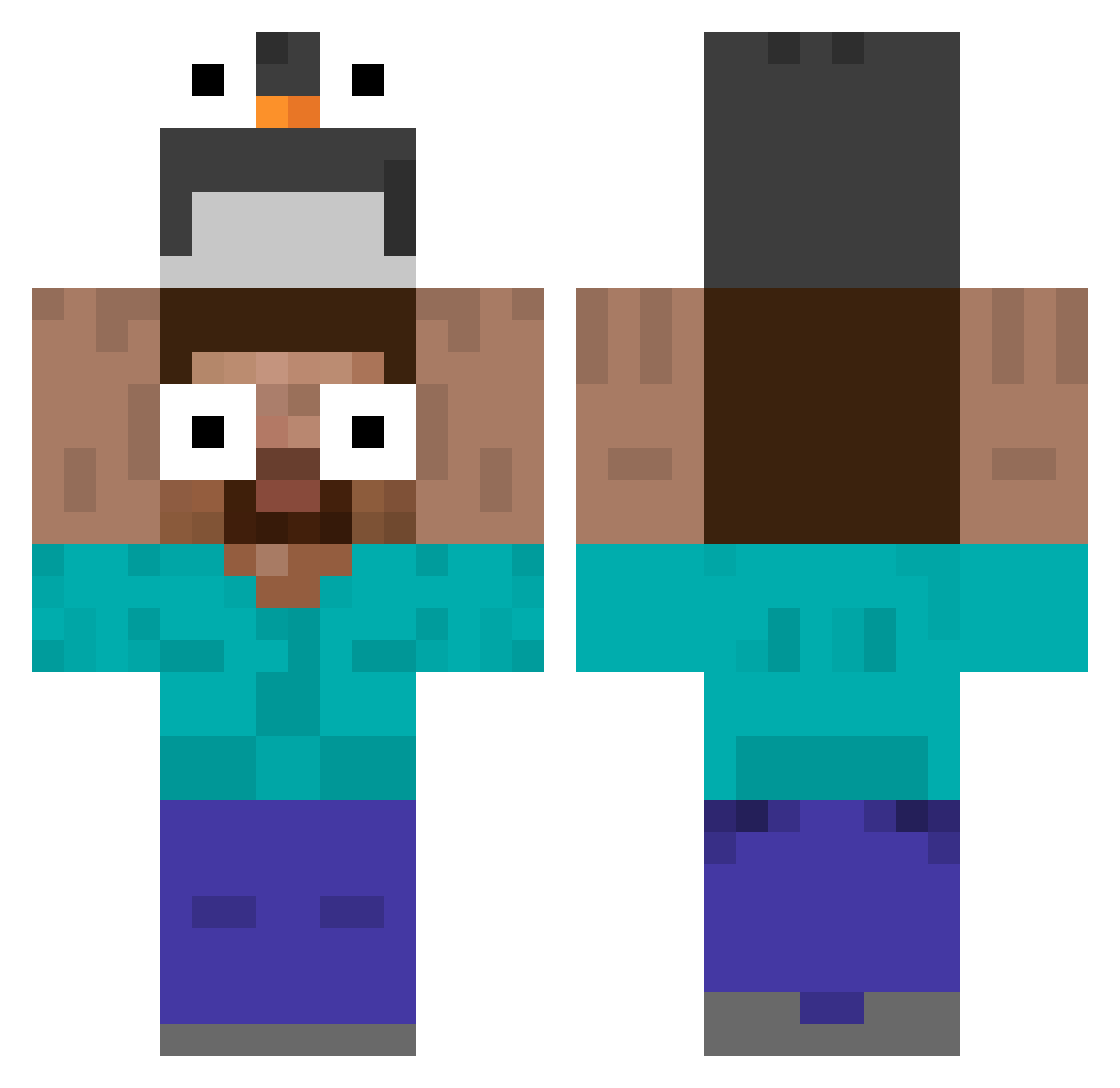
Current Minecraft skin of the player kinnuioo, loaded from the official Mojang API. Rotate the 3D model with your mouse or finger, then download the skin as a PNG file and use it in Minecraft: Bedrock Edition or Java Edition for free. When kinnuioo changes their skin, this page updates automatically and the old skin stays in the history below.
Other players with this skin (535)
kinnuioo was the 63rd player we have seen with this skin, first spotted on 07.08.2026. The same skin was seen on these players. Open a nickname to see their current skin and skin history.
 prodnaw
 jeeproad redpsycho4 Matisanu tebikwong ShinyAngelmax Scr4mmyEggy Boris1207 JUY0UNG tiresome00 LavaGold42 Andrew_2011 Charlesmrnd Hapukoore_salat yongay GuYinss zhachen Trynai S_Lua zNaxoGrr samueI567 tangtangu emrreeeee Sheezeburger RexiTo21 Goosetheboose plouxyn CryptoPug yumyys xsk3969 Twojsugardaddy BMK123 Erikrjdc Vojt3ska Edumelo27 Nexusking9 SuperDODO1119 Jolluux
 yuun03 hyunx8 PINK_GIRI SLIRRE1 DEEZnurz iafernades CiggiesNTiddies puuiu Pikachugrenin Nuc173 0droidson ShineHinode LautaroElHumilde Sonixy GeorgeZen eltiopate KKKomorebi mjh121212 CHOC69 PROLEXTER sieun0929 panosus
More Funny Eyes Minecraft skins
How to install the kinnuioo skin
- Press the Download button above to save the skin as a PNG file.
- Minecraft: Bedrock Edition (PE): open the Dressing Room from the main menu (or tap your character → Edit Character), go to Classic Skins → Owned, press the + (new skin) button, choose the downloaded PNG and pick the Classic (Steve) model. Works on PC and mobile; consoles cannot import custom skins.
- Minecraft: Java Edition: open the Minecraft Launcher, go to the Skins tab, click New Skin, load the PNG, pick the Classic (Steve) model and press Save & Use. You can also upload it at minecraft.net → Profile → Change Skin.
The skin does not show up after import - what should I do?
Restart Minecraft and open the Dressing Room again - imported skins sometimes appear only after a restart. Also make sure you selected the imported skin and picked the Classic (Steve) model.
Which model should I choose, Classic or Slim?
This skin is designed for the Classic (Steve) model. If you pick the wrong model, the arms of the skin will look stretched or squeezed.
Is the skin of kinnuioo free to download?
Yes. Press Download, save the PNG file and use it in Minecraft: Bedrock Edition or Java Edition - no payment or registration needed. The skin also works on multiplayer servers and Realms.
More skins
Looking for more? Go back to all Minecraft skins and check the top skins of the week, month and all time, or find any player's skin by nickname.