
kermit6 - Minecraft Skins & Skin History
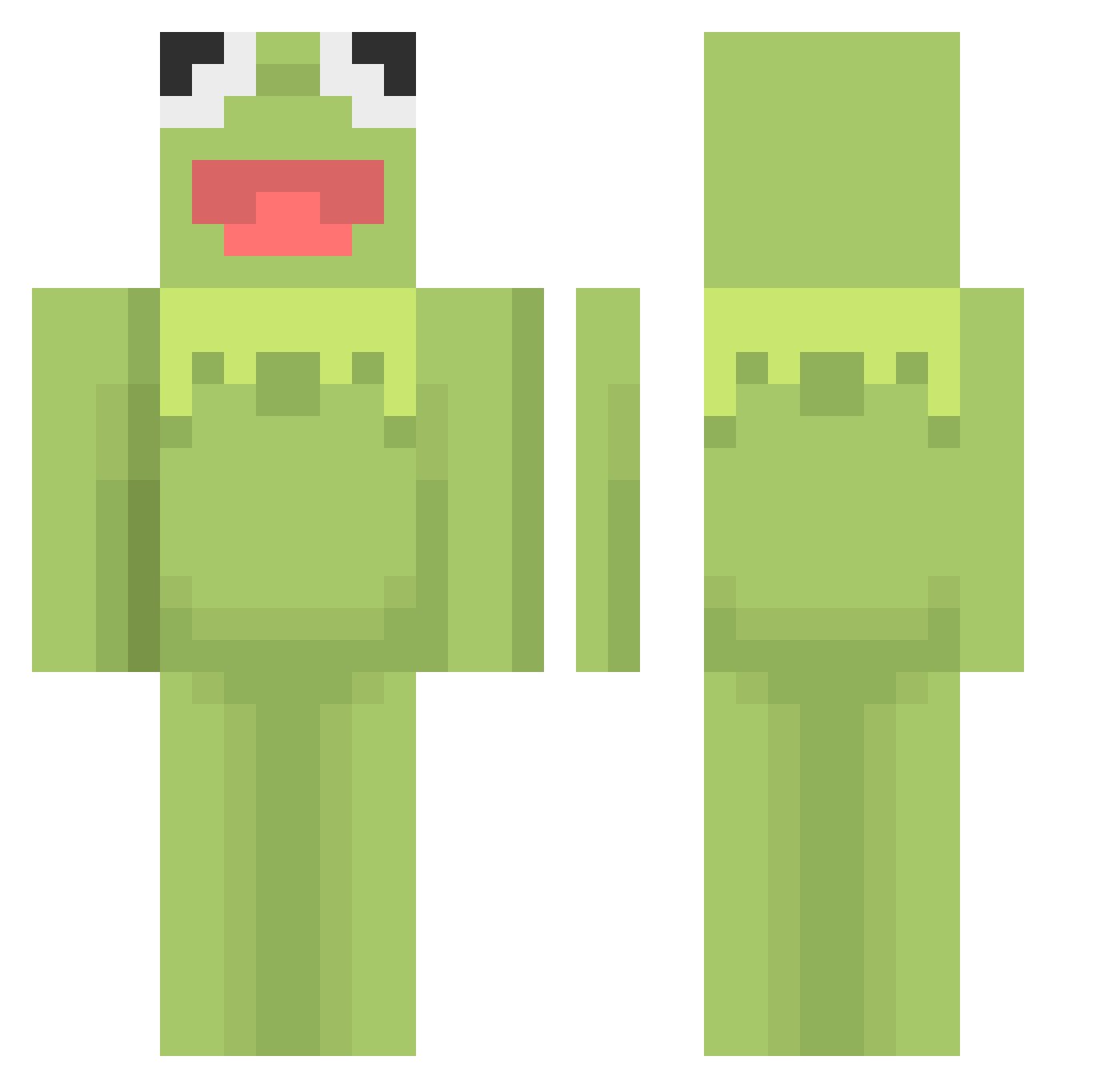
Current Minecraft skin of the player kermit6, loaded from the official Mojang API. Rotate the 3D model with your mouse or finger, then download the skin as a PNG file and use it in Minecraft: Bedrock Edition or Java Edition for free. When kermit6 changes their skin, this page updates automatically and the old skin stays in the history below.
Other players with this skin (460)
kermit6 was the 430th player we have seen with this skin, first spotted on 19.10.2026. The same skin was seen on these players. Open a nickname to see their current skin and skin history.
 Kercho69 Pog_Chip BeamerYo Po3oBa9I_KyKJIa MrSkypick RockCangler NicoletteStoopid frogfather15 ChubbyLiver mihaitzaC ChristofWhite look1234 tater2tots viviandingduong Rossmaniac Young_Stoven MEnt0ss_ julessoup Gercolaap madave Kingtaehwan hs_jins Bohaozhang xshampoos RoroPark gaby26 iambronny Biggy_Small_103 _Turpify skewbeedewski LisaWho pasttasaus kxxth seguriho13 MAXFAIL_TV tcgttv Hati05 rolling_master_ notmewthree Vladimiracles Patka_M Lil_Lizard94 LukeD123 rrqqkk Pignet frogbaby15 gooter3 TantoeZeik RestES6 miliks ADias3124 MucaLorris Nerin1 Kyyubi bbabak2 aitchmc TortillaDeMuerte Redraven763 Spo0ky1 Subject_98
More Kermit The Frog Minecraft skins
See all 394 Kermit The Frog skins
How to install the kermit6 skin
- Press the Download button above to save the skin as a PNG file.
- Minecraft: Bedrock Edition (PE): open the Dressing Room from the main menu (or tap your character → Edit Character), go to Classic Skins → Owned, press the + (new skin) button, choose the downloaded PNG and pick the Classic (Steve) model. Works on PC and mobile; consoles cannot import custom skins.
- Minecraft: Java Edition: open the Minecraft Launcher, go to the Skins tab, click New Skin, load the PNG, pick the Classic (Steve) model and press Save & Use. You can also upload it at minecraft.net → Profile → Change Skin.
The skin does not show up after import - what should I do?
Restart Minecraft and open the Dressing Room again - imported skins sometimes appear only after a restart. Also make sure you selected the imported skin and picked the Classic (Steve) model.
Which model should I choose, Classic or Slim?
This skin is designed for the Classic (Steve) model. If you pick the wrong model, the arms of the skin will look stretched or squeezed.
Is the skin of kermit6 free to download?
Yes. Press Download, save the PNG file and use it in Minecraft: Bedrock Edition or Java Edition - no payment or registration needed. The skin also works on multiplayer servers and Realms.
More skins
Looking for more? Go back to all Minecraft skins and check the top skins of the week, month and all time, or find any player's skin by nickname.