
karlkarl1234 - Minecraft Skins & Skin History
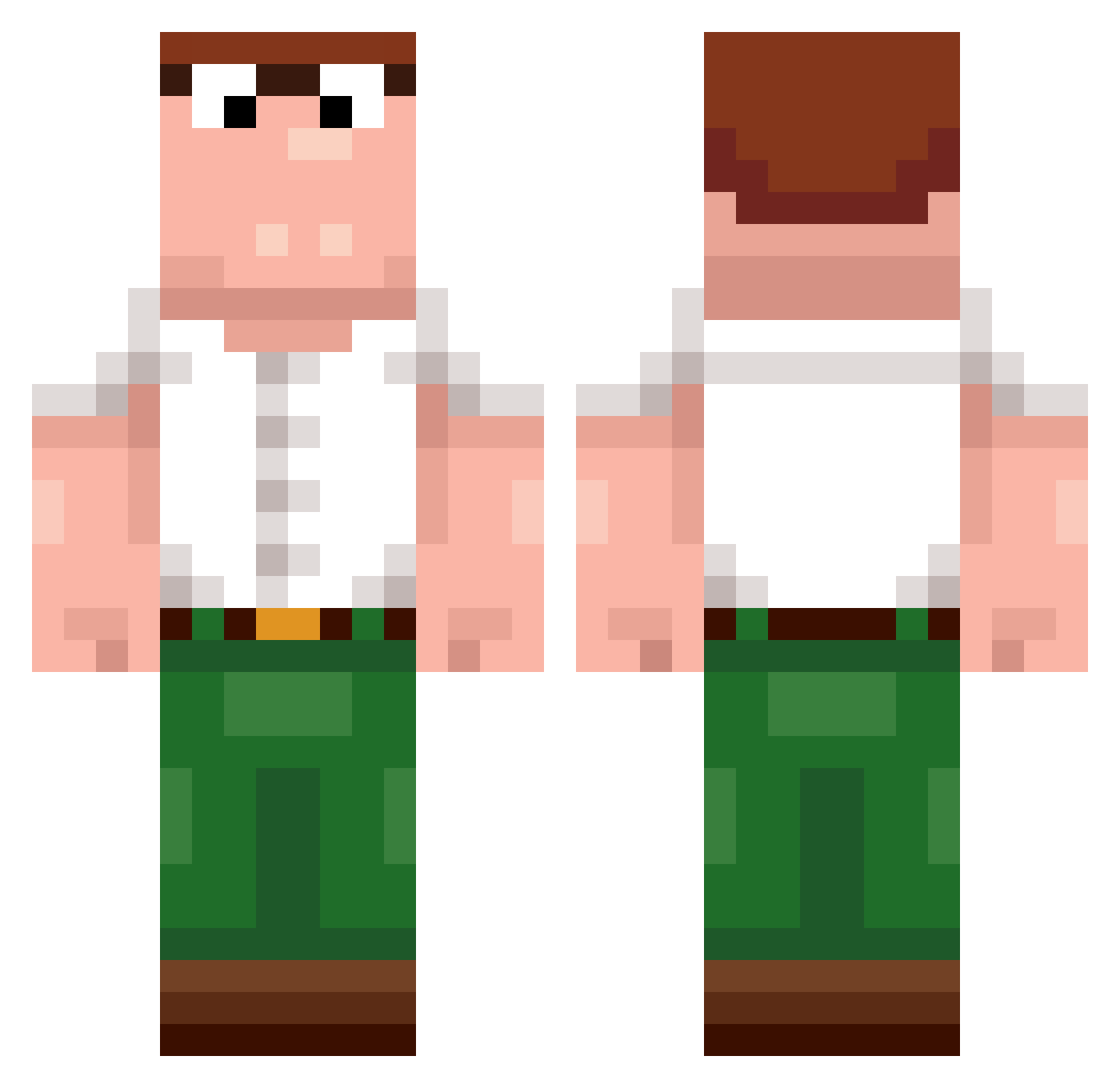
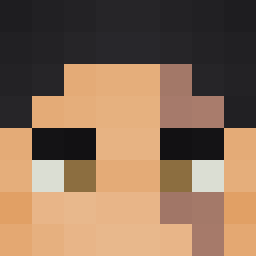
Current Minecraft skin of the player karlkarl1234, loaded from the official Mojang API. Rotate the 3D model with your mouse or finger, then download the skin as a PNG file and use it in Minecraft: Bedrock Edition or Java Edition for free. When karlkarl1234 changes their skin, this page updates automatically and the old skin stays in the history below.
Other players with this skin (389)
karlkarl1234 was the 104th player we have seen with this skin, first spotted on 16.08.2026. The same skin was seen on these players. Open a nickname to see their current skin and skin history.
 KTW__ Thunderstrike90
 MrSheckelstein14
 BombaciMusta GR4V3NTT asd123c hendric13 BedwarsYoutuber wqtxr XioryPvP
 SweptSans BigMonkey16_ LordofGhost Puck312 _rising_sun__ Wamzaa Xx_oSmart_xX xalo49 xCapybara_Kingx Jinxouille farhabaum NotADewierAlt Yaboi_mo Matti2710 thomazyk2 xDewierx blackIndianMonk DancingGirl12
 MadisonBeerFeet
 TheMasterAang13 quantm81 51q_ _BeiLiYaDaWang_ Adriano3223 SopHriman Anthony016 DaddyRoachy Yatin04 x1qf downey008 DaHai_Fu_Huo TERRANETORRR67 Sufferr TKcp Addiel30 ANDREA00Y6 masoHunter69 Banholas Dixels
 MCHB1012 n2n2n2n2n2n2n2n2 XxX_08 EliteClutch celestialpig3eon szarak11 xxBurkn Luke03407 Konsekwencja Arthur_Artanis Joybait
More Peter Griffin Minecraft skins
See all 204 Peter Griffin skins
How to install the karlkarl1234 skin
- Press the Download button above to save the skin as a PNG file.
- Minecraft: Bedrock Edition (PE): open the Dressing Room from the main menu (or tap your character → Edit Character), go to Classic Skins → Owned, press the + (new skin) button, choose the downloaded PNG and pick the Classic (Steve) model. Works on PC and mobile; consoles cannot import custom skins.
- Minecraft: Java Edition: open the Minecraft Launcher, go to the Skins tab, click New Skin, load the PNG, pick the Classic (Steve) model and press Save & Use. You can also upload it at minecraft.net → Profile → Change Skin.
The skin does not show up after import - what should I do?
Restart Minecraft and open the Dressing Room again - imported skins sometimes appear only after a restart. Also make sure you selected the imported skin and picked the Classic (Steve) model.
Which model should I choose, Classic or Slim?
This skin is designed for the Classic (Steve) model. If you pick the wrong model, the arms of the skin will look stretched or squeezed.
Is the skin of karlkarl1234 free to download?
Yes. Press Download, save the PNG file and use it in Minecraft: Bedrock Edition or Java Edition - no payment or registration needed. The skin also works on multiplayer servers and Realms.
More skins
Looking for more? Go back to all Minecraft skins and check the top skins of the week, month and all time, or find any player's skin by nickname.