
kajuslol159 - Minecraft Skins & Skin History
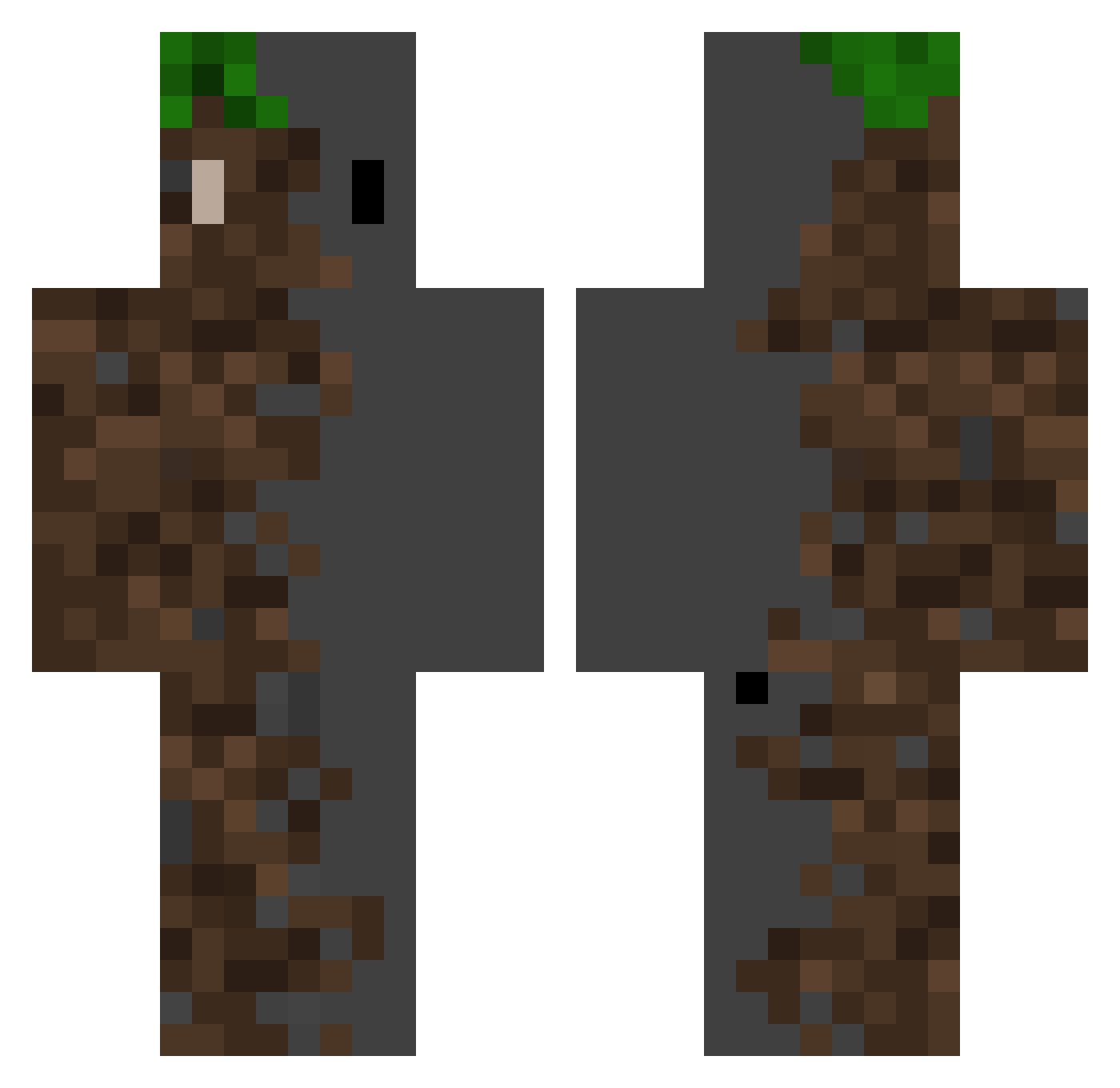
Current Minecraft skin of the player kajuslol159, loaded from the official Mojang API. Rotate the 3D model with your mouse or finger, then download the skin as a PNG file and use it in Minecraft: Bedrock Edition or Java Edition for free. When kajuslol159 changes their skin, this page updates automatically and the old skin stays in the history below.
Other players with this skin (371)
kajuslol159 was the 318th player we have seen with this skin, first spotted on 22.10.2026. The same skin was seen on these players. Open a nickname to see their current skin and skin history.
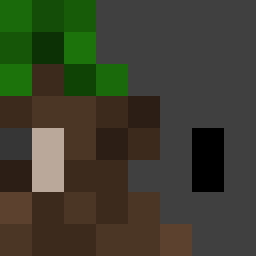 MackMiller19 MaxiGaming1 KMemory_w ThiccGabeyBaby Sparkiche Z4Sam ClumsyAkaya finfr QuantonV1 Koryo011 AiEmLoReNzO AllanFlores The_Arelerlyas Monocoa YokyBear theonlyprogamer6 Gruene_Tomate oWelp M105Tougo1204 ahnak_137 RazerCR Ochron Shrimp52 Facundoof ArturKrasnal 07_Nojihwan Carnea0 MSGramen bjsugho Kaualf QRtime anlus999 grey8000 jaglum123 kine_system qwer0607 Torpid2k Tsuki_Ishikawa Lab_123 levi69goat Global_Box lingonsylt14 Tempest_22 yddadraw Ranged_nerd mrTascmaster yhj01 xPixelated_ Olopl98 nazenane Miku_unique Kartoska2233 soundofhope Anthoni531 qpep2067 BangTheSTV NotAkki Arsen_charon Another_Angle Shui_Ma
More Dirt Block Minecraft skins
How to install the kajuslol159 skin
- Press the Download button above to save the skin as a PNG file.
- Minecraft: Bedrock Edition (PE): open the Dressing Room from the main menu (or tap your character → Edit Character), go to Classic Skins → Owned, press the + (new skin) button, choose the downloaded PNG and pick the Classic (Steve) model. Works on PC and mobile; consoles cannot import custom skins.
- Minecraft: Java Edition: open the Minecraft Launcher, go to the Skins tab, click New Skin, load the PNG, pick the Classic (Steve) model and press Save & Use. You can also upload it at minecraft.net → Profile → Change Skin.
The skin does not show up after import - what should I do?
Restart Minecraft and open the Dressing Room again - imported skins sometimes appear only after a restart. Also make sure you selected the imported skin and picked the Classic (Steve) model.
Which model should I choose, Classic or Slim?
This skin is designed for the Classic (Steve) model. If you pick the wrong model, the arms of the skin will look stretched or squeezed.
Is the skin of kajuslol159 free to download?
Yes. Press Download, save the PNG file and use it in Minecraft: Bedrock Edition or Java Edition - no payment or registration needed. The skin also works on multiplayer servers and Realms.
More skins
Looking for more? Go back to all Minecraft skins and check the top skins of the week, month and all time, or find any player's skin by nickname.