
justin_king09 - Minecraft Skins & Skin History
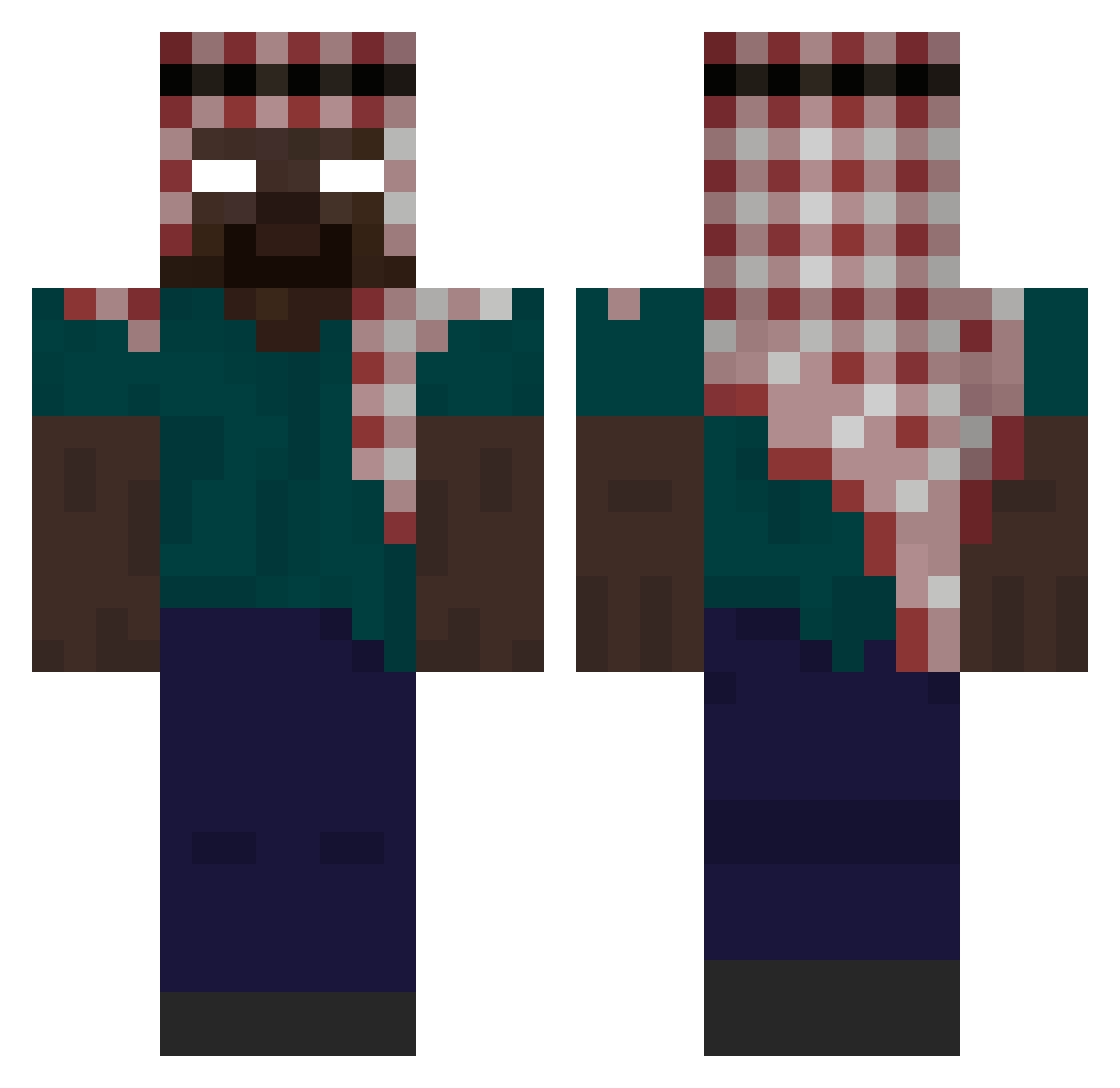
Current Minecraft skin of the player justin_king09, loaded from the official Mojang API. Rotate the 3D model with your mouse or finger, then download the skin as a PNG file and use it in Minecraft: Bedrock Edition or Java Edition for free. When justin_king09 changes their skin, this page updates automatically and the old skin stays in the history below.
Other players with this skin (395)
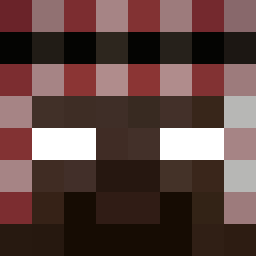
justin_king09 was the 129th player we have seen with this skin, first spotted on 27.08.2026. The same skin was seen on these players. Open a nickname to see their current skin and skin history.
 7XUAXY AdvancedShadow trixxxxxxxxxxx _tootired LOUNATORES HitlerMaster69 Babryg joelmp09 alharbi913 minibroski7 negrocuadrado SushiSensei20 MgMaOfG2k Pedroxnnzz ujxb kidkush ClayZuDemMore lth9wx DziQQ_ SupermanThat jjrr542 carlossssss Smeal99 tlgsyn PURCIAL VxSenpai CosmicK Yakiando CrazySnuft ballgrips samvval yps1ktog3j cx330yx YousifA3513 Merc_Clean LipzoxSaiyan Pesca_Hanson Wrosty00 MLoti10 nicollaswagner TRDZ200 gw3nz_ v3gas1 yuikichi BANN31 Aiglor009 yuribomr onlinebruh MinecraftF1234 Gawsou_u1 justsmoked1pound PinaGostoso Chefran782 YusufABAC frank6942 FORTUNA333 Talivban GustavoRokk aaravoss Fanope
More Keffiyeh Minecraft skins
How to install the justin_king09 skin
- Press the Download button above to save the skin as a PNG file.
- Minecraft: Bedrock Edition (PE): open the Dressing Room from the main menu (or tap your character → Edit Character), go to Classic Skins → Owned, press the + (new skin) button, choose the downloaded PNG and pick the Classic (Steve) model. Works on PC and mobile; consoles cannot import custom skins.
- Minecraft: Java Edition: open the Minecraft Launcher, go to the Skins tab, click New Skin, load the PNG, pick the Classic (Steve) model and press Save & Use. You can also upload it at minecraft.net → Profile → Change Skin.
The skin does not show up after import - what should I do?
Restart Minecraft and open the Dressing Room again - imported skins sometimes appear only after a restart. Also make sure you selected the imported skin and picked the Classic (Steve) model.
Which model should I choose, Classic or Slim?
This skin is designed for the Classic (Steve) model. If you pick the wrong model, the arms of the skin will look stretched or squeezed.
Is the skin of justin_king09 free to download?
Yes. Press Download, save the PNG file and use it in Minecraft: Bedrock Edition or Java Edition - no payment or registration needed. The skin also works on multiplayer servers and Realms.
More skins
Looking for more? Go back to all Minecraft skins and check the top skins of the week, month and all time, or find any player's skin by nickname.