
julianferrer73 - Minecraft Skins & Skin History
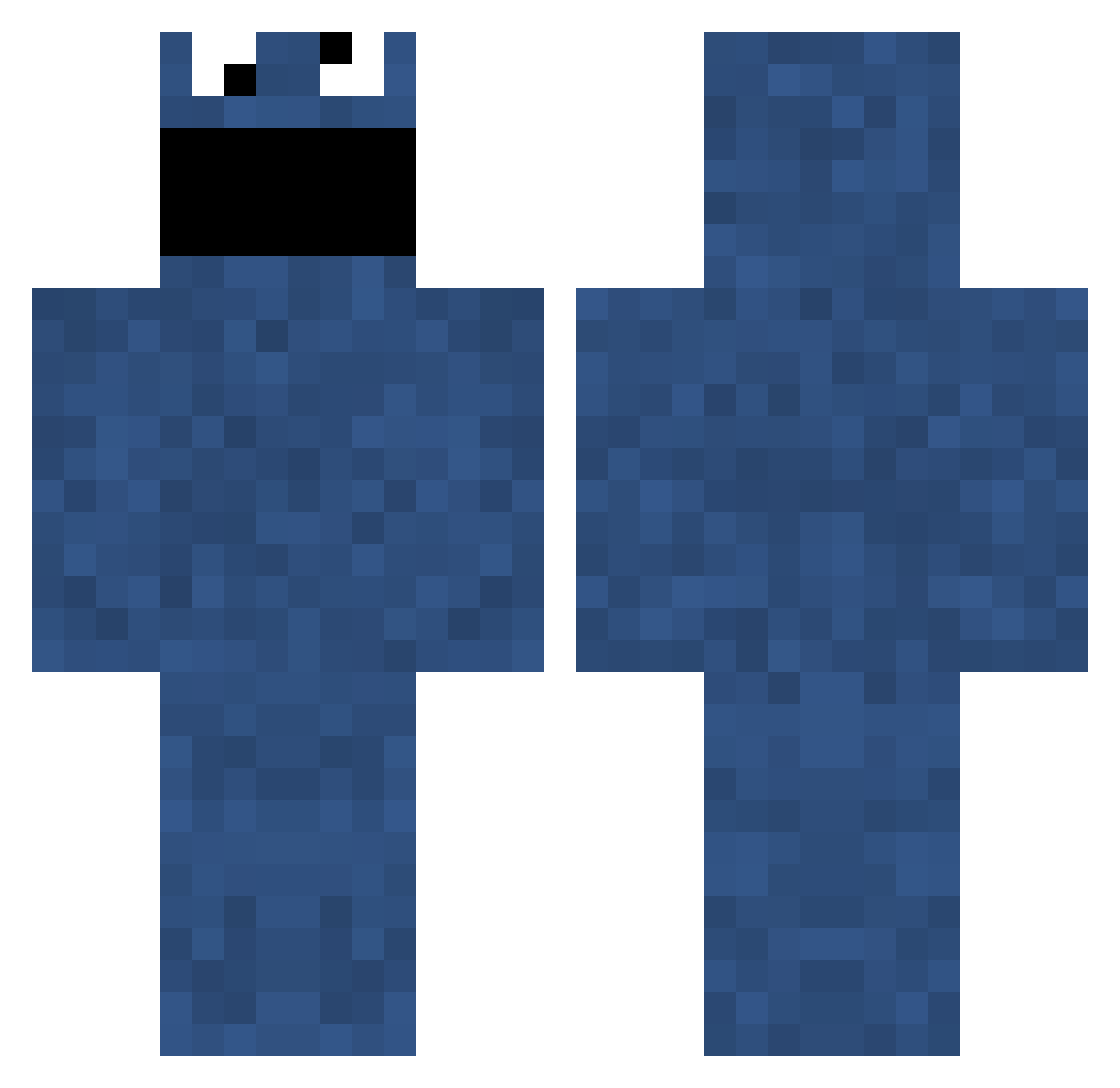
Current Minecraft skin of the player julianferrer73, loaded from the official Mojang API. Rotate the 3D model with your mouse or finger, then download the skin as a PNG file and use it in Minecraft: Bedrock Edition or Java Edition for free. When julianferrer73 changes their skin, this page updates automatically and the old skin stays in the history below.
Other players with this skin (703)
julianferrer73 was the 241st player we have seen with this skin, first spotted on 27.08.2026. The same skin was seen on these players. Open a nickname to see their current skin and skin history.
 Wolfeman9994 sensei_yume Mishdog97 mglhfe1 Atur TaylorCook91 thieftik ewok824 Dinosaur840 Hplummer sarahlolface jamiehorsley Shelwe DrClaw_ mrlasse2000 zumiAL DonNatus kontroversx3 Floozenheimen MarkRSi MinedAssassin GrimKeeper DiscoBagel Triick_HD MaBuSc PAUL_HURT cloud409 FCPatchy donnamb Thaddeus97 Lokykun Reecetheminer MAG1CS SmicksPB Woesh warlordttocs xalotl Yowie Jinks87 ekyaats yugios ravade DONTACOS NUTricious sholk TerminalAddict iPeVo StevenBasler WordsByThePeople Roons DrSexy55 jrudden Clitys AlexDTate alexhassler Thupio happy_buddy12 Moereh Neotis madcl
More Cookie Monster Minecraft skins
See all 241 Cookie Monster skins
How to install the julianferrer73 skin
- Press the Download button above to save the skin as a PNG file.
- Minecraft: Bedrock Edition (PE): open the Dressing Room from the main menu (or tap your character → Edit Character), go to Classic Skins → Owned, press the + (new skin) button, choose the downloaded PNG and pick the Classic (Steve) model. Works on PC and mobile; consoles cannot import custom skins.
- Minecraft: Java Edition: open the Minecraft Launcher, go to the Skins tab, click New Skin, load the PNG, pick the Classic (Steve) model and press Save & Use. You can also upload it at minecraft.net → Profile → Change Skin.
The skin does not show up after import - what should I do?
Restart Minecraft and open the Dressing Room again - imported skins sometimes appear only after a restart. Also make sure you selected the imported skin and picked the Classic (Steve) model.
Which model should I choose, Classic or Slim?
This skin is designed for the Classic (Steve) model. If you pick the wrong model, the arms of the skin will look stretched or squeezed.
Is the skin of julianferrer73 free to download?
Yes. Press Download, save the PNG file and use it in Minecraft: Bedrock Edition or Java Edition - no payment or registration needed. The skin also works on multiplayer servers and Realms.
More skins
Looking for more? Go back to all Minecraft skins and check the top skins of the week, month and all time, or find any player's skin by nickname.