
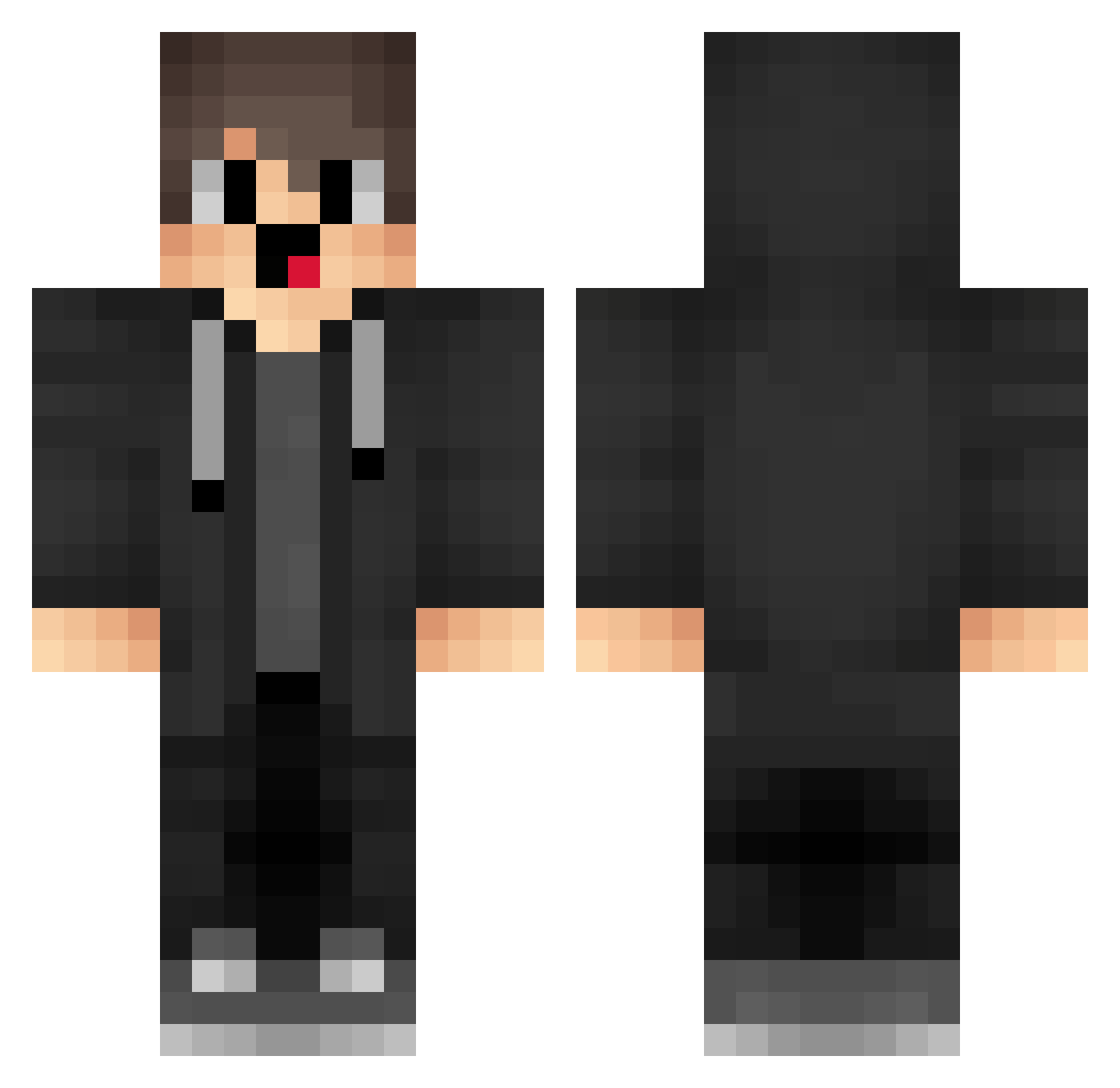
Current Minecraft skin of the player jpO69, loaded from the official Mojang API. Rotate the 3D model with your mouse or finger, then download the skin as a PNG file and use it in Minecraft: Bedrock Edition or Java Edition for free. When jpO69 changes their skin, this page updates automatically and the old skin stays in the history below.
Other players with this skin (1284)
jpO69 was the 512th player we have seen with this skin, first spotted on 29.08.2026. The same skin was seen on these players. Open a nickname to see their current skin and skin history.
 TDF151 BhopTX ZhangRuiTongX QwD625 caK81 XAs878 sRW699 gkI872 qhI371 BFv925 pcS369 mvs192 cis416 xiaozhuhvh PCs150 box_HhAFryimp848 Xmotor85X Delgaded brR598 GODayesr hFA847 JPQ127 YYd916 rne393 ORw164 yys332 HaroldNC xLw833 nick19613 GjM297 wocaonimajiba114 Eth_Gaming opf410 IzB745 GCH310 ahmetkuran lZc640 ZtN92 Gzw295 lNY853 ERt224 jrZ908 lNS703 lwfe Duged cpZ323 EGO353 Rainbowk_Q2dS0VE PRISTIK500 mbd31 box_pVpwSCwkh918 MerryMM YbV812 Wsmnb_2011 YWD298 Cnu663 gTx285 Rainbowk_OsM6mOG tsP942 LtM48
How to install the jpO69 skin
- Press the Download button above to save the skin as a PNG file.
- Minecraft: Bedrock Edition (PE): open the Dressing Room from the main menu (or tap your character → Edit Character), go to Classic Skins → Owned, press the + (new skin) button, choose the downloaded PNG and pick the Classic (Steve) model. Works on PC and mobile; consoles cannot import custom skins.
- Minecraft: Java Edition: open the Minecraft Launcher, go to the Skins tab, click New Skin, load the PNG, pick the Classic (Steve) model and press Save & Use. You can also upload it at minecraft.net → Profile → Change Skin.
The skin does not show up after import - what should I do?
Restart Minecraft and open the Dressing Room again - imported skins sometimes appear only after a restart. Also make sure you selected the imported skin and picked the Classic (Steve) model.
Which model should I choose, Classic or Slim?
This skin is designed for the Classic (Steve) model. If you pick the wrong model, the arms of the skin will look stretched or squeezed.
Is the skin of jpO69 free to download?
Yes. Press Download, save the PNG file and use it in Minecraft: Bedrock Edition or Java Edition - no payment or registration needed. The skin also works on multiplayer servers and Realms.
More skins
Looking for more? Go back to all Minecraft skins and check the top skins of the week, month and all time, or find any player's skin by nickname.