
johnald91 - Minecraft Skins & Skin History
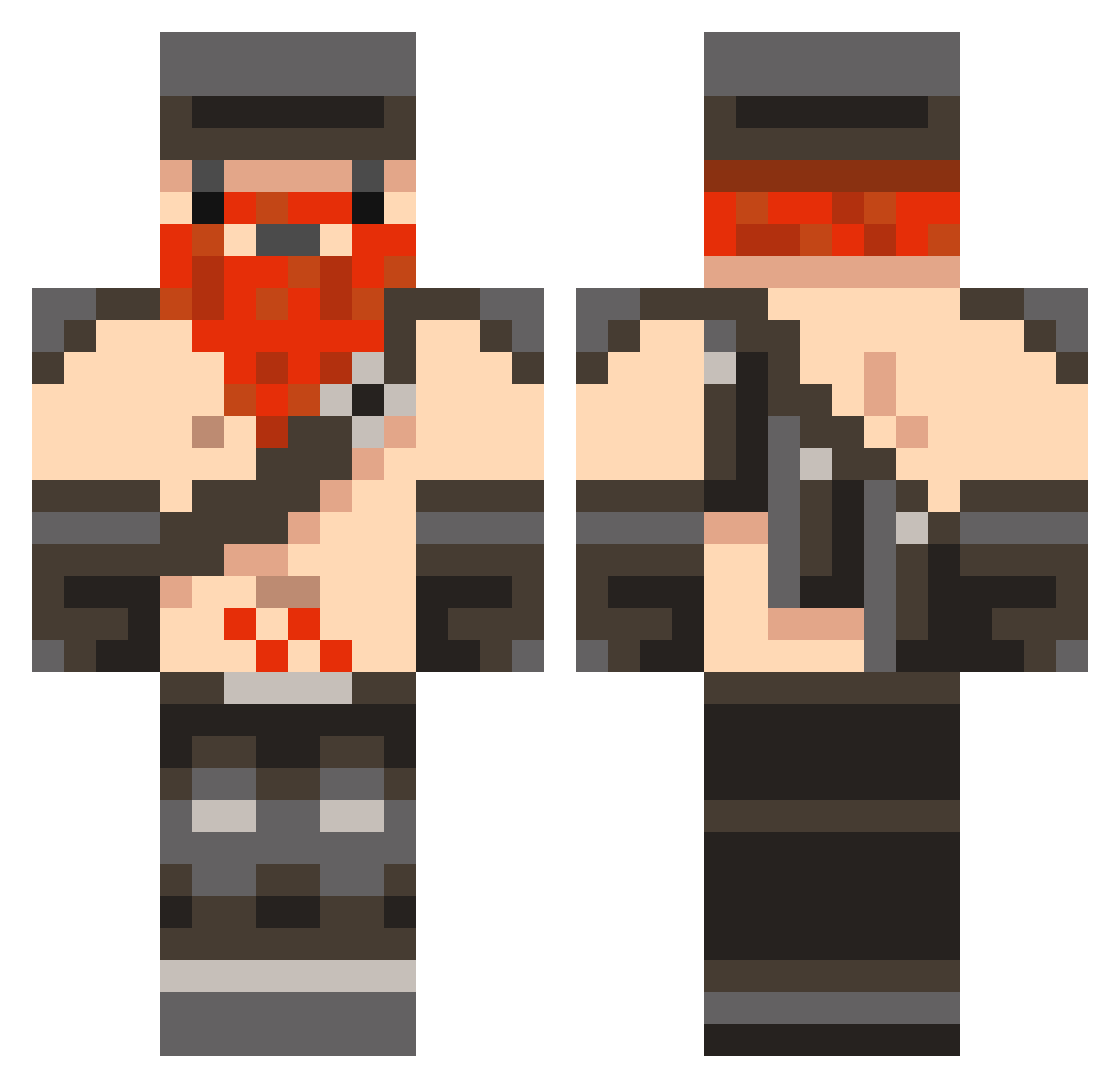
Current Minecraft skin of the player johnald91, loaded from the official Mojang API. Rotate the 3D model with your mouse or finger, then download the skin as a PNG file and use it in Minecraft: Bedrock Edition or Java Edition for free. When johnald91 changes their skin, this page updates automatically and the old skin stays in the history below.
Other players with this skin (846)
johnald91 was the 521st player we have seen with this skin, first spotted on 30.09.2026. The same skin was seen on these players. Open a nickname to see their current skin and skin history.
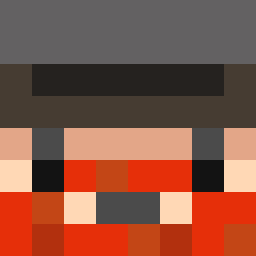 bob132004 ApertureMining fireboy100422 momabear123 aerospacegod Billy4440 CodenameEvil Makimus jepp7288 Tractor08 Bazzoblake MysteriousD THEHUNTER6065 terminator6578 BrickTip NannaStodd Dwarfydwarf Honeydew_ROX sweetbl4 MasterBuilding williamdoar amckenzie9 danmonks bluedemon400 DjMars Tanesius Slotherfield TheZuluMan Skalagrimson timtim997 CaptainFire890 nicolayeugen ou812i81b4u bman0 gpix13 MestredosMagos superhero600 seasea41 destyrer321 Gilzone joedzn ridebmx jason2697 alzer80 vodkar7 engoman1234 fatboytris starguy100 marc124125 Boball PepperGutt ONLYMYGFRIEND OliGeesus Mirokert ASFelliot FuCkYeAhBiTcH Neon_Poison2905 PJBear rad197 rjdes
More Dwarf Minecraft skins
How to install the johnald91 skin
- Press the Download button above to save the skin as a PNG file.
- Minecraft: Bedrock Edition (PE): open the Dressing Room from the main menu (or tap your character → Edit Character), go to Classic Skins → Owned, press the + (new skin) button, choose the downloaded PNG and pick the Classic (Steve) model. Works on PC and mobile; consoles cannot import custom skins.
- Minecraft: Java Edition: open the Minecraft Launcher, go to the Skins tab, click New Skin, load the PNG, pick the Classic (Steve) model and press Save & Use. You can also upload it at minecraft.net → Profile → Change Skin.
The skin does not show up after import - what should I do?
Restart Minecraft and open the Dressing Room again - imported skins sometimes appear only after a restart. Also make sure you selected the imported skin and picked the Classic (Steve) model.
Which model should I choose, Classic or Slim?
This skin is designed for the Classic (Steve) model. If you pick the wrong model, the arms of the skin will look stretched or squeezed.
Is the skin of johnald91 free to download?
Yes. Press Download, save the PNG file and use it in Minecraft: Bedrock Edition or Java Edition - no payment or registration needed. The skin also works on multiplayer servers and Realms.
More skins
Looking for more? Go back to all Minecraft skins and check the top skins of the week, month and all time, or find any player's skin by nickname.