
jmh030625 - Minecraft Skins & Skin History
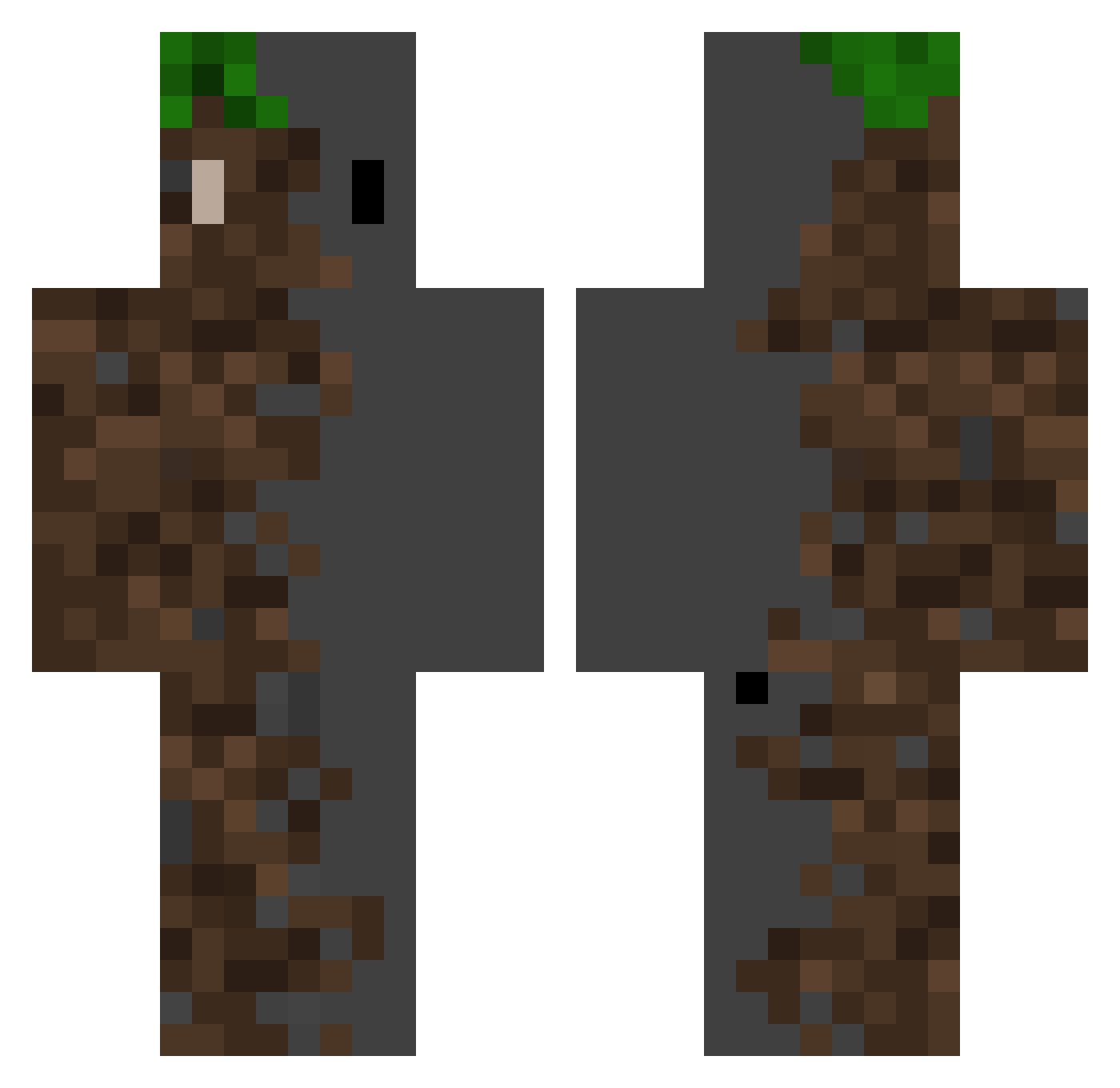
Current Minecraft skin of the player jmh030625, loaded from the official Mojang API. Rotate the 3D model with your mouse or finger, then download the skin as a PNG file and use it in Minecraft: Bedrock Edition or Java Edition for free. When jmh030625 changes their skin, this page updates automatically and the old skin stays in the history below.
Other players with this skin (371)
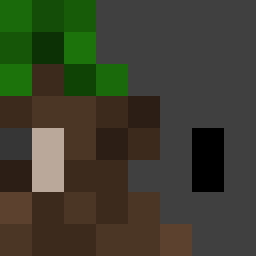
jmh030625 was the 222nd player we have seen with this skin, first spotted on 29.09.2026. The same skin was seen on these players. Open a nickname to see their current skin and skin history.
 JobyGDixon25 Danielts Bartixon_97 Rsmon Eros_V Iamgravity120 oms5400 DOG_8607666 not_benjita2 Syerumy MenelicaInvi SweetBenefit ErLopezno Waruan WeD5s danielgargon07 Happycowboy101 codernum66 Jounathanks Son0524 Ariban Olifierr Der_Ich Jauregui_96 ErickMCK SUKUNBA Deepyturtlesz NormalErde jacobjw11 segwaydonots krayyesaaaa WoozyAcrobat85 PieCan RoyalGuardianAlt Jacklo Twxss HugoDLC balalai4ka Tammo816 Lavatroll Maxiaan13 CJM0729 muzato kpo00o RekO01 DEEPHRA Casz xXYugieXx twilight_1212 MouldyRat69 Four_wind BMac_14 GoReNuA DCindor Awkwardz17 K_hoods Felfox8294 biban07 fs86 nazegreen
More Dirt Block Minecraft skins
How to install the jmh030625 skin
- Press the Download button above to save the skin as a PNG file.
- Minecraft: Bedrock Edition (PE): open the Dressing Room from the main menu (or tap your character → Edit Character), go to Classic Skins → Owned, press the + (new skin) button, choose the downloaded PNG and pick the Classic (Steve) model. Works on PC and mobile; consoles cannot import custom skins.
- Minecraft: Java Edition: open the Minecraft Launcher, go to the Skins tab, click New Skin, load the PNG, pick the Classic (Steve) model and press Save & Use. You can also upload it at minecraft.net → Profile → Change Skin.
The skin does not show up after import - what should I do?
Restart Minecraft and open the Dressing Room again - imported skins sometimes appear only after a restart. Also make sure you selected the imported skin and picked the Classic (Steve) model.
Which model should I choose, Classic or Slim?
This skin is designed for the Classic (Steve) model. If you pick the wrong model, the arms of the skin will look stretched or squeezed.
Is the skin of jmh030625 free to download?
Yes. Press Download, save the PNG file and use it in Minecraft: Bedrock Edition or Java Edition - no payment or registration needed. The skin also works on multiplayer servers and Realms.
More skins
Looking for more? Go back to all Minecraft skins and check the top skins of the week, month and all time, or find any player's skin by nickname.