
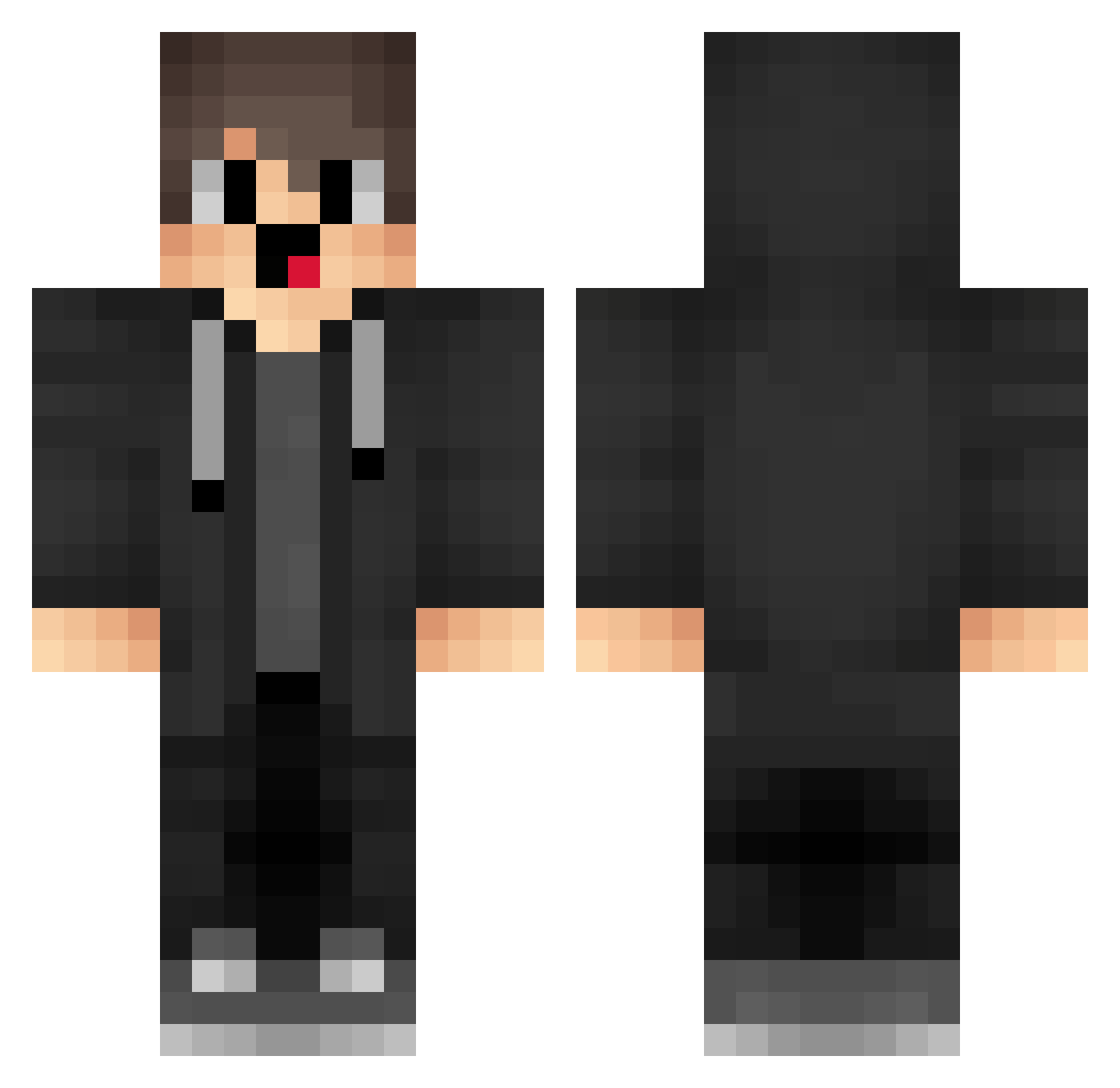
Current Minecraft skin of the player jlc390, loaded from the official Mojang API. Rotate the 3D model with your mouse or finger, then download the skin as a PNG file and use it in Minecraft: Bedrock Edition or Java Edition for free. When jlc390 changes their skin, this page updates automatically and the old skin stays in the history below.
Other players with this skin (1282)
jlc390 was the 1206th player we have seen with this skin, first spotted on 12.10.2026. The same skin was seen on these players. Open a nickname to see their current skin and skin history.
 WGA418 Zlz635 box_gtDFgaRPp741 6gs_code_5e7 iEL400 jgd120 tzi_x4lD6_0819 ASe841 Kuakd Gfi_TX fpe433 dtb685 Star_547 JesusPromGGYJN91 rIn642 WJF150 sb_Sunst_06_11 tsx976 atomatak box_XTVOicomU796 taiyi_xa PdM661 vkm466 kzF530 box_aQcTZBWQU939 Dgc683 RwE175 IDU35 DpG641 NTg323 goofyCordial5 Ha_gen_Daz yfg43 PhoenixYYZ hSX185 hdo562 BwG945 CgZ34 ShadowKnight9178 box_UtmqOlZlL169 ree563 wKF684 RbI118 Adrian_MV sweetsNOOB box_fvOJnHmZH725 IDO397 Sa3ura_2002 uWk876 HIx647 cVD894 uho414 9__Xa MichealZ117 VBR578 _Phyn1X kdawk nNC841 uTI985 NfC979
How to install the jlc390 skin
- Press the Download button above to save the skin as a PNG file.
- Minecraft: Bedrock Edition (PE): open the Dressing Room from the main menu (or tap your character → Edit Character), go to Classic Skins → Owned, press the + (new skin) button, choose the downloaded PNG and pick the Classic (Steve) model. Works on PC and mobile; consoles cannot import custom skins.
- Minecraft: Java Edition: open the Minecraft Launcher, go to the Skins tab, click New Skin, load the PNG, pick the Classic (Steve) model and press Save & Use. You can also upload it at minecraft.net → Profile → Change Skin.
The skin does not show up after import - what should I do?
Restart Minecraft and open the Dressing Room again - imported skins sometimes appear only after a restart. Also make sure you selected the imported skin and picked the Classic (Steve) model.
Which model should I choose, Classic or Slim?
This skin is designed for the Classic (Steve) model. If you pick the wrong model, the arms of the skin will look stretched or squeezed.
Is the skin of jlc390 free to download?
Yes. Press Download, save the PNG file and use it in Minecraft: Bedrock Edition or Java Edition - no payment or registration needed. The skin also works on multiplayer servers and Realms.
More skins
Looking for more? Go back to all Minecraft skins and check the top skins of the week, month and all time, or find any player's skin by nickname.