
isakjohannes - Minecraft Skins & Skin History
Current Minecraft skin of the player isakjohannes, loaded from the official Mojang API. Rotate the 3D model with your mouse or finger, then download the skin as a PNG file and use it in Minecraft: Bedrock Edition or Java Edition for free. When isakjohannes changes their skin, this page updates automatically and the old skin stays in the history below.
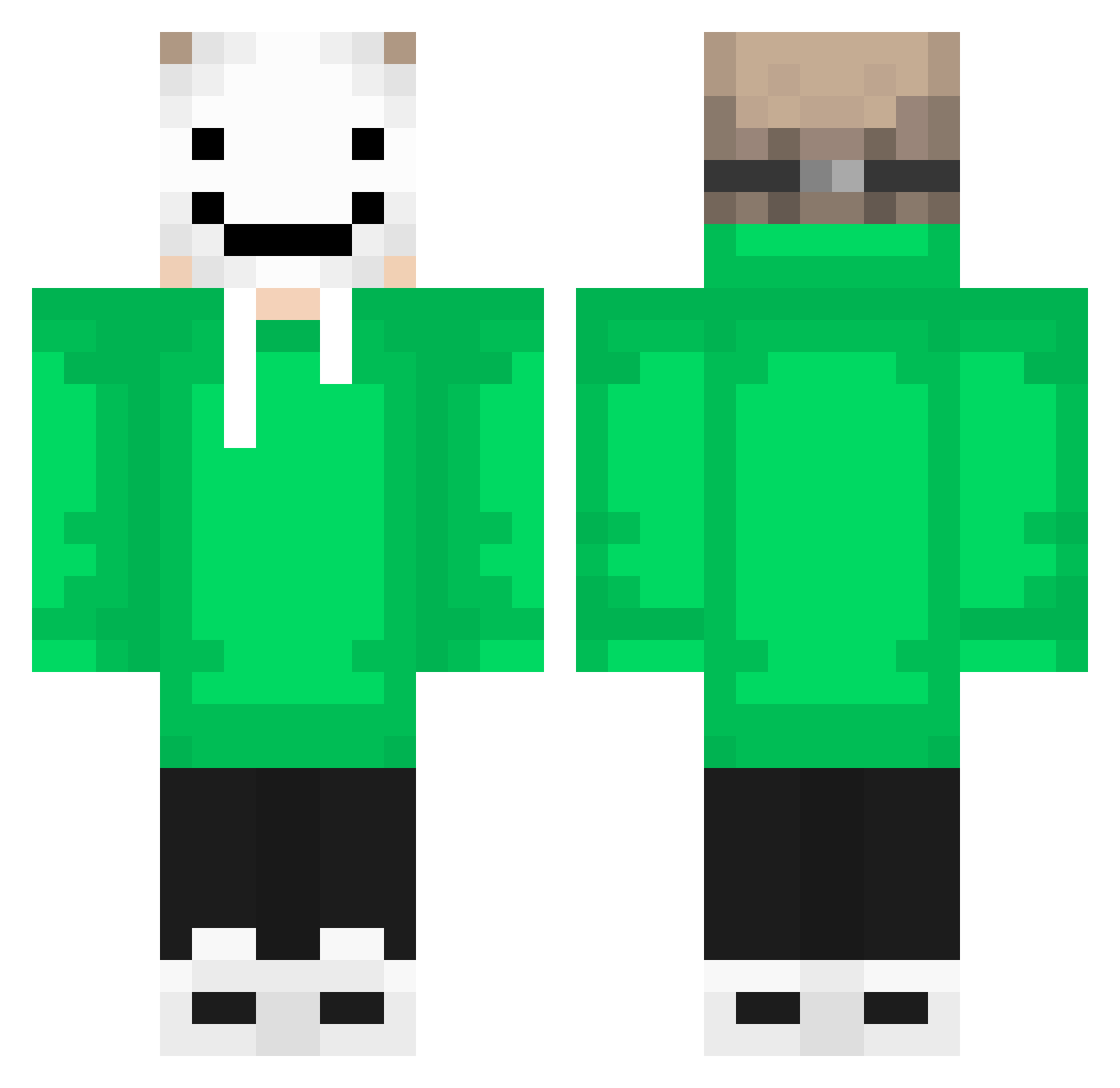
Other players with this skin (285)
isakjohannes was the 5th player we have seen with this skin, first spotted on 25.07.2026. The same skin was seen on these players. Open a nickname to see their current skin and skin history.
 OlliPolli11 AngelTheWolf14 CNbilibilibi2438
 Dream269 Corey_Wade deadpool7022 Plowver SamGoneMissing ivo7771 Reflex_JJ Noahmain12 TripodGamez62 Emil113 king1_lor Harpuia TopDawgEnt LMBGAMING2007 choijinwon1 ttv_ChillBedwars nuke1004 Ravilol Dice_fc Casillitas33 dadilei707 FlyingBretzel33 DarknessTypeE chomeon2 CarelessPapa Xx_Ondaaaq_xX jh9298 Cielo_701 L0rd_Sn0w Drago_mp Beerkingson kirill_mat Pickle5359 MARCOCL131 Noobxgaming Maw3rikCZ aoife244 saiyanameko James_Halliday_ balumba228 king_sheaMC
 Galaxy0316 Blitzzzzzzzzz Komporokid Brim28 diniro10 Scorpion122712 bigdino2000 QinKaiX Majoman5 AppleSauceSam SonOfZeus8835 xXVAROCOXx P4TR1KXD fortill monopotato incinerator0
More Smiley Face Minecraft skins
See all 2039 Smiley Face skins
How to install the isakjohannes skin
- Press the Download button above to save the skin as a PNG file.
- Minecraft: Bedrock Edition (PE): open the Dressing Room from the main menu (or tap your character → Edit Character), go to Classic Skins → Owned, press the + (new skin) button, choose the downloaded PNG and pick the Classic (Steve) model. Works on PC and mobile; consoles cannot import custom skins.
- Minecraft: Java Edition: open the Minecraft Launcher, go to the Skins tab, click New Skin, load the PNG, pick the Classic (Steve) model and press Save & Use. You can also upload it at minecraft.net → Profile → Change Skin.
The skin does not show up after import - what should I do?
Restart Minecraft and open the Dressing Room again - imported skins sometimes appear only after a restart. Also make sure you selected the imported skin and picked the Classic (Steve) model.
Which model should I choose, Classic or Slim?
This skin is designed for the Classic (Steve) model. If you pick the wrong model, the arms of the skin will look stretched or squeezed.
Is the skin of isakjohannes free to download?
Yes. Press Download, save the PNG file and use it in Minecraft: Bedrock Edition or Java Edition - no payment or registration needed. The skin also works on multiplayer servers and Realms.
More skins
Looking for more? Go back to all Minecraft skins and check the top skins of the week, month and all time, or find any player's skin by nickname.