
isai582 - Minecraft Skins & Skin History
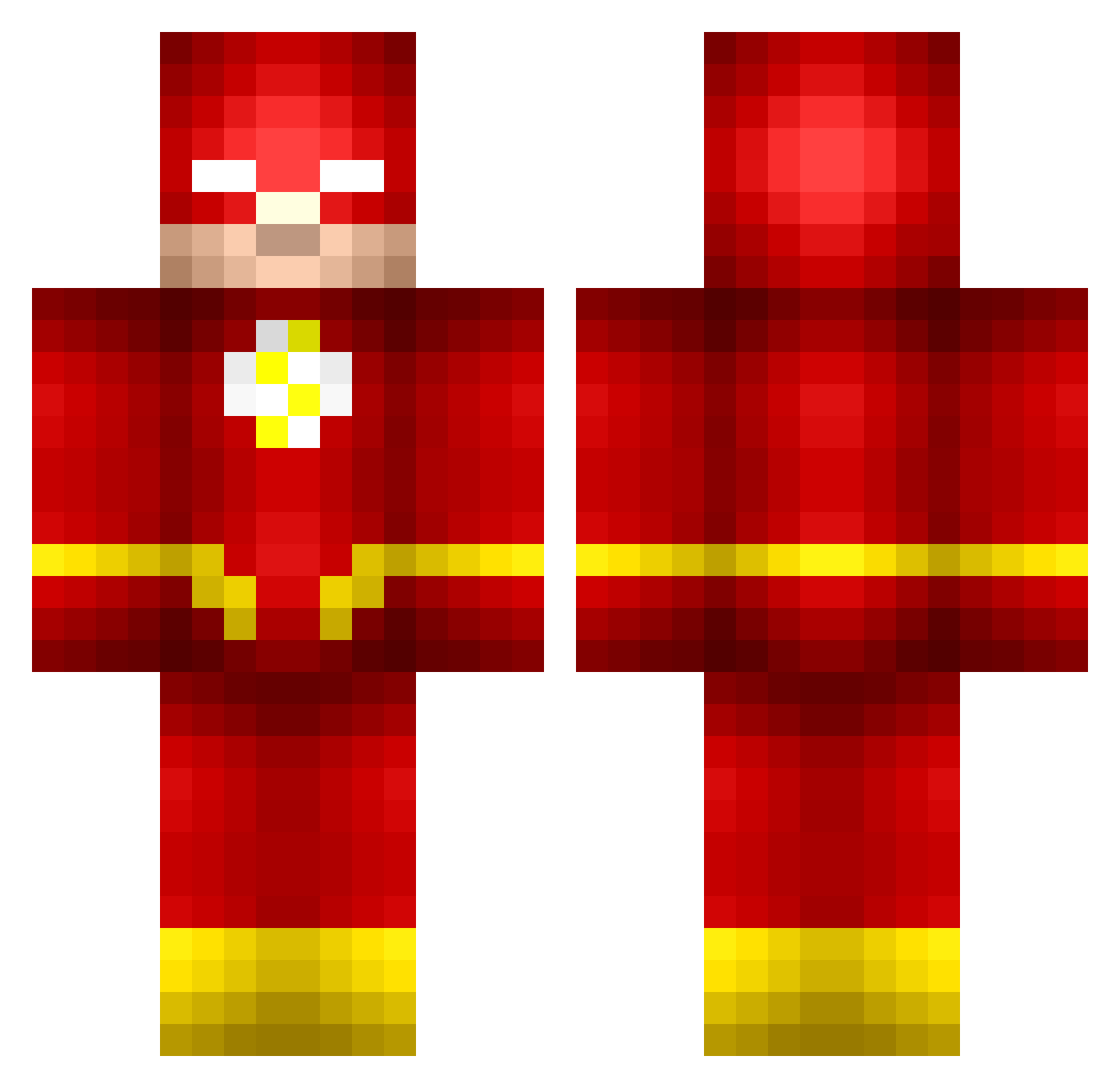
Current Minecraft skin of the player isai582, loaded from the official Mojang API. Rotate the 3D model with your mouse or finger, then download the skin as a PNG file and use it in Minecraft: Bedrock Edition or Java Edition for free. When isai582 changes their skin, this page updates automatically and the old skin stays in the history below.
Other players with this skin (175)
isai582 was the 31st player we have seen with this skin, first spotted on 16.08.2026. The same skin was seen on these players. Open a nickname to see their current skin and skin history.
 Regainswift718 WhyDotRobert Rick9911 Gamermatt91 gCampiteli biahzbono danielcarvajal17 aaaLandon Itz_Flash scottiefox Pete016 Bytefewder i_like_tsaicling theBryceisRight Wareex Mihkel7 adam132132 Faze758
 Xonquest RomanDavid Bodie420 Diablo958 MuathAlMufti Naviy1 WizEagle devil_from_LA MiningMining2525 Carter2180 MrFinker Triland1542 ACGARDAS jtnight74 Colee18 SebastianWA29 Gashleonty schaef123 THEFLASH_off Branflakes208 VisibleChair ddrTheGod Tukiff67 Peppertuga Abreams JManVybeZ Wangzt666 BillakosJacksoN SalmonFish231 J0rSek BBPRO64 nejzsuko yourmomma123 KevinMrLonely alanibz Dragonsoda2566 iXKers Jannis_fl TEC_16 Peterrh1 Tijl99 frankggg
More The Flash Minecraft skins
How to install the isai582 skin
- Press the Download button above to save the skin as a PNG file.
- Minecraft: Bedrock Edition (PE): open the Dressing Room from the main menu (or tap your character → Edit Character), go to Classic Skins → Owned, press the + (new skin) button, choose the downloaded PNG and pick the Classic (Steve) model. Works on PC and mobile; consoles cannot import custom skins.
- Minecraft: Java Edition: open the Minecraft Launcher, go to the Skins tab, click New Skin, load the PNG, pick the Classic (Steve) model and press Save & Use. You can also upload it at minecraft.net → Profile → Change Skin.
The skin does not show up after import - what should I do?
Restart Minecraft and open the Dressing Room again - imported skins sometimes appear only after a restart. Also make sure you selected the imported skin and picked the Classic (Steve) model.
Which model should I choose, Classic or Slim?
This skin is designed for the Classic (Steve) model. If you pick the wrong model, the arms of the skin will look stretched or squeezed.
Is the skin of isai582 free to download?
Yes. Press Download, save the PNG file and use it in Minecraft: Bedrock Edition or Java Edition - no payment or registration needed. The skin also works on multiplayer servers and Realms.
More skins
Looking for more? Go back to all Minecraft skins and check the top skins of the week, month and all time, or find any player's skin by nickname.