
ippeuseryeong - Minecraft Skins & Skin History
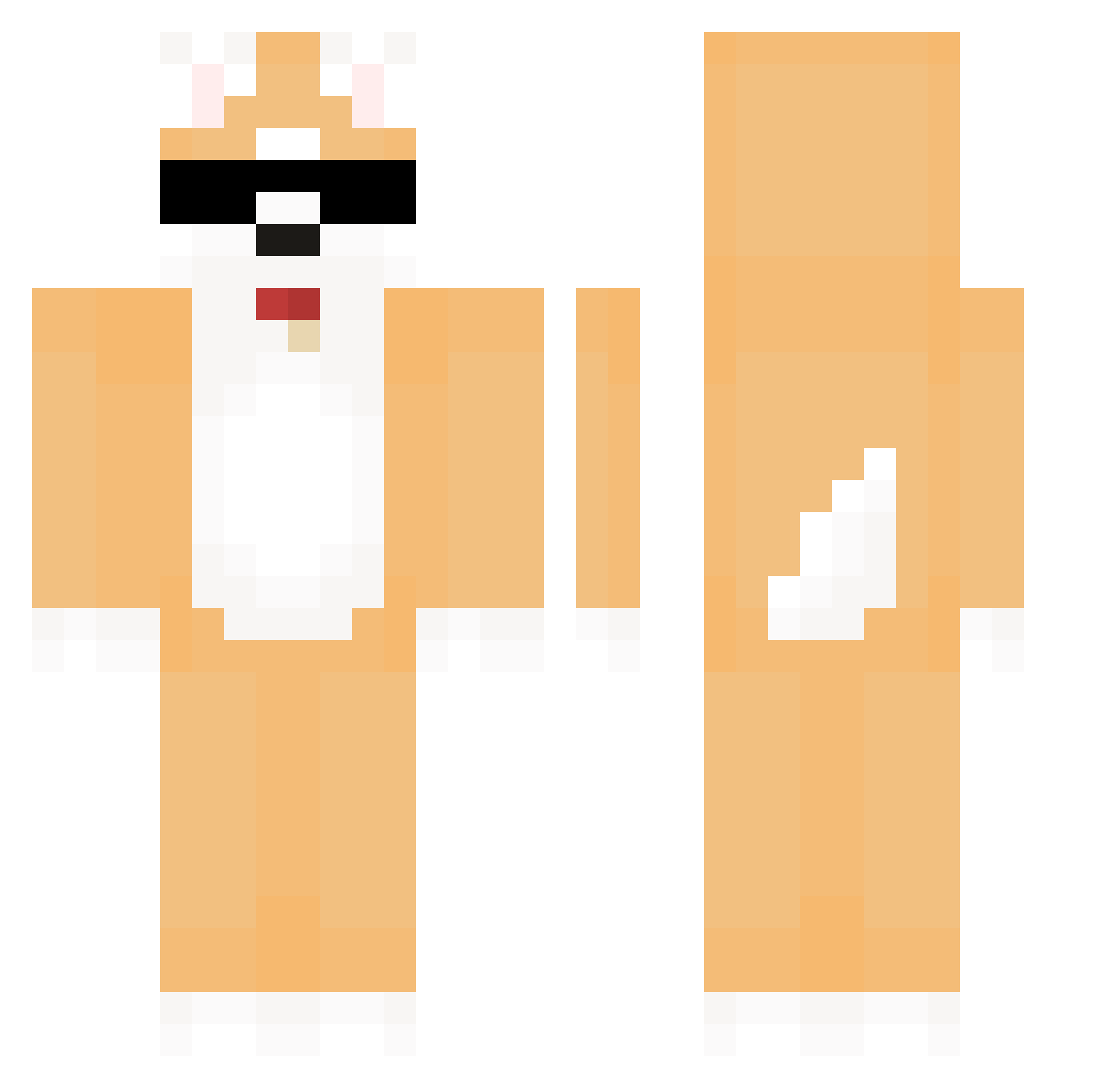
Current Minecraft skin of the player ippeuseryeong, loaded from the official Mojang API. Rotate the 3D model with your mouse or finger, then download the skin as a PNG file and use it in Minecraft: Bedrock Edition or Java Edition for free. When ippeuseryeong changes their skin, this page updates automatically and the old skin stays in the history below.
Other players with this skin (581)
ippeuseryeong was the 386th player we have seen with this skin, first spotted on 01.10.2026. The same skin was seen on these players. Open a nickname to see their current skin and skin history.
 immozzi dimsana ONEPE4CE FreySia JJangazzi_ RafliXXX PIUCL dmddo0987 mo_on_v beagle1004 Hoonkin Blitzie124 JongHoon2 HHyuNNA Scrubs1357 NotHandie Reno6 mountjjang capotxd Richlin0308 BENJIYY Hisana dsdxz encelesti HIYOL Wannabe_20 winter_birds Henry37773 haesun0819 kogi_0 minhyuk0511 sosexjin smileman07 Vdevendetta01 PaneledSalt674 Rockruff1102 minnn_9 Inevitqble A_olk HAMYONG110 PalaberRhabarba Yoonjh0923 asjun0219 Shimuran Nelka_72x AirYard50906206 Yangyu18 mangmang65 ssw0323 Root_ing XT77690 Ji_wangBak itsjasonz MizuMolhado tanakasanda raspberryonafrog thdnjs64 AniKulas KimJinWoo__ wawawakkun
More Shiba Inu Minecraft skins
How to install the ippeuseryeong skin
- Press the Download button above to save the skin as a PNG file.
- Minecraft: Bedrock Edition (PE): open the Dressing Room from the main menu (or tap your character → Edit Character), go to Classic Skins → Owned, press the + (new skin) button, choose the downloaded PNG and pick the Classic (Steve) model. Works on PC and mobile; consoles cannot import custom skins.
- Minecraft: Java Edition: open the Minecraft Launcher, go to the Skins tab, click New Skin, load the PNG, pick the Classic (Steve) model and press Save & Use. You can also upload it at minecraft.net → Profile → Change Skin.
The skin does not show up after import - what should I do?
Restart Minecraft and open the Dressing Room again - imported skins sometimes appear only after a restart. Also make sure you selected the imported skin and picked the Classic (Steve) model.
Which model should I choose, Classic or Slim?
This skin is designed for the Classic (Steve) model. If you pick the wrong model, the arms of the skin will look stretched or squeezed.
Is the skin of ippeuseryeong free to download?
Yes. Press Download, save the PNG file and use it in Minecraft: Bedrock Edition or Java Edition - no payment or registration needed. The skin also works on multiplayer servers and Realms.
More skins
Looking for more? Go back to all Minecraft skins and check the top skins of the week, month and all time, or find any player's skin by nickname.