
ipok91 - Minecraft Skins & Skin History
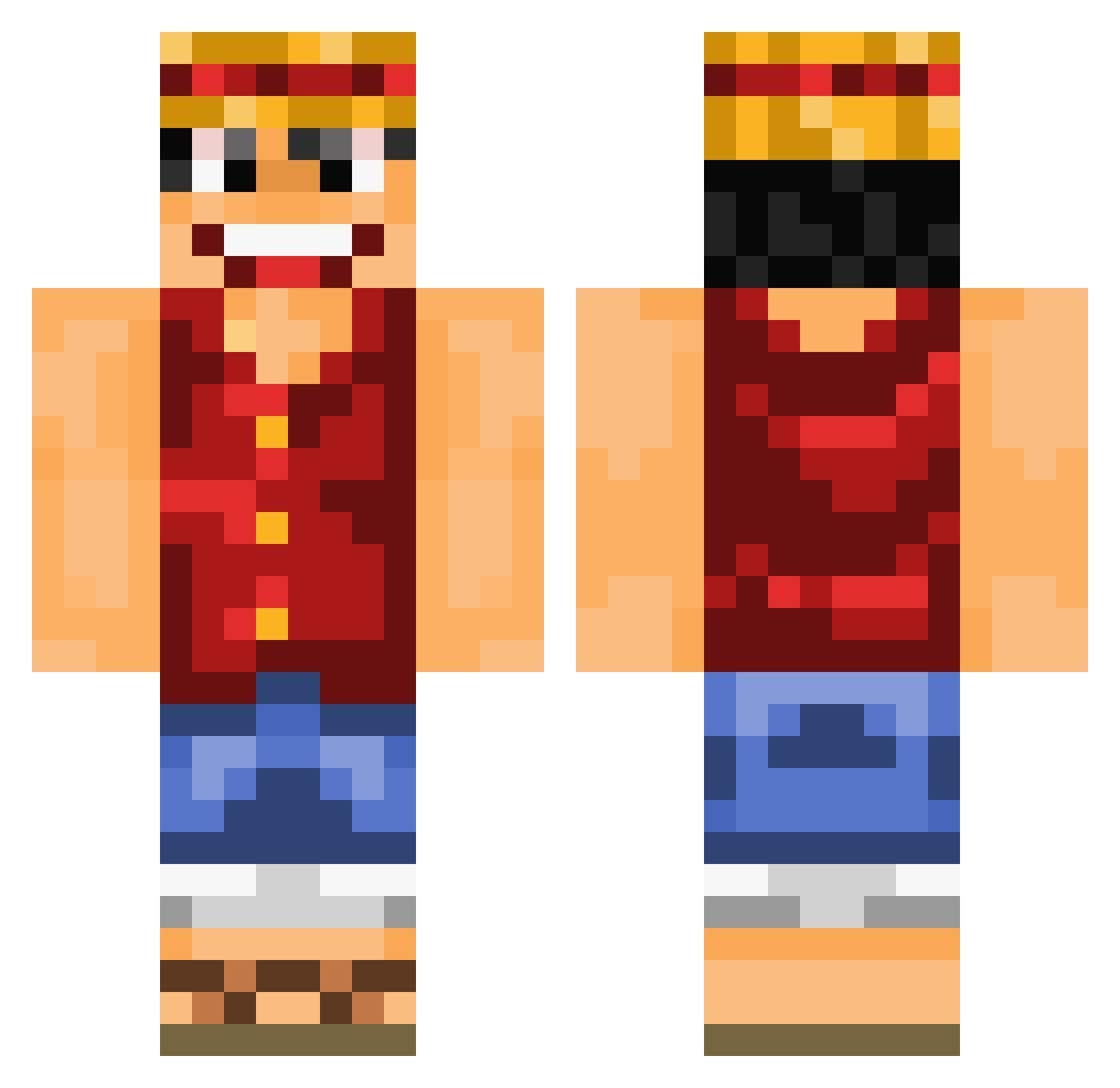
Current Minecraft skin of the player ipok91, loaded from the official Mojang API. Rotate the 3D model with your mouse or finger, then download the skin as a PNG file and use it in Minecraft: Bedrock Edition or Java Edition for free. When ipok91 changes their skin, this page updates automatically and the old skin stays in the history below.
Other players with this skin (891)
ipok91 was the 417th player we have seen with this skin, first spotted on 10.09.2026. The same skin was seen on these players. Open a nickname to see their current skin and skin history.
 Wayward_Pines Radiantphoenix stonkogto Ninho045 aholybagel Dextro Rhaellios SirClydus rohrkoma filloow AppaBear calydu33 Snickerskeks bjsjm000 TwigtheMan dlzeno SkinHead Capino1893 EmiyeN Elendil82 vLOVEE Poteto_19 BonsaiPlayer14 IvinatorxD Gard0s unnande Patrickulous PrinceLuking Heartsz iFaGoZ OsaSA1 PepinosMc WildCatWrestler AgroFiFi Joghurt1990 Peppel1409 AlvaroGamer5 THEBOSS2071 Masterpanda16 majidyat Trafalgar_Lynch T___Blank___T Minecrafter3169 Ruffinator hirokinn florianbaron benum_c dagocraft nredain Melkfetttt majintom MeisterST1 _LoneLess_ Schulbus Navinatore FabiUltimate plzrol robertlafondue candidonick hanbyull
More Luffy Minecraft skins
How to install the ipok91 skin
- Press the Download button above to save the skin as a PNG file.
- Minecraft: Bedrock Edition (PE): open the Dressing Room from the main menu (or tap your character → Edit Character), go to Classic Skins → Owned, press the + (new skin) button, choose the downloaded PNG and pick the Classic (Steve) model. Works on PC and mobile; consoles cannot import custom skins.
- Minecraft: Java Edition: open the Minecraft Launcher, go to the Skins tab, click New Skin, load the PNG, pick the Classic (Steve) model and press Save & Use. You can also upload it at minecraft.net → Profile → Change Skin.
The skin does not show up after import - what should I do?
Restart Minecraft and open the Dressing Room again - imported skins sometimes appear only after a restart. Also make sure you selected the imported skin and picked the Classic (Steve) model.
Which model should I choose, Classic or Slim?
This skin is designed for the Classic (Steve) model. If you pick the wrong model, the arms of the skin will look stretched or squeezed.
Is the skin of ipok91 free to download?
Yes. Press Download, save the PNG file and use it in Minecraft: Bedrock Edition or Java Edition - no payment or registration needed. The skin also works on multiplayer servers and Realms.
More skins
Looking for more? Go back to all Minecraft skins and check the top skins of the week, month and all time, or find any player's skin by nickname.