
intfor - Minecraft Skins & Skin History
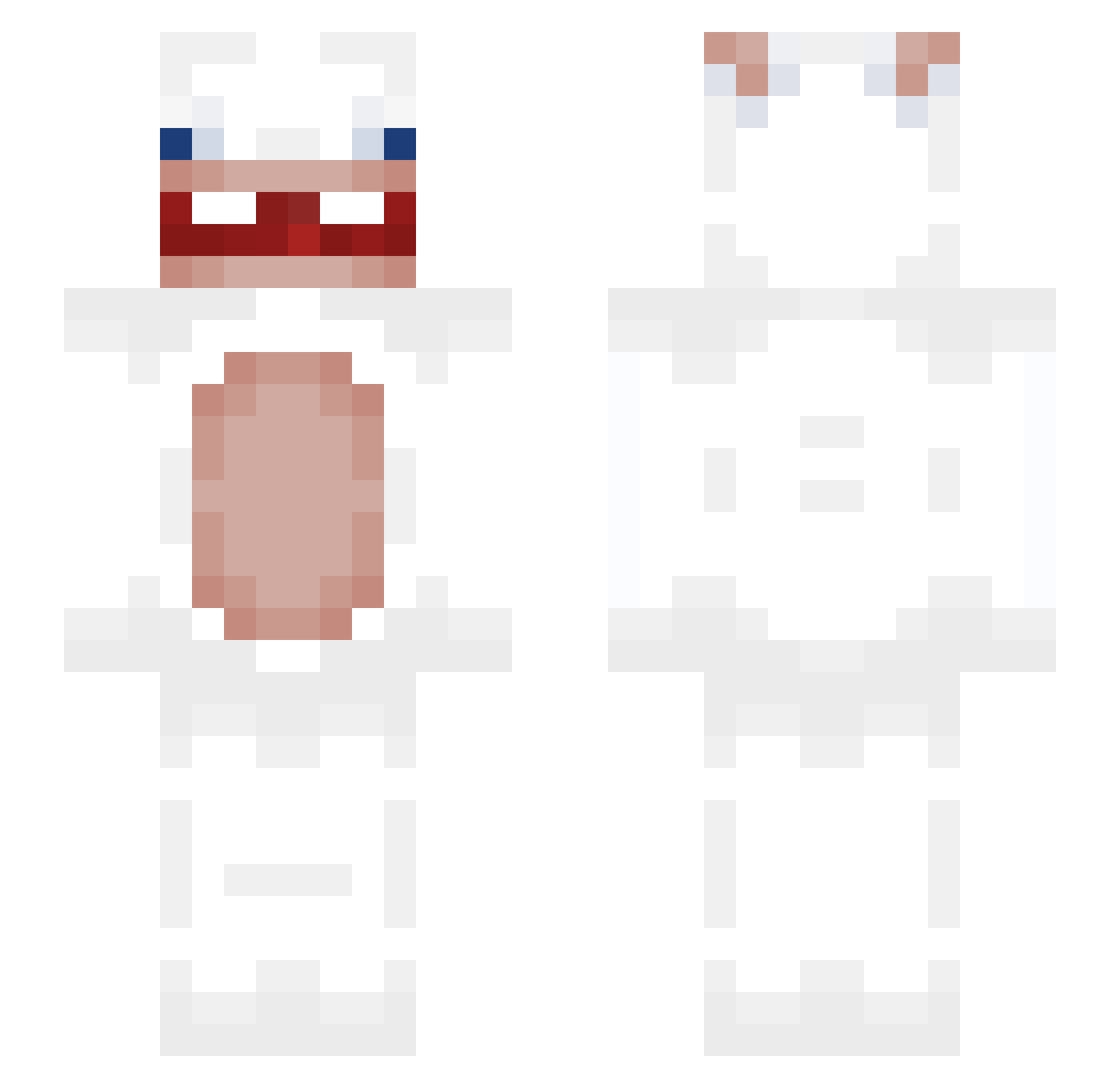
Current Minecraft skin of the player intfor, loaded from the official Mojang API. Rotate the 3D model with your mouse or finger, then download the skin as a PNG file and use it in Minecraft: Bedrock Edition or Java Edition for free. When intfor changes their skin, this page updates automatically and the old skin stays in the history below.
Other players with this skin (290)
intfor was the 119th player we have seen with this skin, first spotted on 29.08.2026. The same skin was seen on these players. Open a nickname to see their current skin and skin history.
 Nyurye Killa_666 KbJeicovv LukieLuke_XXI chickenfisch tchort82 socarasgando KAClim kiminah buhblunt jackyatmc 7empersfeetsmell thesigmasosa JohnyPony004 Lepetitmathis jihan228 EthanCobble Oyto101 dan6666 symbiosedona feeblelittlehors Bestza11 NaWoZhenDeBuHui Elator35 Bigcharlaux zwmiguel jizhi778 Piniatka123 Nevix_32 artinionpyk sloppynutz_ MarcelJePierogi LivingZombee otter98 Eveniah ligfong mfis Sheilam_ TeemoDaTrappGodd 7SIX5 quandale_694201 angelsocialy ALECZKAA _cartistan445_ WKM09 marc_yeyo prosplol etherealxityy xcxmoomoo109 yvlgosho Totema26 UnkownEntity70 huyliga1492 LoloTank AgingAge Nathiu3517 SohleAlbatros26 lucas90304 Gadepenge Olek_boss14
More Rabbids Minecraft skins
How to install the intfor skin
- Press the Download button above to save the skin as a PNG file.
- Minecraft: Bedrock Edition (PE): open the Dressing Room from the main menu (or tap your character → Edit Character), go to Classic Skins → Owned, press the + (new skin) button, choose the downloaded PNG and pick the Slim (Alex) model. Works on PC and mobile; consoles cannot import custom skins.
- Minecraft: Java Edition: open the Minecraft Launcher, go to the Skins tab, click New Skin, load the PNG, pick the Slim (Alex) model and press Save & Use. You can also upload it at minecraft.net → Profile → Change Skin.
The skin does not show up after import - what should I do?
Restart Minecraft and open the Dressing Room again - imported skins sometimes appear only after a restart. Also make sure you selected the imported skin and picked the Slim (Alex) model.
Which model should I choose, Classic or Slim?
This skin is designed for the Slim (Alex) model. If you pick the wrong model, the arms of the skin will look stretched or squeezed.
Is the skin of intfor free to download?
Yes. Press Download, save the PNG file and use it in Minecraft: Bedrock Edition or Java Edition - no payment or registration needed. The skin also works on multiplayer servers and Realms.
More skins
Looking for more? Go back to all Minecraft skins and check the top skins of the week, month and all time, or find any player's skin by nickname.