
insane_at_gaming - Minecraft Skins & Skin History
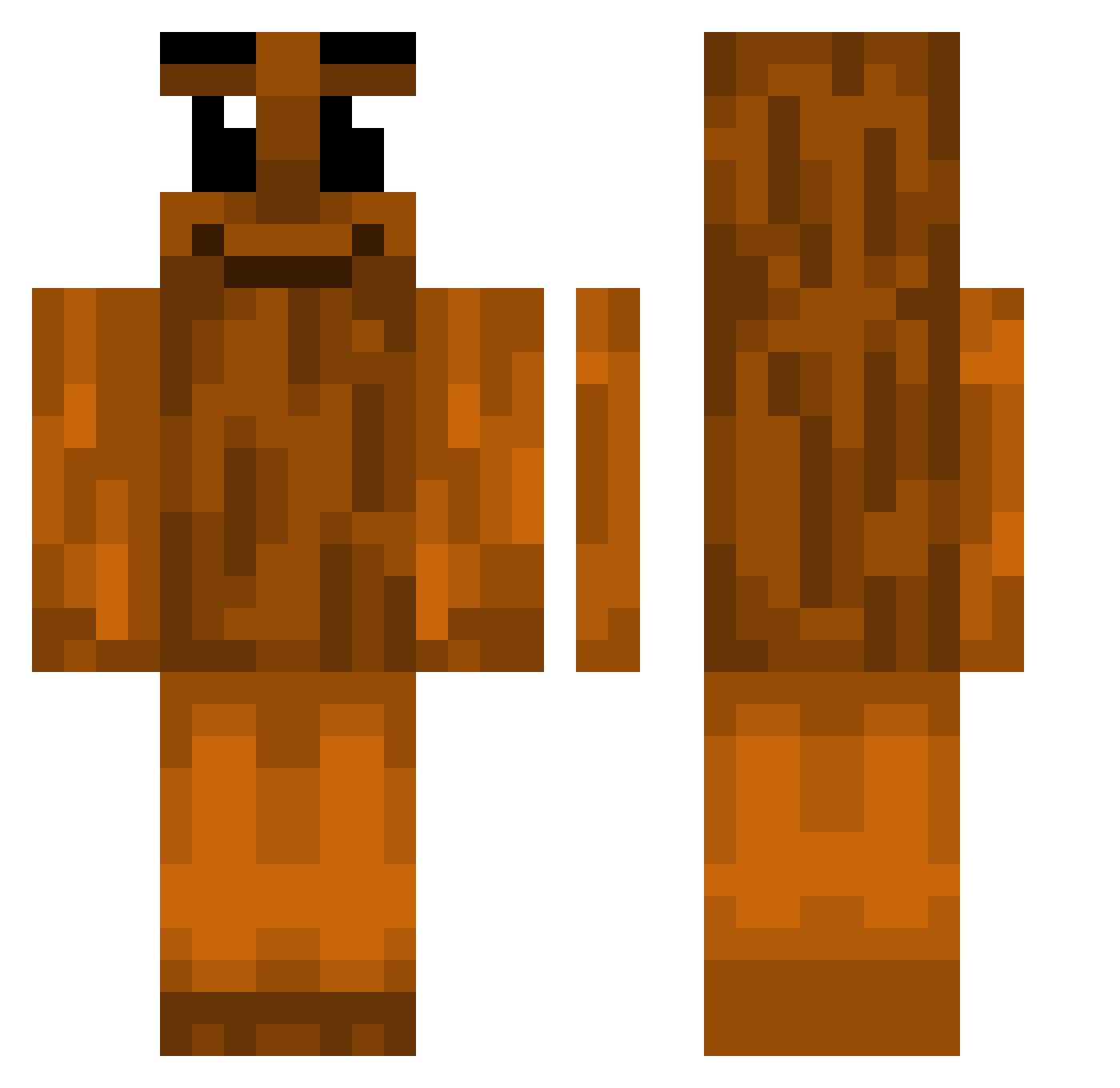
Current Minecraft skin of the player insane_at_gaming, loaded from the official Mojang API. Rotate the 3D model with your mouse or finger, then download the skin as a PNG file and use it in Minecraft: Bedrock Edition or Java Edition for free. When insane_at_gaming changes their skin, this page updates automatically and the old skin stays in the history below.
Other players with this skin (338)
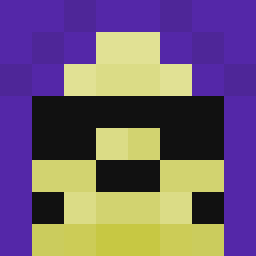
insane_at_gaming was the 69th player we have seen with this skin, first spotted on 10.08.2026. The same skin was seen on these players. Open a nickname to see their current skin and skin history.
 TUNGTUNGTUNGMC
 OrbityWarrior edyyy35035 dougnation Liochii Frostbite550 EliasB0510 Noutos
 FranKOSKI_88 deigoooo_ XXXMOS stolenairfryer Paalitoo AnderDingus697
 Larp_LarpSahur
 Brok_Oganga mcDavidX linilea HieuDeepTry6801 Ashton007 Th3eo_
 s_oy SigmaSahur67 jimmerer ninkss Honzaq1571 woodsinker kubajak123 biggestchad4
 PooScooper911 Lol4ik32 The_Jacobrbj idkkrist
 BigJoJo187 NotReceive PUTASENTANGA2012 _Maizy_
 ItzMaxxu secnnd iMigSSj mikrogolf TungTungTungz RecongniZ medmora str8boykel KisielMalinowy_ ZozzCarti VuwiusTheSraka BiGaaaa Luchito5000 Geilomatico87 kljae_ PooManSkibWise LuckyChen Buckoownsme
 TwistedMC_ zTwice george_dupont Spood_69 elitebarbrian
More Oak Log Minecraft skins
How to install the insane_at_gaming skin
- Press the Download button above to save the skin as a PNG file.
- Minecraft: Bedrock Edition (PE): open the Dressing Room from the main menu (or tap your character → Edit Character), go to Classic Skins → Owned, press the + (new skin) button, choose the downloaded PNG and pick the Classic (Steve) model. Works on PC and mobile; consoles cannot import custom skins.
- Minecraft: Java Edition: open the Minecraft Launcher, go to the Skins tab, click New Skin, load the PNG, pick the Classic (Steve) model and press Save & Use. You can also upload it at minecraft.net → Profile → Change Skin.
The skin does not show up after import - what should I do?
Restart Minecraft and open the Dressing Room again - imported skins sometimes appear only after a restart. Also make sure you selected the imported skin and picked the Classic (Steve) model.
Which model should I choose, Classic or Slim?
This skin is designed for the Classic (Steve) model. If you pick the wrong model, the arms of the skin will look stretched or squeezed.
Is the skin of insane_at_gaming free to download?
Yes. Press Download, save the PNG file and use it in Minecraft: Bedrock Edition or Java Edition - no payment or registration needed. The skin also works on multiplayer servers and Realms.
More skins
Looking for more? Go back to all Minecraft skins and check the top skins of the week, month and all time, or find any player's skin by nickname.