
OrbityWarrior - Minecraft Skins & Skin History
Current Minecraft skin of the player OrbityWarrior, loaded from the official Mojang API. Rotate the 3D model with your mouse or finger, then download the skin as a PNG file and use it in Minecraft: Bedrock Edition or Java Edition for free. When OrbityWarrior changes their skin, this page updates automatically and the old skin stays in the history below.
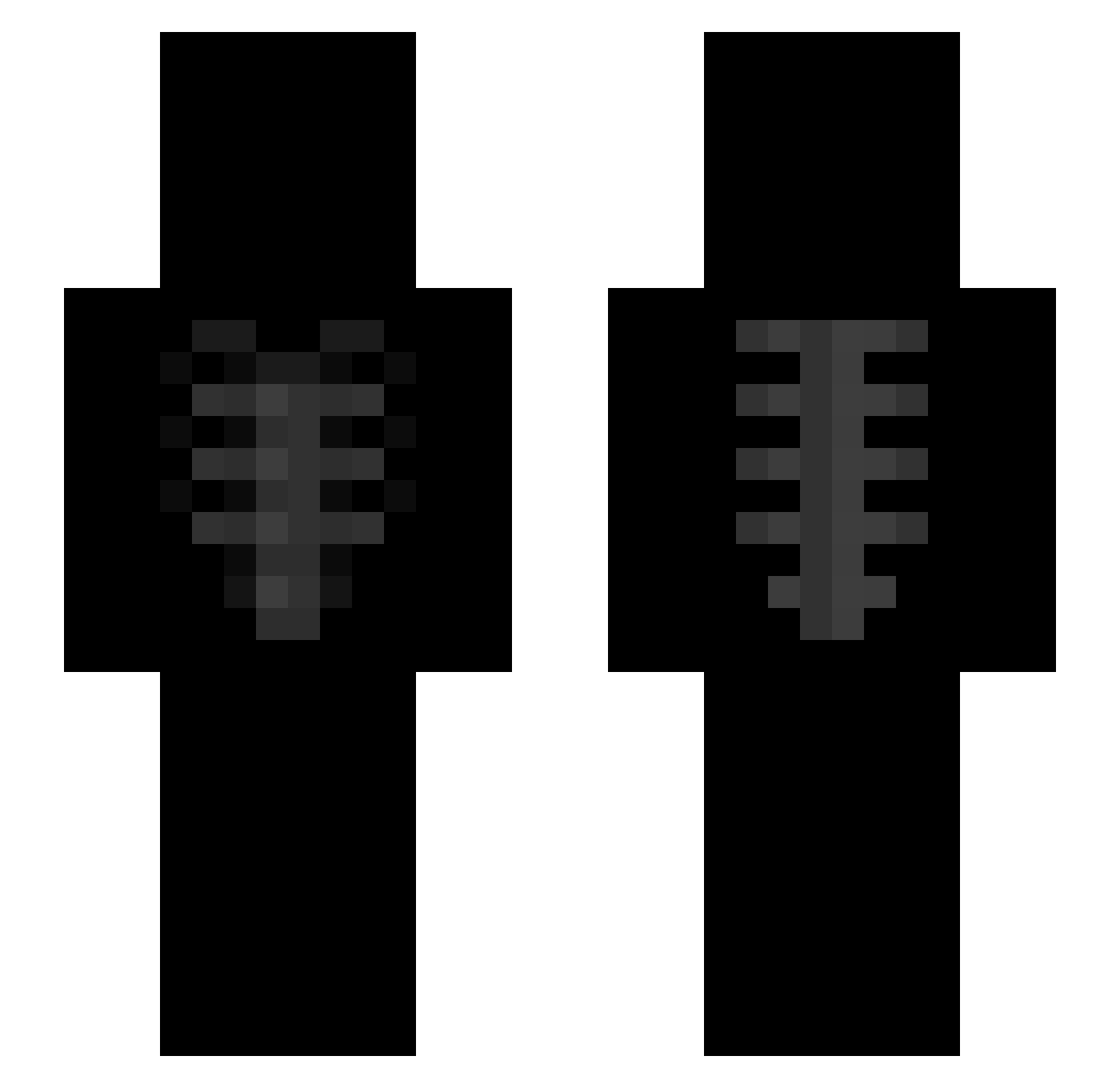
Other players with this skin (45)
OrbityWarrior was the 26th player we have seen with this skin, first spotted on 26.09.2026. The same skin was seen on these players. Open a nickname to see their current skin and skin history.
 Tommmmma RADA_X2 Eyedness santanacrvg PokeWu CenthaxJr metrx_ little_hYdRa38 7back Elytop vAbdoXD osheliss mancitycoldest danichillmde v7xj a777kx Piribon portablefate xqqvi 5lf_ iced27 Staticc_p9 0scarr_ 3NR _GuZzman_ AstralImpct LightSkin_Cutie YoruKira0 koymeee aljb
 QsengGHG ItZ_Zylox
 KenshiXZ RicZim2Fly Charlesz9T Alextyz lyzr22 cytrynowy_kondon F8K3 Axotll_ ballisticballs12 shipmates PeppaCig BayronRD forgott3ns0ul
Previous skins of OrbityWarrior
Skins that OrbityWarrior wore before, newest first. Click a skin to open its page and download it.
More Ribcage Minecraft skins
How to install the OrbityWarrior skin
- Press the Download button above to save the skin as a PNG file.
- Minecraft: Bedrock Edition (PE): open the Dressing Room from the main menu (or tap your character → Edit Character), go to Classic Skins → Owned, press the + (new skin) button, choose the downloaded PNG and pick the Slim (Alex) model. Works on PC and mobile; consoles cannot import custom skins.
- Minecraft: Java Edition: open the Minecraft Launcher, go to the Skins tab, click New Skin, load the PNG, pick the Slim (Alex) model and press Save & Use. You can also upload it at minecraft.net → Profile → Change Skin.
The skin does not show up after import - what should I do?
Restart Minecraft and open the Dressing Room again - imported skins sometimes appear only after a restart. Also make sure you selected the imported skin and picked the Slim (Alex) model.
Which model should I choose, Classic or Slim?
This skin is designed for the Slim (Alex) model. If you pick the wrong model, the arms of the skin will look stretched or squeezed.
Is the skin of OrbityWarrior free to download?
Yes. Press Download, save the PNG file and use it in Minecraft: Bedrock Edition or Java Edition - no payment or registration needed. The skin also works on multiplayer servers and Realms.
More skins
Looking for more? Go back to all Minecraft skins and check the top skins of the week, month and all time, or find any player's skin by nickname.