
iJ0ke - Minecraft Skins & Skin History
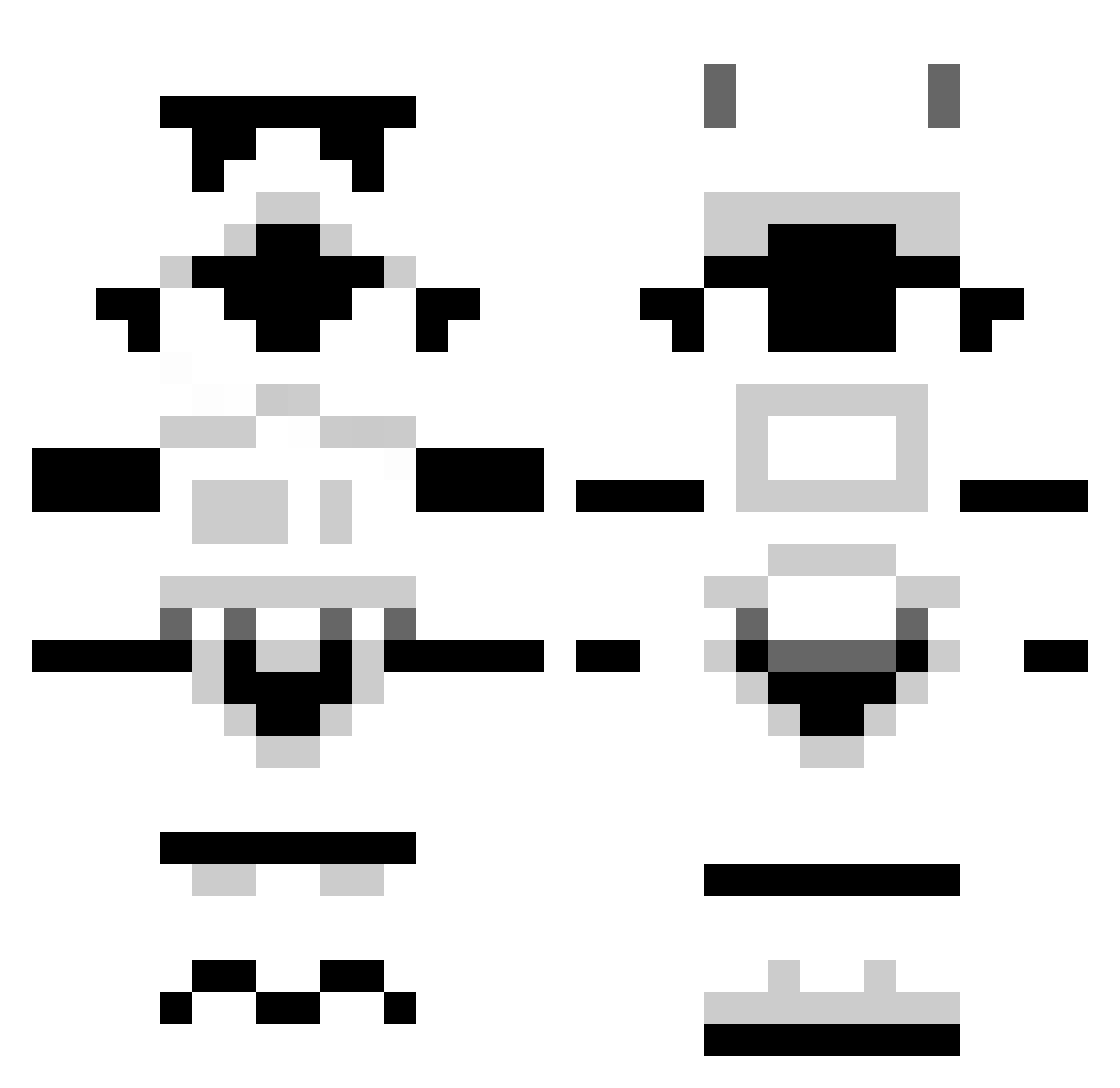
Current Minecraft skin of the player iJ0ke, loaded from the official Mojang API. Rotate the 3D model with your mouse or finger, then download the skin as a PNG file and use it in Minecraft: Bedrock Edition or Java Edition for free. When iJ0ke changes their skin, this page updates automatically and the old skin stays in the history below.
Other players with this skin (1301)
iJ0ke was the 1059th player we have seen with this skin, first spotted on 21.10.2026. The same skin was seen on these players. Open a nickname to see their current skin and skin history.
 gizmogecko 00_Agent venomoustrike Brandonwv20 kevvan6395 DecafCandy NeoAgent567 Hobbs176 DrumStiks SuANH center_gravity delirious_nomad Salvtion PissPot minionboy12341 Spoooook Neskey Mini_Rasta ItzStyleWeeDzZ carterbock81 Storm_Trooper117 Medlow slimslim4352 maxibo alexxsmith MagickArcanum bobbbbbb Decayingapple ProBot666 YungKills Gigatonn lemonator33 fscartozzi Jack_1216 Hemmo_32 froggy312 Darkmatterproj Elements223 olabau Bockim CalvinCreeper RebellionRob Sorengar DrD_SSB 1Zenmutant Jay0rdan tomtom707 HappyPandaTime liam_cree Razorix ch4mric Primary_Joker crazycanuk101 BengtOlof Bad_Mother_Goose xPlatn FatAssLevi shotair Gosindrom BigBossKylin
More Stormtrooper Minecraft skins
See all 531 Stormtrooper skins
How to install the iJ0ke skin
- Press the Download button above to save the skin as a PNG file.
- Minecraft: Bedrock Edition (PE): open the Dressing Room from the main menu (or tap your character → Edit Character), go to Classic Skins → Owned, press the + (new skin) button, choose the downloaded PNG and pick the Classic (Steve) model. Works on PC and mobile; consoles cannot import custom skins.
- Minecraft: Java Edition: open the Minecraft Launcher, go to the Skins tab, click New Skin, load the PNG, pick the Classic (Steve) model and press Save & Use. You can also upload it at minecraft.net → Profile → Change Skin.
The skin does not show up after import - what should I do?
Restart Minecraft and open the Dressing Room again - imported skins sometimes appear only after a restart. Also make sure you selected the imported skin and picked the Classic (Steve) model.
Which model should I choose, Classic or Slim?
This skin is designed for the Classic (Steve) model. If you pick the wrong model, the arms of the skin will look stretched or squeezed.
Is the skin of iJ0ke free to download?
Yes. Press Download, save the PNG file and use it in Minecraft: Bedrock Edition or Java Edition - no payment or registration needed. The skin also works on multiplayer servers and Realms.
More skins
Looking for more? Go back to all Minecraft skins and check the top skins of the week, month and all time, or find any player's skin by nickname.