
hotvertu - Minecraft Skins & Skin History
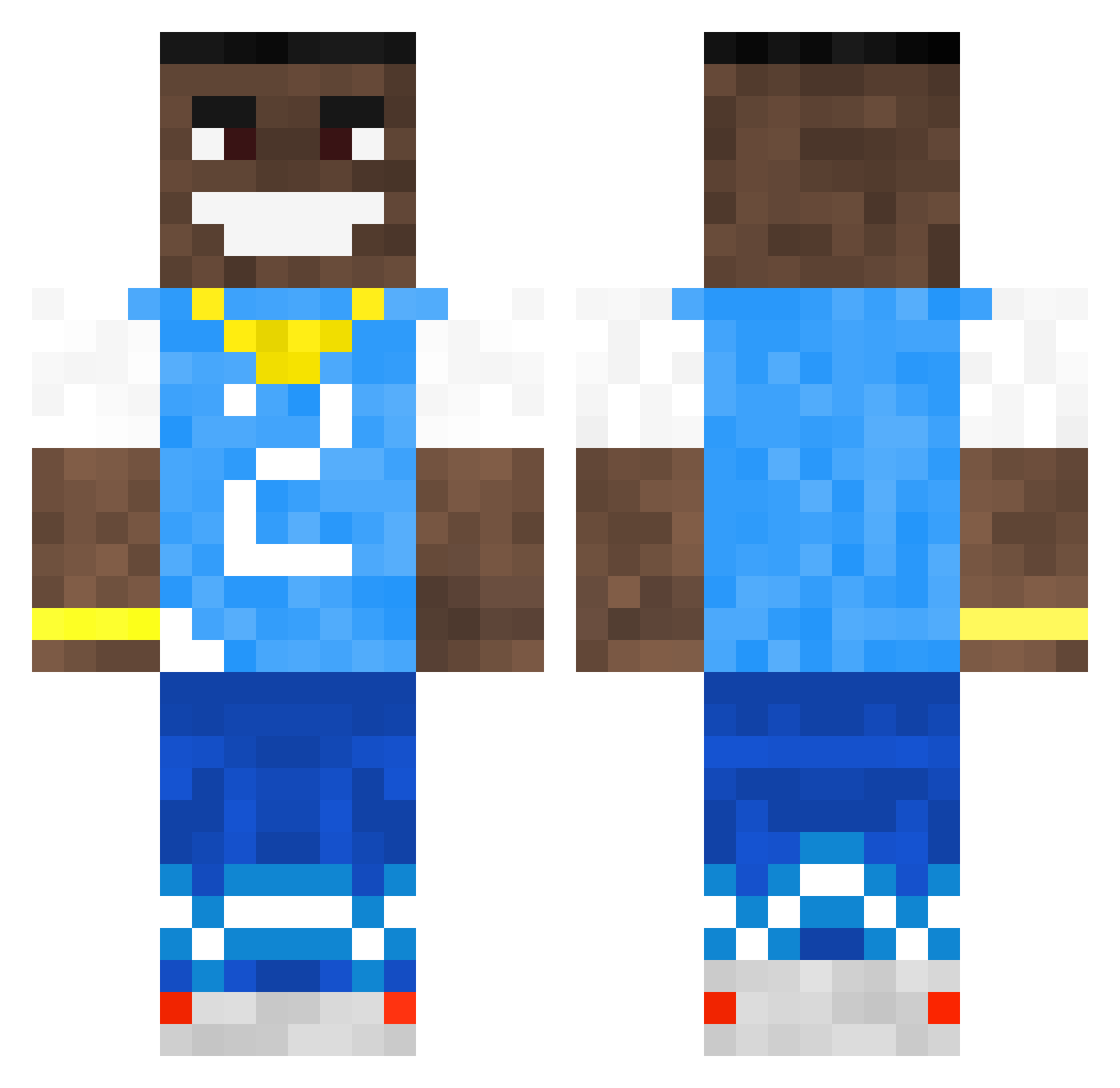
Current Minecraft skin of the player hotvertu, loaded from the official Mojang API. Rotate the 3D model with your mouse or finger, then download the skin as a PNG file and use it in Minecraft: Bedrock Edition or Java Edition for free. When hotvertu changes their skin, this page updates automatically and the old skin stays in the history below.
Other players with this skin (618)
hotvertu was the 524th player we have seen with this skin, first spotted on 05.11.2026. The same skin was seen on these players. Open a nickname to see their current skin and skin history.
 LILG69 PABLOSKIPV008 Kazamiyuuji Lukadile mariaanek lobltn VeloAlex Sheikhy_ jeremy_pascal_88 sylvceen MrGhosTz Mel92_ Galpha_X dcw653 StevieMcStow DavidTheGOAT420 Sam0el_69 Drrppn kluelesskojo_ poopoomanfefo Alphawolf1234512 mantorsed wilmql Ruby_Delgado gbormile _SceGuest_ dababykiller CrunchyKuwrr gflip ItzTrxcky 2thirty Jahkyume Wardy69420 Snickzy ElFadeData Winrar420 ryyu forzaavito GordonL BiGfAtNuTtI Th3isemand Dr_axamos FABSATELLITE ZayIsBoo Silent_Gammer10 SxfyGG LelouchHDR Flee_is_cute Ohhhh_DaBaby69 Miussolini hugolebo VL44D Tadek121 4srt SG_Ballista caIIuvia What_dadogdoin dwadziescia5 ILoveOliviaDunne NotNeBo
More Dababy Minecraft skins
How to install the hotvertu skin
- Press the Download button above to save the skin as a PNG file.
- Minecraft: Bedrock Edition (PE): open the Dressing Room from the main menu (or tap your character → Edit Character), go to Classic Skins → Owned, press the + (new skin) button, choose the downloaded PNG and pick the Classic (Steve) model. Works on PC and mobile; consoles cannot import custom skins.
- Minecraft: Java Edition: open the Minecraft Launcher, go to the Skins tab, click New Skin, load the PNG, pick the Classic (Steve) model and press Save & Use. You can also upload it at minecraft.net → Profile → Change Skin.
The skin does not show up after import - what should I do?
Restart Minecraft and open the Dressing Room again - imported skins sometimes appear only after a restart. Also make sure you selected the imported skin and picked the Classic (Steve) model.
Which model should I choose, Classic or Slim?
This skin is designed for the Classic (Steve) model. If you pick the wrong model, the arms of the skin will look stretched or squeezed.
Is the skin of hotvertu free to download?
Yes. Press Download, save the PNG file and use it in Minecraft: Bedrock Edition or Java Edition - no payment or registration needed. The skin also works on multiplayer servers and Realms.
More skins
Looking for more? Go back to all Minecraft skins and check the top skins of the week, month and all time, or find any player's skin by nickname.