
hotikc - Minecraft Skins & Skin History
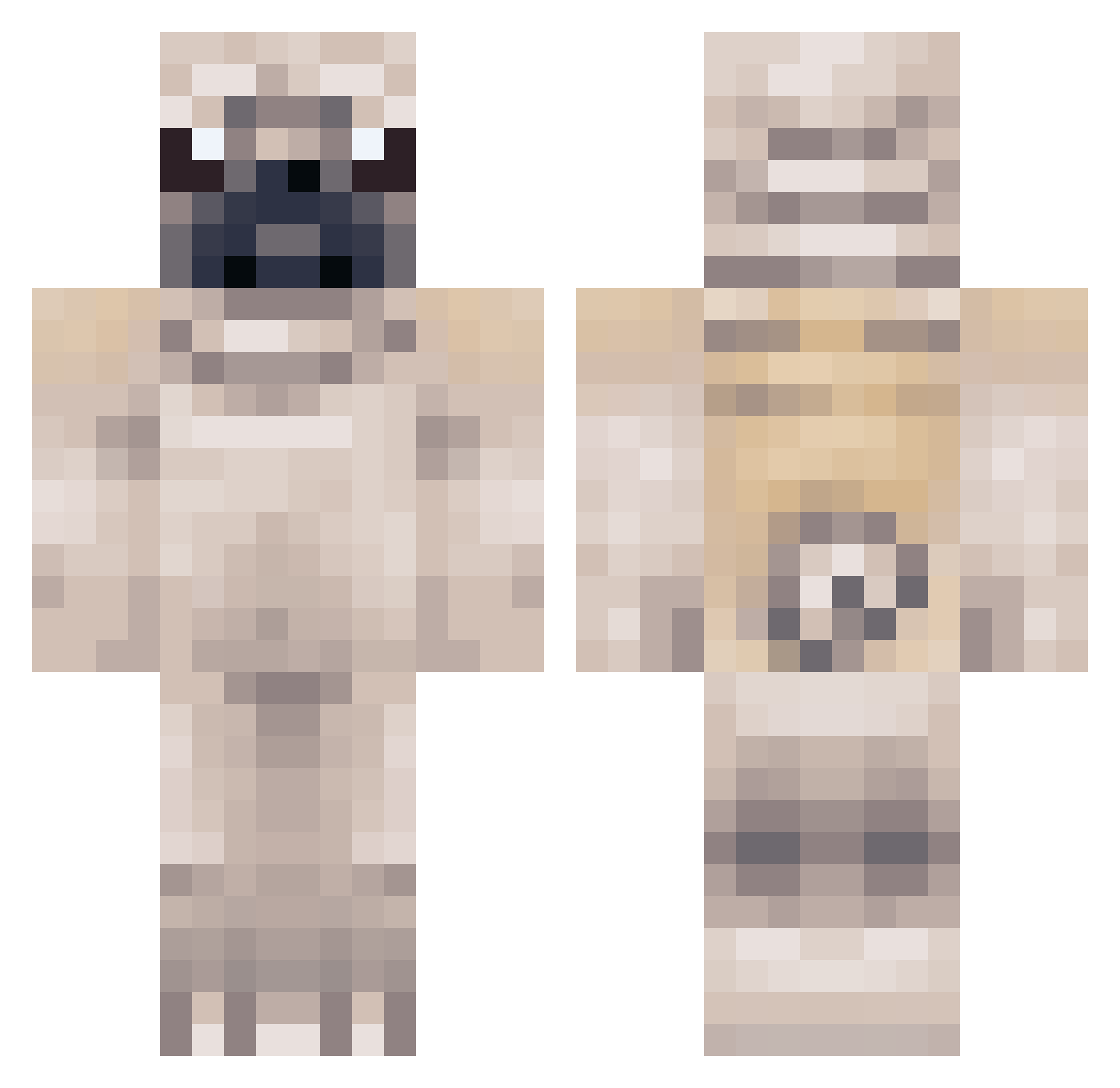
Current Minecraft skin of the player hotikc, loaded from the official Mojang API. Rotate the 3D model with your mouse or finger, then download the skin as a PNG file and use it in Minecraft: Bedrock Edition or Java Edition for free. When hotikc changes their skin, this page updates automatically and the old skin stays in the history below.
Other players with this skin (82)
hotikc was the 59th player we have seen with this skin, first spotted on 29.09.2026. The same skin was seen on these players. Open a nickname to see their current skin and skin history.
 puggah Terrens swooper9 DragonGirl1305 OCEFAKER kreeper_ssssss Th3_Hulk Tomozbobo DrBobik Frenkz_ InMemoryOfGeorgi _Marc03v03_ MONIX12 BaeHwa icemino MrsBurger TNTer12 SmellyFarter TezDiscoverer Pyewq enzo441 fufis131 menem_ liao0818 juliamortadela Spot_the_Pug chobob5000 MrPugs0 BeulHyang pugsworthy Ramselademad nonro_o Erinow zedexx alex3989 nogainnopain1 Blueboss13 semihhaytam109 Minecraft_DQ Sethhs HamBuSik eaglestar100 bumlear noobasaurus222 Suwahh Celtixx RSquared63 Dragonpug88 FilmClip Puggist Fedles sentineru777 Up_Wind blackonyx22 dogor94 Robot5991 tkdgus123 Goti22_ sweet_pea13 rubygrace04
More Pug Minecraft skins
How to install the hotikc skin
- Press the Download button above to save the skin as a PNG file.
- Minecraft: Bedrock Edition (PE): open the Dressing Room from the main menu (or tap your character → Edit Character), go to Classic Skins → Owned, press the + (new skin) button, choose the downloaded PNG and pick the Classic (Steve) model. Works on PC and mobile; consoles cannot import custom skins.
- Minecraft: Java Edition: open the Minecraft Launcher, go to the Skins tab, click New Skin, load the PNG, pick the Classic (Steve) model and press Save & Use. You can also upload it at minecraft.net → Profile → Change Skin.
The skin does not show up after import - what should I do?
Restart Minecraft and open the Dressing Room again - imported skins sometimes appear only after a restart. Also make sure you selected the imported skin and picked the Classic (Steve) model.
Which model should I choose, Classic or Slim?
This skin is designed for the Classic (Steve) model. If you pick the wrong model, the arms of the skin will look stretched or squeezed.
Is the skin of hotikc free to download?
Yes. Press Download, save the PNG file and use it in Minecraft: Bedrock Edition or Java Edition - no payment or registration needed. The skin also works on multiplayer servers and Realms.
More skins
Looking for more? Go back to all Minecraft skins and check the top skins of the week, month and all time, or find any player's skin by nickname.