
hopebad15 - Minecraft Skins & Skin History
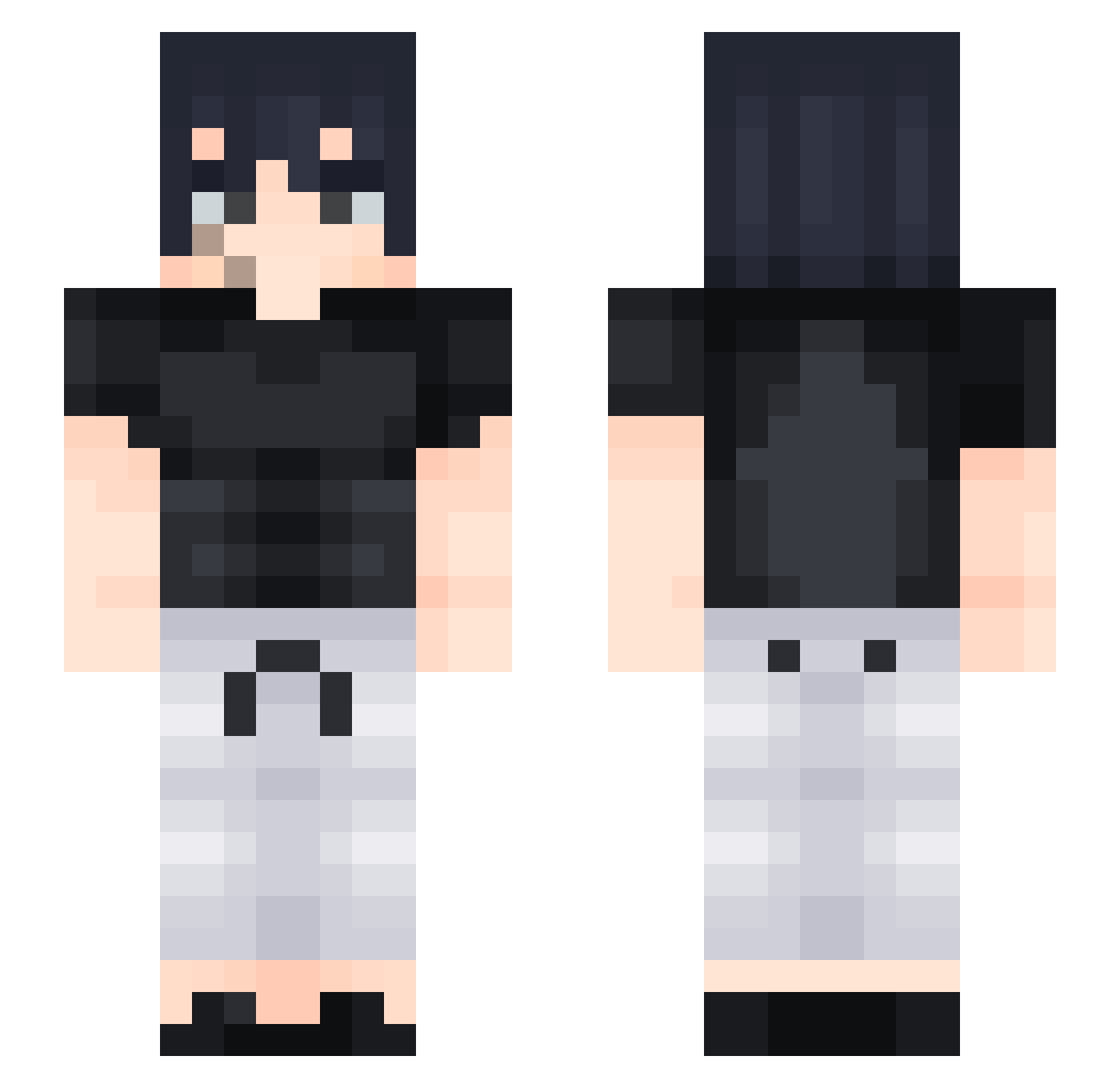
Current Minecraft skin of the player hopebad15, loaded from the official Mojang API. Rotate the 3D model with your mouse or finger, then download the skin as a PNG file and use it in Minecraft: Bedrock Edition or Java Edition for free. When hopebad15 changes their skin, this page updates automatically and the old skin stays in the history below.
Other players with this skin (428)
hopebad15 was the 114th player we have seen with this skin, first spotted on 20.08.2026. The same skin was seen on these players. Open a nickname to see their current skin and skin history.
 Jontegus eldestroyer52 ITwil SeyrenWindsor AbuKhaild Kevin25260 HunchoSoB Coke_Fan chaychay PTR09 Aseel123k aizen344 NosMines BoilinDenim SunnyNuggetz Saschka2
 ItzRealSkaal kakuzu_ri il6u TOBRAT07 megagamer111 Turrkz iwannabeDop TA_NOOB
 Damien2549 Whiteezin Hyprspac3 Mumurulok0 ChinosSon rawrii_ japaqzxx obJLo4ko Drako_keo69 Emoli189 suager444 wearka goodfightman WaysieOG Nagar42 xxennto snanssnans berisasimp ll_Bad_ll Amatos77 Moudi7 Danieljjv Lowcaa M3TO_ Zxerkiii wideSNIFFA Guncart CrazyCat_2007 Warrior_zZz CoC0Melon Gabxzx456 Blurphy7 Angluken Tactrox Rubenuu
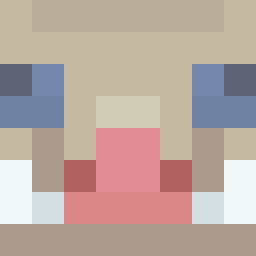 Inosuke_H16
More Sasuke Uchiha Minecraft skins
See all 727 Sasuke Uchiha skins
How to install the hopebad15 skin
- Press the Download button above to save the skin as a PNG file.
- Minecraft: Bedrock Edition (PE): open the Dressing Room from the main menu (or tap your character → Edit Character), go to Classic Skins → Owned, press the + (new skin) button, choose the downloaded PNG and pick the Slim (Alex) model. Works on PC and mobile; consoles cannot import custom skins.
- Minecraft: Java Edition: open the Minecraft Launcher, go to the Skins tab, click New Skin, load the PNG, pick the Slim (Alex) model and press Save & Use. You can also upload it at minecraft.net → Profile → Change Skin.
The skin does not show up after import - what should I do?
Restart Minecraft and open the Dressing Room again - imported skins sometimes appear only after a restart. Also make sure you selected the imported skin and picked the Slim (Alex) model.
Which model should I choose, Classic or Slim?
This skin is designed for the Slim (Alex) model. If you pick the wrong model, the arms of the skin will look stretched or squeezed.
Is the skin of hopebad15 free to download?
Yes. Press Download, save the PNG file and use it in Minecraft: Bedrock Edition or Java Edition - no payment or registration needed. The skin also works on multiplayer servers and Realms.
More skins
Looking for more? Go back to all Minecraft skins and check the top skins of the week, month and all time, or find any player's skin by nickname.