
hihijun - Minecraft Skins & Skin History
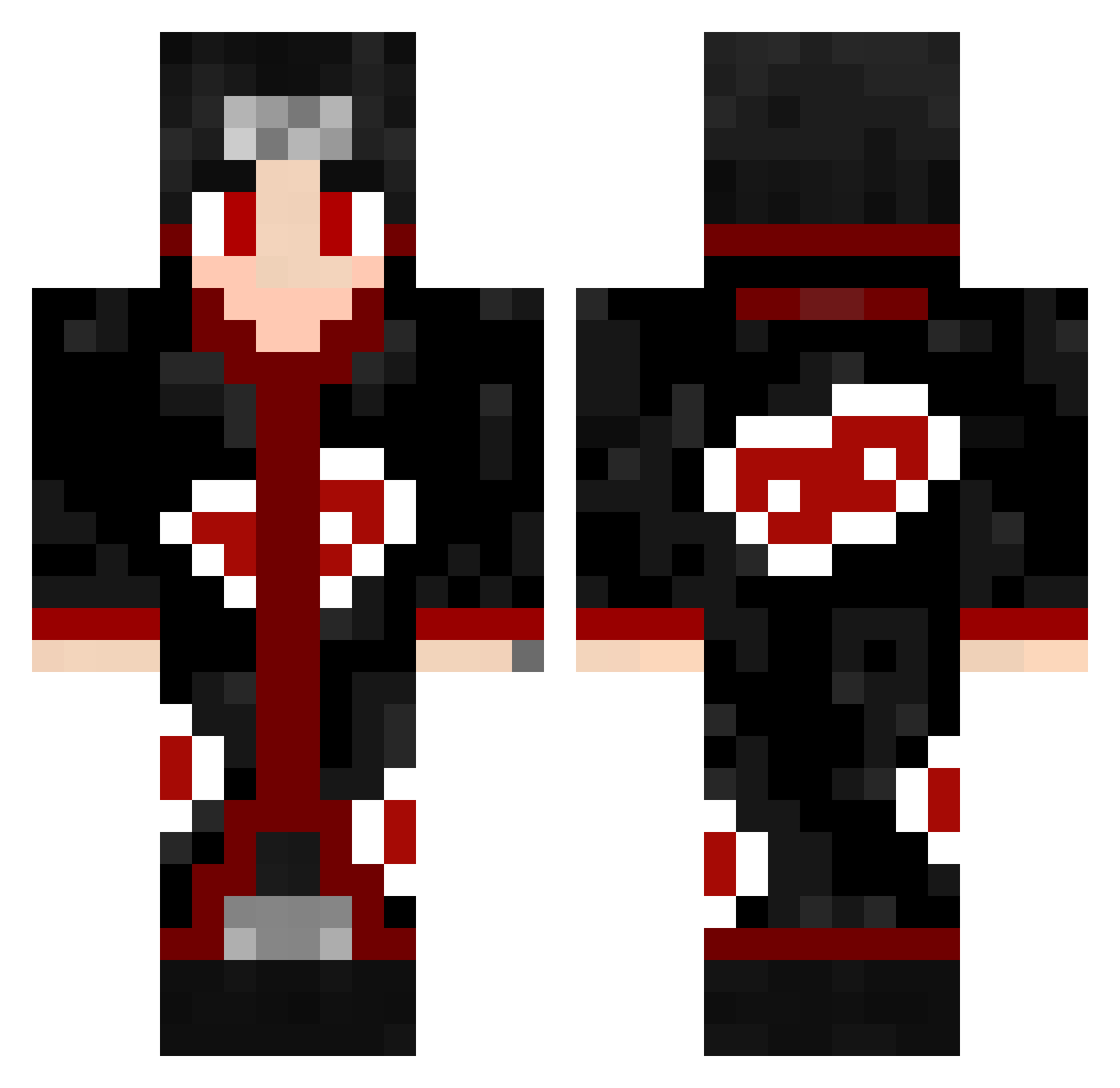
Current Minecraft skin of the player hihijun, loaded from the official Mojang API. Rotate the 3D model with your mouse or finger, then download the skin as a PNG file and use it in Minecraft: Bedrock Edition or Java Edition for free. When hihijun changes their skin, this page updates automatically and the old skin stays in the history below.
Other players with this skin (656)
hihijun was the 639th player we have seen with this skin, first spotted on 15.11.2026. The same skin was seen on these players. Open a nickname to see their current skin and skin history.
 meatbun69 macfly799 BigPoo92 ventize26 DyingShrimp143 Soapmonkey_2 zukzuky Mutski OneEyeBanditXx Fanatikos_gr 4lg0r1tm0S zilliax1705 _itachiii ZLDChoda Genyx123 TheGolden_ ITzPate47 Uchiha_Quan Senor_Dahveed Danny888 rthjr streetstarzebra mitxukii_ SecondChance49 ARNESTIS lelon308 pisk_pisk SadlySquash Cl0bber IkatRules Uchiha_God1 Hyptics Mpurgel QOR3X maadzy CallMeBjxrn VeroxFPS HWD22 SuzukiUchila Distovtion ahmadhawraz3 Melario_o Josue10324 Dylan_ATS Rafaelfin1 PauloHrq phillip898 KitsuneEchoes Nyproxx Armando5780 AlvaroJunior02 rglKali RasenRudi3 AllHailSuhail RoyalYagami eliraztheking32 ball_sss Demonio6566 MAYTERRY alaarafat
More Itachi Uchiha Minecraft skins
See all 393 Itachi Uchiha skins
How to install the hihijun skin
- Press the Download button above to save the skin as a PNG file.
- Minecraft: Bedrock Edition (PE): open the Dressing Room from the main menu (or tap your character → Edit Character), go to Classic Skins → Owned, press the + (new skin) button, choose the downloaded PNG and pick the Classic (Steve) model. Works on PC and mobile; consoles cannot import custom skins.
- Minecraft: Java Edition: open the Minecraft Launcher, go to the Skins tab, click New Skin, load the PNG, pick the Classic (Steve) model and press Save & Use. You can also upload it at minecraft.net → Profile → Change Skin.
The skin does not show up after import - what should I do?
Restart Minecraft and open the Dressing Room again - imported skins sometimes appear only after a restart. Also make sure you selected the imported skin and picked the Classic (Steve) model.
Which model should I choose, Classic or Slim?
This skin is designed for the Classic (Steve) model. If you pick the wrong model, the arms of the skin will look stretched or squeezed.
Is the skin of hihijun free to download?
Yes. Press Download, save the PNG file and use it in Minecraft: Bedrock Edition or Java Edition - no payment or registration needed. The skin also works on multiplayer servers and Realms.
More skins
Looking for more? Go back to all Minecraft skins and check the top skins of the week, month and all time, or find any player's skin by nickname.