
heitor_16 - Minecraft Skins & Skin History
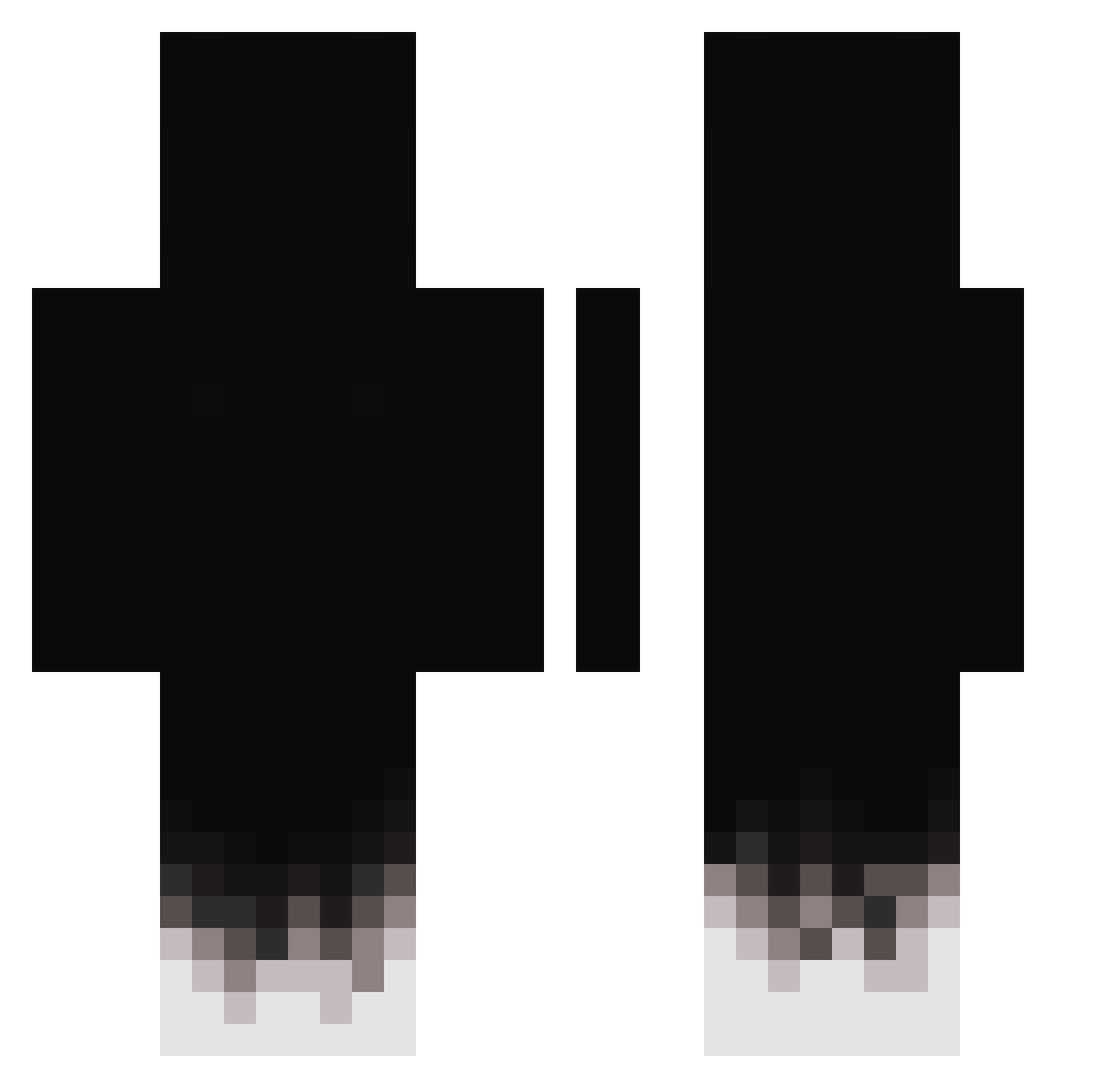
Current Minecraft skin of the player heitor_16, loaded from the official Mojang API. Rotate the 3D model with your mouse or finger, then download the skin as a PNG file and use it in Minecraft: Bedrock Edition or Java Edition for free. When heitor_16 changes their skin, this page updates automatically and the old skin stays in the history below.
Other players with this skin (431)
heitor_16 was the 68th player we have seen with this skin, first spotted on 12.08.2026. The same skin was seen on these players. Open a nickname to see their current skin and skin history.
 Captaingamer4673 zLactee ItzMarinosss saibot11 _ghost123_ A1EOND22 senk0ni xramboBx Astrophobicc omvy aslann__ TadePoinn XXXX000XXXX Frank393 Prietokun_kz Kravch_Misha gabriel19861 Unbned bllasyka v1xo_ OsamaAlharibat Tommy17327 alfredo1810 PawsF JackAttackJ3 MadeTomp H3L1666 sliver305 PatrixoGustavo Evil_ziyad R3vilQwQ ItzRealMr kokokoii Hoiboy2020 NoFace_NoName Oc3lote15 Y1ps BruceOn240hz IlBrOmOlToPrO blast_trem Menozika Moxnic iiTzJager kqqwwsesh Samuel8150 skr1pa4 PPesky Iveeeenn Firefight_Public SADEEFECXZ The_darkgod_ Kariges777 Seokhoo FlowwState HypnosDelas Thunder_Ace_ Patrykk233 _2GD R4ben06 nkzlegitv2
How to install the heitor_16 skin
- Press the Download button above to save the skin as a PNG file.
- Minecraft: Bedrock Edition (PE): open the Dressing Room from the main menu (or tap your character → Edit Character), go to Classic Skins → Owned, press the + (new skin) button, choose the downloaded PNG and pick the Classic (Steve) model. Works on PC and mobile; consoles cannot import custom skins.
- Minecraft: Java Edition: open the Minecraft Launcher, go to the Skins tab, click New Skin, load the PNG, pick the Classic (Steve) model and press Save & Use. You can also upload it at minecraft.net → Profile → Change Skin.
The skin does not show up after import - what should I do?
Restart Minecraft and open the Dressing Room again - imported skins sometimes appear only after a restart. Also make sure you selected the imported skin and picked the Classic (Steve) model.
Which model should I choose, Classic or Slim?
This skin is designed for the Classic (Steve) model. If you pick the wrong model, the arms of the skin will look stretched or squeezed.
Is the skin of heitor_16 free to download?
Yes. Press Download, save the PNG file and use it in Minecraft: Bedrock Edition or Java Edition - no payment or registration needed. The skin also works on multiplayer servers and Realms.
More skins
Looking for more? Go back to all Minecraft skins and check the top skins of the week, month and all time, or find any player's skin by nickname.