
 Knack_Dream xMaizy xaavieroo Relqt slush122 vitek2003 GGG1233 I_am_Toboo_o H2Orile gravilkreborn Harox_Fazy Collapsye Slakiy MTrickser Ink_Faith lixben ZareMB IxXAngeloXxI Zuji69 ekkozin C11JUICE Ancesite BubeCo_ VolTs1 xyexy Barddz MaXi_mo75 Miche_7 DerHoodieBrudaa HeroKingBr Jboyballin PILLOW_KILLER exca_libur kviratree ImDred FIRE_Dax Yellowfishi josejuegosgod BigManBB QuidProQuo_321 DexTOpUser Hokageo DrRichthofen QuirckiestEmu32 MKLIER Slava165 FernanDep123 alherzy EinzGeist BappoAdepted Gamer_Monkey173 eb1kub Luit4m B1gMeatGottaEat AS14NS tumamamxd MagicznyKrzysF MyThixV1 Miguel5 Toasty_11
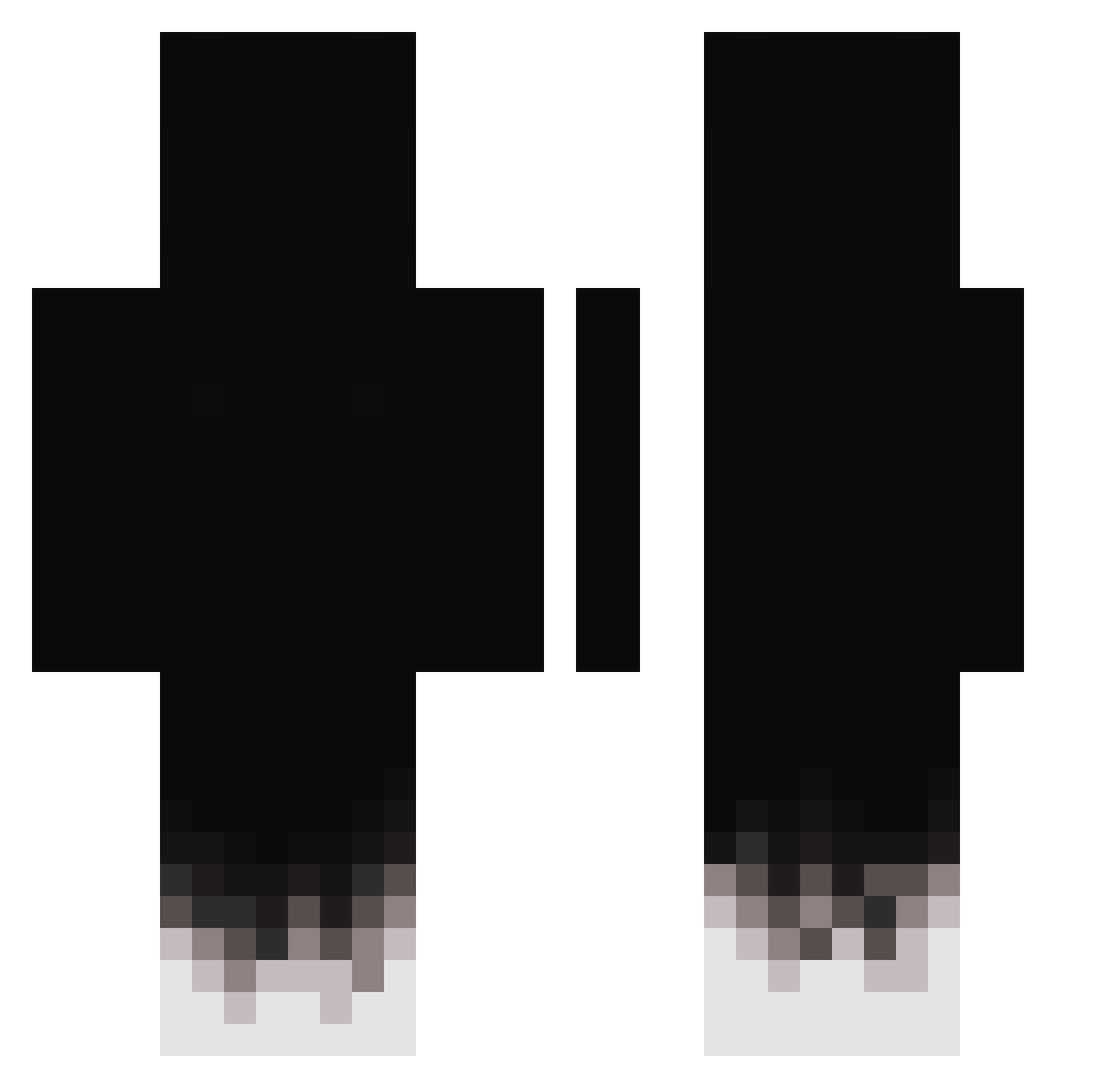
Minecraft skin of 0oooRAINooo0. Rotate the 3D model with your mouse or finger to view the skin from every angle, then download it as a PNG file and use it in Minecraft: Bedrock Edition or Java Edition for free. Rate the skin with stars to help other players find the best skins in our collection.
How to install the 0oooRAINooo0 skin
- Press the Download button above to save the skin as a PNG file.
- Minecraft: Bedrock Edition (PE): open the Dressing Room from the main menu (or tap your character → Edit Character), go to Classic Skins → Owned, press the + (new skin) button, choose the downloaded PNG and pick the Classic (Steve) model. Works on PC and mobile; consoles cannot import custom skins.
- Minecraft: Java Edition: open the Minecraft Launcher, go to the Skins tab, click New Skin, load the PNG, pick the Classic (Steve) model and press Save & Use. You can also upload it at minecraft.net → Profile → Change Skin.
The skin does not show up after import - what should I do?
Restart Minecraft and open the Dressing Room again - imported skins sometimes appear only after a restart. Also make sure you selected the imported skin and picked the Classic (Steve) model.
Which model should I choose, Classic or Slim?
This skin is designed for the Classic (Steve) model. If you pick the wrong model, the arms of the skin will look stretched or squeezed.
Is this skin free to use?
Yes. Press Download, save the PNG file and use it in Minecraft: Bedrock Edition or Java Edition - no payment or registration needed. The skin also works on multiplayer servers and Realms.
More skins
Looking for more? Go back to all Minecraft skins and check the top skins of the week, month and all time, or find any player's skin by nickname.