
haxormax - Minecraft Skins & Skin History
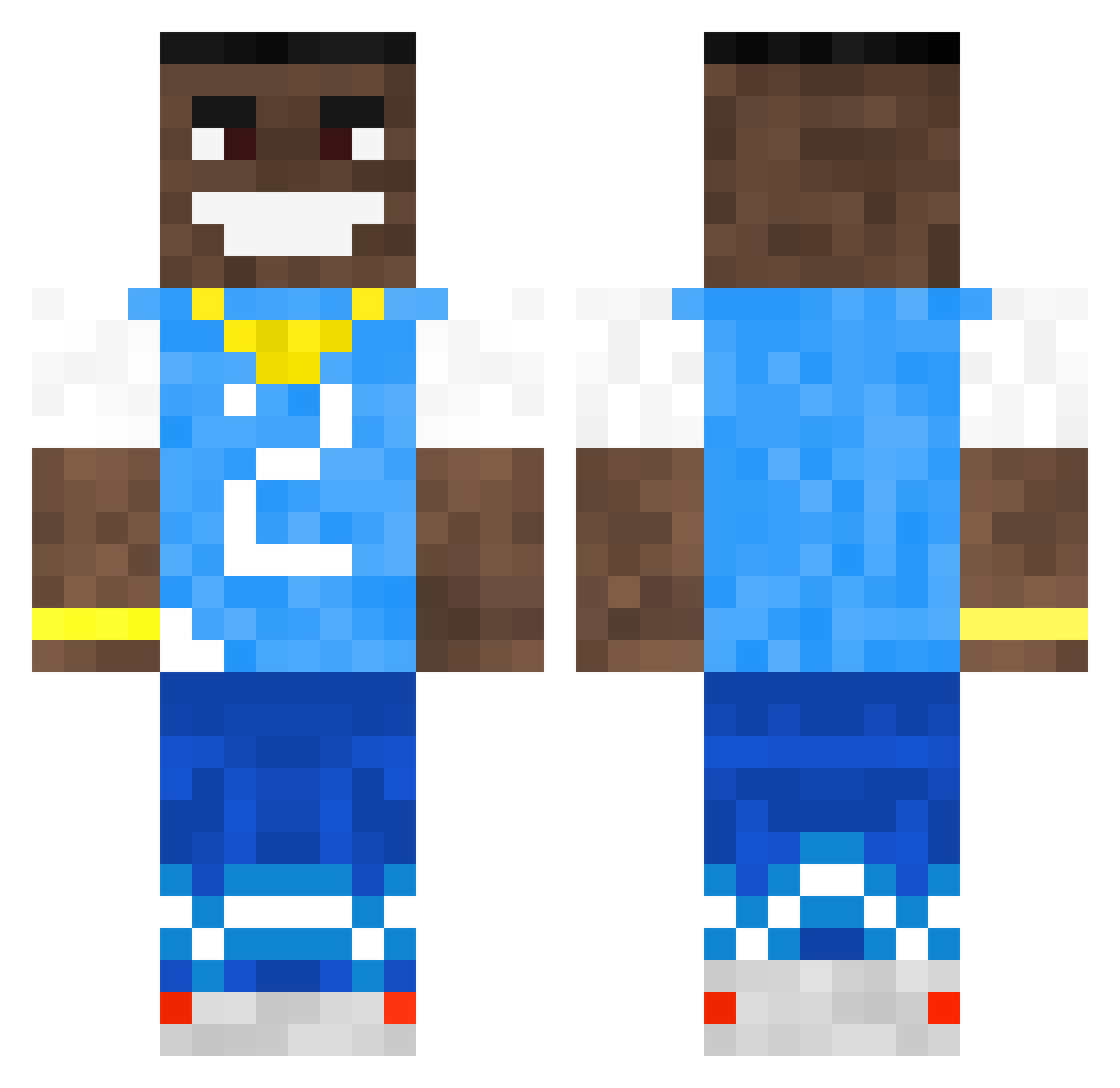
Current Minecraft skin of the player haxormax, loaded from the official Mojang API. Rotate the 3D model with your mouse or finger, then download the skin as a PNG file and use it in Minecraft: Bedrock Edition or Java Edition for free. When haxormax changes their skin, this page updates automatically and the old skin stays in the history below.
Other players with this skin (502)
haxormax was the 232nd player we have seen with this skin, first spotted on 17.09.2026. The same skin was seen on these players. Open a nickname to see their current skin and skin history.
 yatc Onyx02 Boshot Nerkon SkibidiRizzlord9 Sut__Den NEO3526 Stav2610 stepwayamogus KADL_21 wRestqm XGAMERSmagerGodt COOLAD1 kieran_kickass dwlaf Lilouzi999 PauloRages giomuni Vision629 BrudaBog xXSquiddy26Xx weed_brownys Chepisus metalRacer895 AREWEFRIENDS Owen8451 Astro713 M3lp2410 Thomio_ MonkeyCreeper69 OhBlxzer Cnaters AzneeBoii Attieh PooLicker909 samgage nagooz boraxc Jonas200207 BDROGERS2021 Dustor_The_Great Biggysmalls71 Novelli25 Type2_Diabetes_ TheGrandMaster36 DavidBaller Grealish24 DatBoiRic TheRandomMegan Chico1421 Aki2iQ MastergamerV lucaz2113 kysdevi DA_BABY39 Paslans Dukers38 jackcampbeli Cosmos4955 Oh_Alex_
More Dababy Minecraft skins
How to install the haxormax skin
- Press the Download button above to save the skin as a PNG file.
- Minecraft: Bedrock Edition (PE): open the Dressing Room from the main menu (or tap your character → Edit Character), go to Classic Skins → Owned, press the + (new skin) button, choose the downloaded PNG and pick the Classic (Steve) model. Works on PC and mobile; consoles cannot import custom skins.
- Minecraft: Java Edition: open the Minecraft Launcher, go to the Skins tab, click New Skin, load the PNG, pick the Classic (Steve) model and press Save & Use. You can also upload it at minecraft.net → Profile → Change Skin.
The skin does not show up after import - what should I do?
Restart Minecraft and open the Dressing Room again - imported skins sometimes appear only after a restart. Also make sure you selected the imported skin and picked the Classic (Steve) model.
Which model should I choose, Classic or Slim?
This skin is designed for the Classic (Steve) model. If you pick the wrong model, the arms of the skin will look stretched or squeezed.
Is the skin of haxormax free to download?
Yes. Press Download, save the PNG file and use it in Minecraft: Bedrock Edition or Java Edition - no payment or registration needed. The skin also works on multiplayer servers and Realms.
More skins
Looking for more? Go back to all Minecraft skins and check the top skins of the week, month and all time, or find any player's skin by nickname.